
macOS Golden Gate is pretty great, but its murdering of menu bar managers has been frustrating. When it launched, I went through System Settings and hid a bunch of things I didn’t absolutely have to have up there.
In the months since, I haven’t found a great solution. Bartender has become way too cluttered, Ice seems to be abandoned, and an updated version of Thaw is still in beta.
Then I came across Chest, thanks to a recent post on Daring Fireball. So far, using it has been great. I can click its icon, and I get a secondary bar of the apps I’ve stashed away:
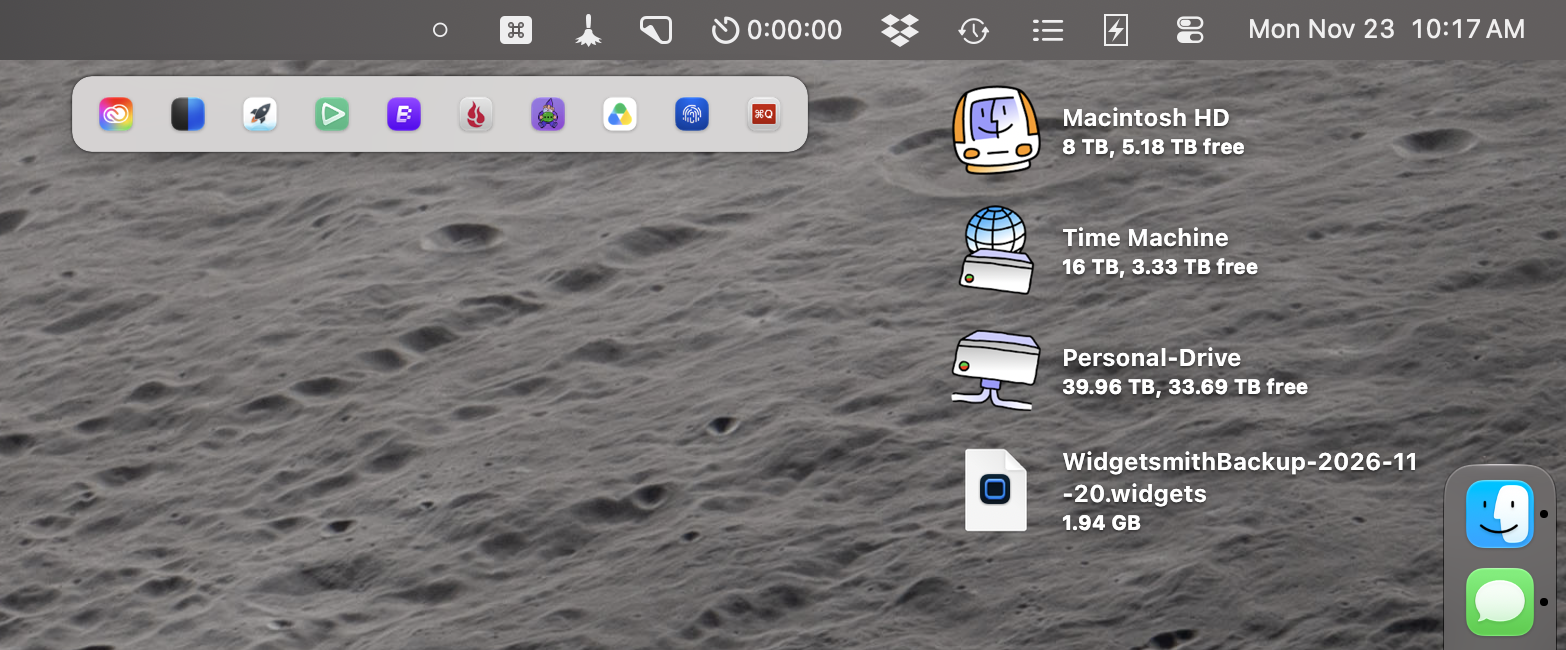
I have come to like the secondary icons being in color. These are menu bar apps I don’t interact with on a super regular basis, so the color makes it a bit easier to find what I’m looking for.
Not everything can be stashed away in Chest; it can only manage apps listed in System Settings › Menu Bar › Allow in the Menu Bar. For me, that includes Hazel and Keyboard Maestro.