WWDC24: System Requirements for iOS 18, iPadOS 18, macOS Sequoia, Etc...

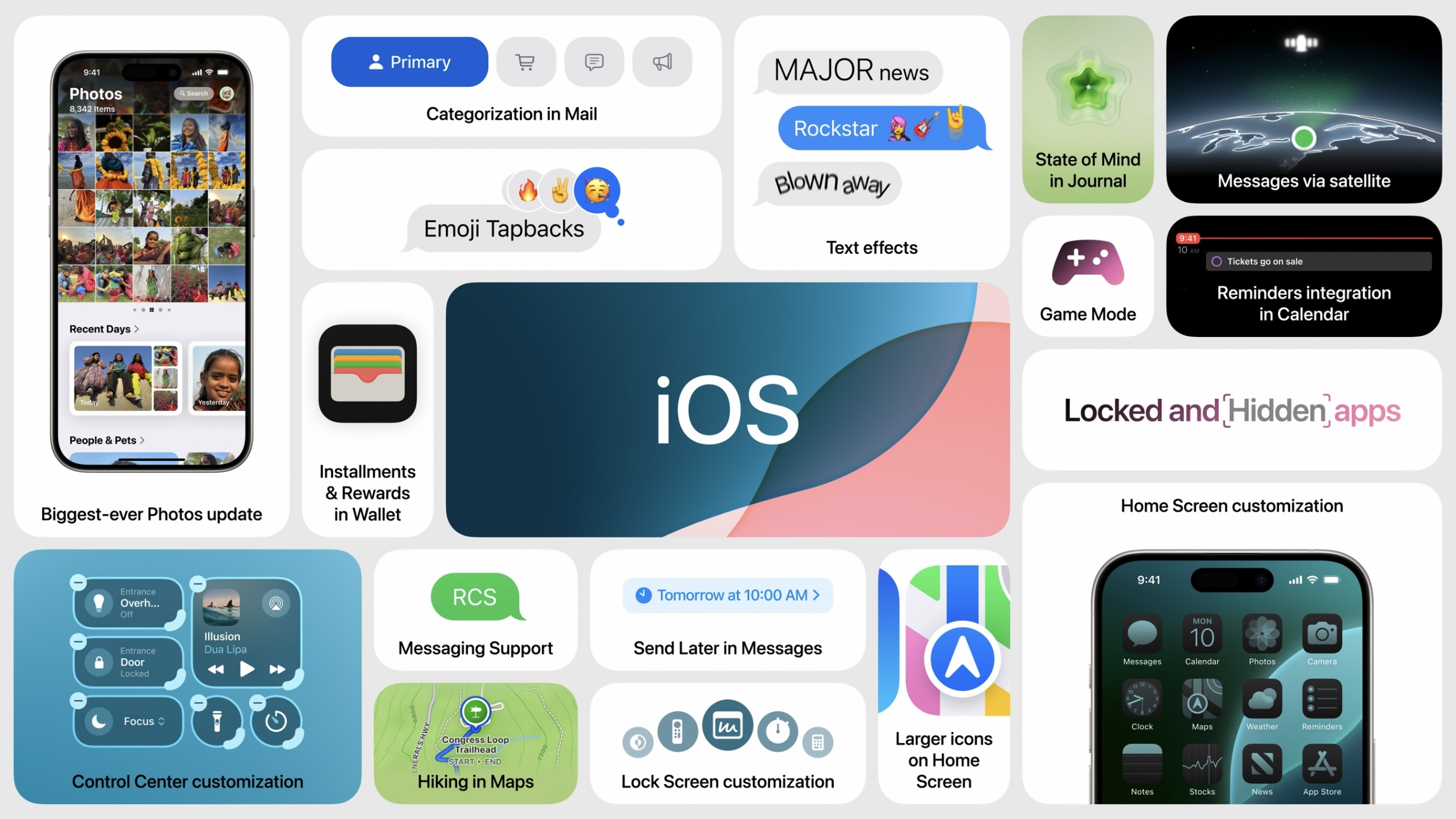
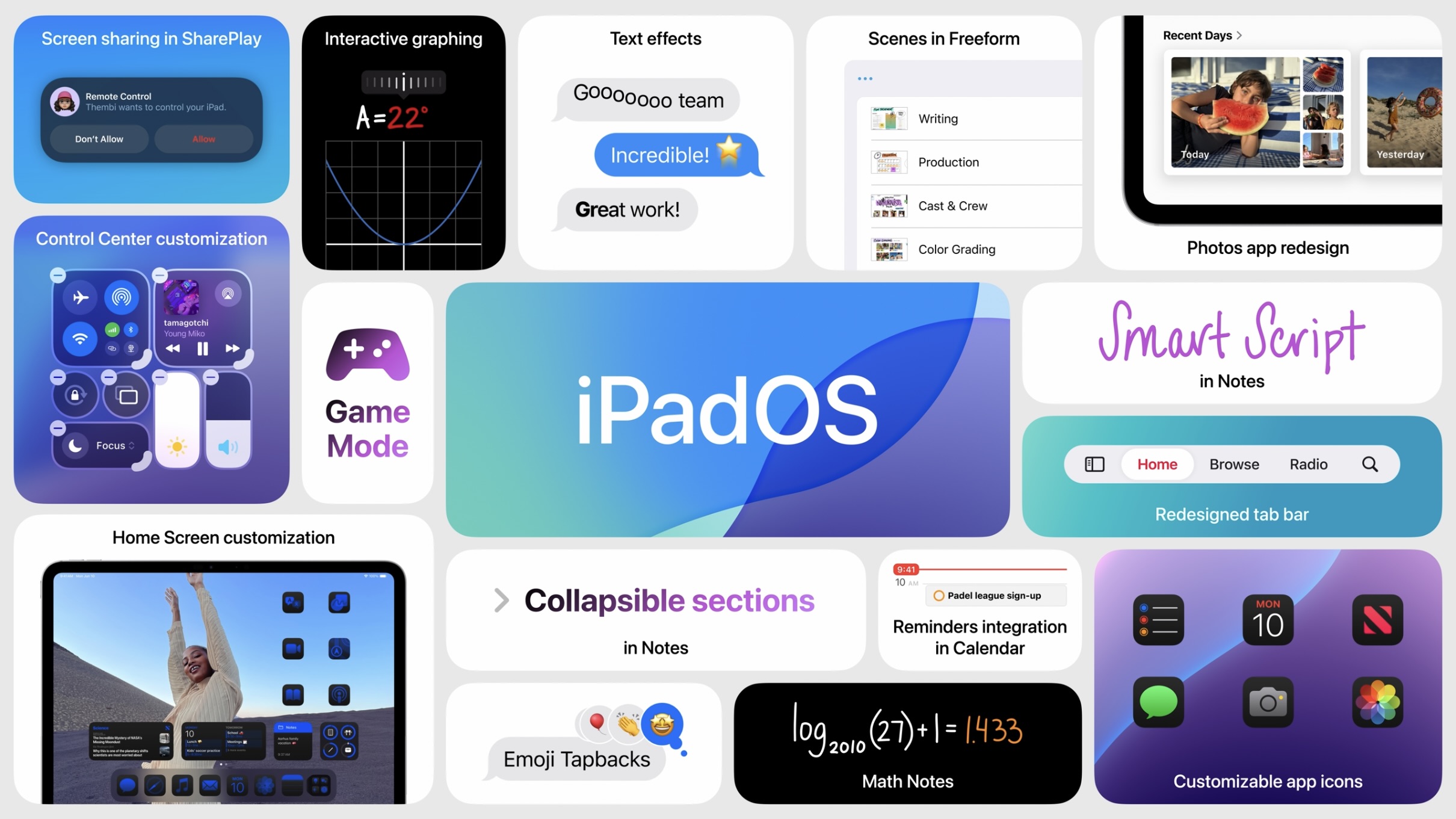
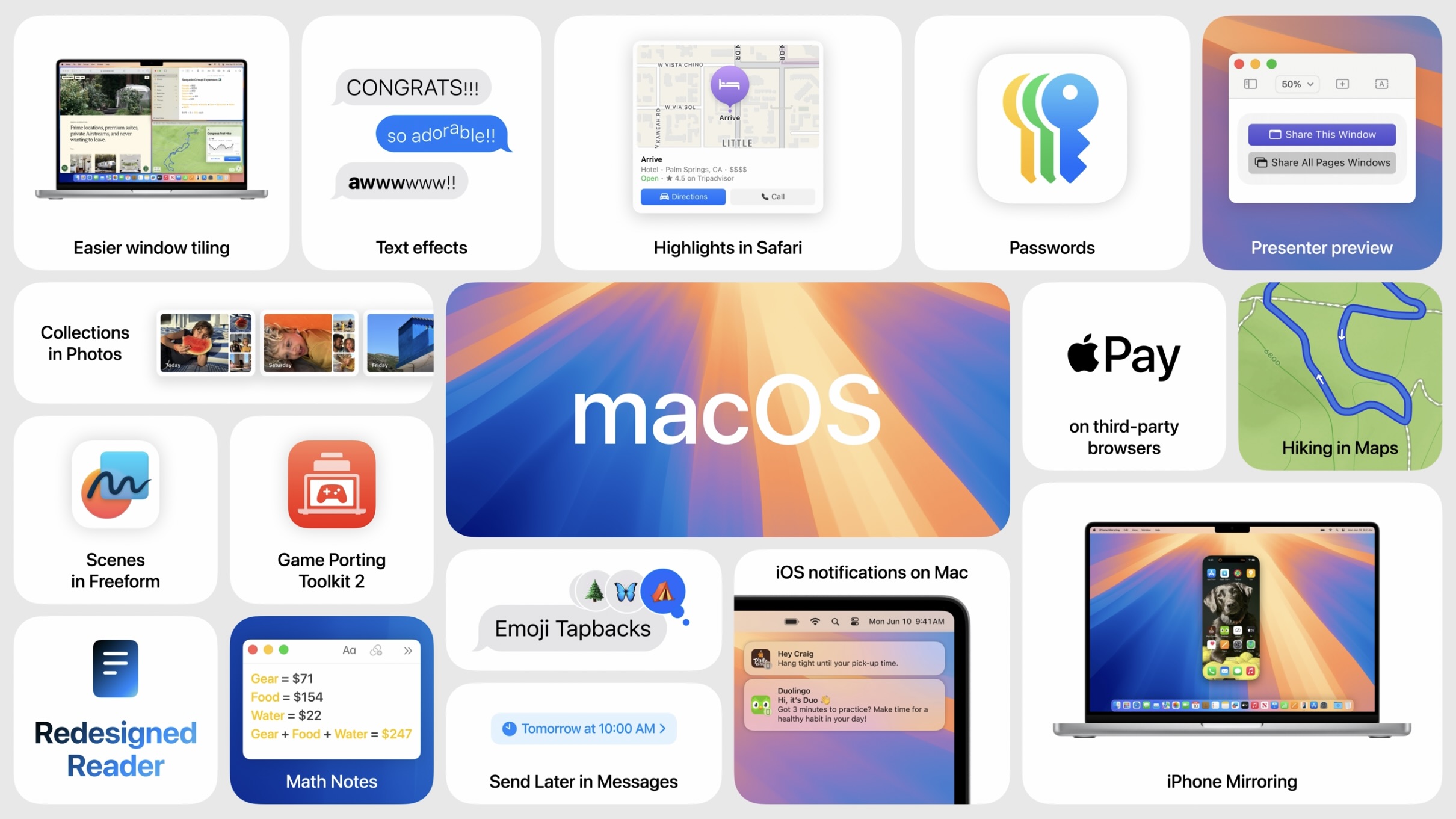
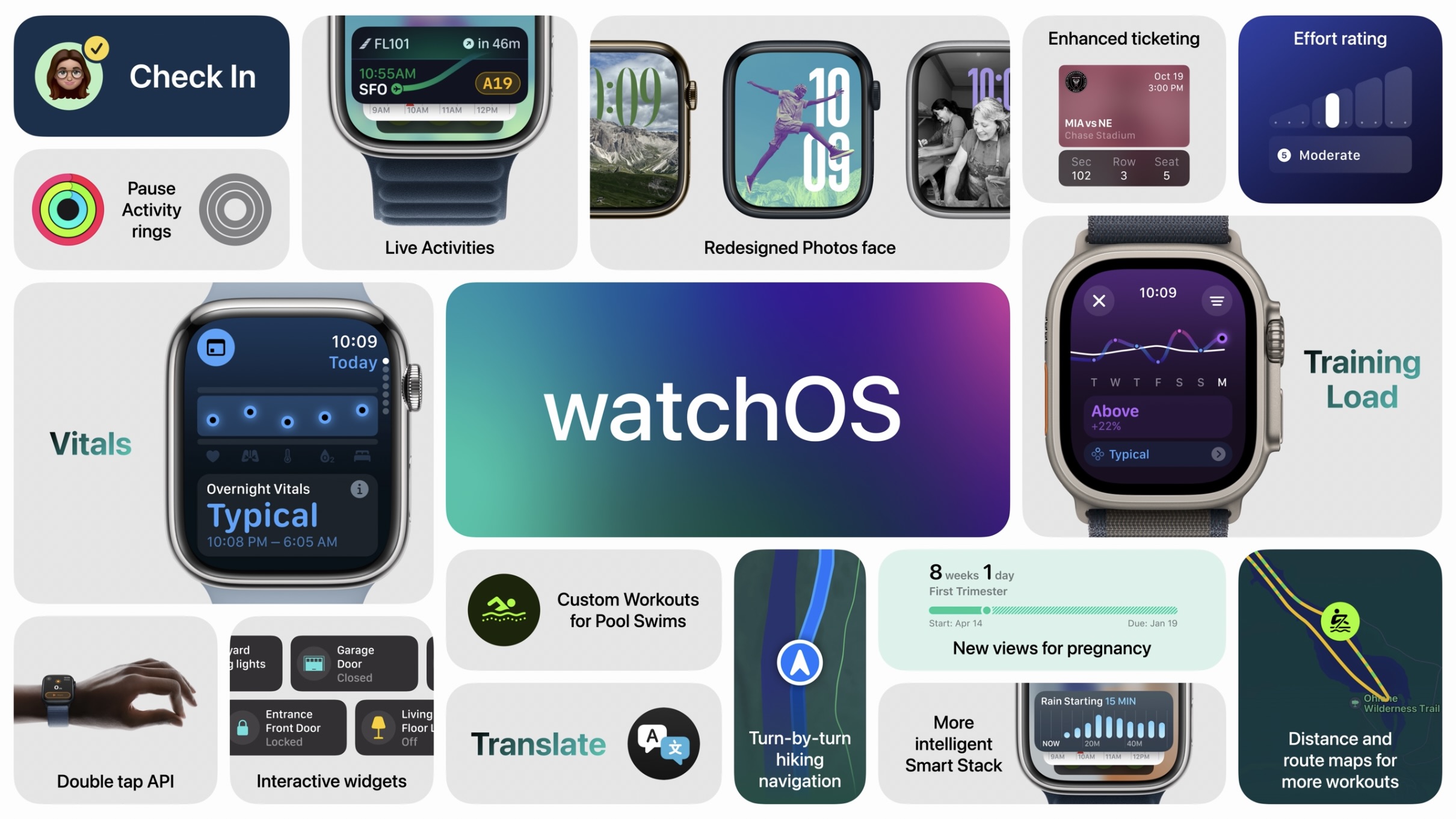
There are new operating systems, but Apple has made some slight changes to the base system requirements for each OS:

iOS 18

iOS 18 brings no changes in compatibility:

  • iPhone 15 line
  • iPhone 14 line
  • iPhone 13 line
  • iPhone 12 line
  • iPhone 11 line
  • iPhone XS and XS Max
  • iPhone XR
  • iPhone SE (2nd generation or later)

iPadOS 18

iPadOS 18 seems to drop the 6th-generation iPad. RIP, buddy.

  • iPad Pro (M4)
  • iPad Pro 12.9-inch (3rd generation and later)
  • iPad Pro 11-inch (1st generation and later)
  • iPad Air (M2)
  • iPad Air (3rd generation and later)
  • iPad (7th generation and later)
  • iPad mini (5th generation and later)

macOS Sequoia

Sequoia drops support for the 2018 MacBook Air, which can run Sonoma:

Continue reading ⇢

2024 ADA Winners Announced⇢

Apple Newsroom:

“It’s inspiring to see how developers are using our technology to create exceptional apps and games that enhance the lives of users,” said Susan Prescott, Apple’s vice president of Worldwide Developer Relations. “This year’s winners have demonstrated how apps can create powerful and moving experiences — and we’re excited to celebrate their hard work and ingenuity at WWDC this year.”

Seven different categories recognize one app and game each for delight and fun, inclusivity, innovation, interaction, social impact, visuals and graphics, and a new spatial computing category. Winners were chosen from 42 finalists.

Continue reading ⇢

Siri’s AI Era Arriving Soon

There has been much debate about what Apple’s upcoming AI-based features could look like. With WWDC’s keynote just eight days away, Mark Gurman has some information about how Siri could be transformed by new technology:

The big news at Apple’s Worldwide Developers Conference next week will be the company’s renewed push into artificial intelligence. As I’ve outlined previously, Apple’s approach will integrate AI into many of its core apps and features, including Photos, Messages, Notes and the Safari browser. It will handle voice memo transcriptions and provide recaps of meetings, text messages, emails and articles. There also will be new bells and whistles like AI-created emojis.

But Apple’s original AI product — Siri — will get some love as well. The company is overhauling the digital assistant with its own large language models, an underlying technology behind generative AI. The new system will allow Siri to control individual features within applications for the first time. This won’t require any setup by the user or from developers, differentiating from existing features like Siri Shortcuts and App Intents. Instead, the iPhone’s AI will analyze what a person is doing and auto-enable Siri to help.

For instance, users could ask Siri to delete or forward an email. Or they could have Siri edit a photo, summarize a meeting or move a note to a different folder — all within the apps themselves. Today, Siri mostly lives outside of the app universe, controlling more general items like smart home appliances, music and system settings. Over time, this new feature will expand to allow multiple commands at once. For example, you could tell your iPad to write an email and send it to your spouse.

Continue reading ⇢

How Craft Built Its visionOS App⇢

Kristof Gruber, Product Engineer at Craft:

Entering a new platform only happens a few times in a developers life. It is a rare and delicious event, when you step in the realm of something genuinely new. If you are fast, you can feel yourself like the explorers in old times. Everything is new, and flexible; the new platform doesn’t yet have established patterns, which gives you plenty of space to experiment.

We, at Craft, already had this chance once, when we started using Mac Catalyst, a wonderful technology, which allowed us to bring our iOS app to the Mac. Since then, we are using a common code base for building all our apps on all the platforms we support: iOS, iPadOS, and macOS. With the introduction of visionOS, we could build on these solid foundations.

Continue reading ⇢

WWDC24 Keynote: June 10⇢

Apple Newsroom:

Today, Apple unveiled the lineup for its annual Worldwide Developers Conference, including Keynote and Platforms State of the Union, and shared more information about what developers will learn and experience all week. The free online conference brings the global Apple developer community together to provide them with insights into the latest technologies, tools, and frameworks coming to iOS, iPadOS, macOS, tvOS, visionOS, and watchOS. Throughout the week, developers will be able to hear from Apple engineers, designers, and other experts through more than 100 technical sessions, in-depth consultations, and live forums for guidance on building even more innovative and platform-differentiating apps and games across all Apple products.

Continue reading ⇢

Apple Says Database Corruption Was to Blame for Recent ‘Oh No, My Deleted Photos Are Back’ Bug⇢

Chance Miller has more over at 9to5Mac:

Earlier this week, Apple released iOS 17.5.1 to address a rare problem where deleted photos would reappear on a user’s device after installing iOS 17.5. In the release notes, Apple said this was caused by “database corruption.” The company has now confirmed a few additional details to 9to5Mac to further clarify the situation.

One question many people had is how images from dates as far back as 2010 resurfaced because of this problem. After all, most people aren’t still using the same devices now as they were in 2010. Apple confirmed to me that iCloud Photos is not to be blamed for this. Instead, it all boils to the corrupt database entry that existed on the device’s file system itself.

According to Apple, the photos that did not fully delete from a user’s device were not synced to iCloud Photos. Those files were only on the device itself. However, the files could have persisted from one device to another when restoring from a backup, performing a device-to-device transfer, or when restoring from an iCloud Backup but not using iCloud Photos.

Continue reading ⇢

Apple Releases iOS 17.5.1, Fixing Issue with Deleted Photos Reappearing

This update fixes a horrific bug that was reported late last week:

This update provides important bug fixes and addresses a rare issue where photos that experienced database corruption could reappear in the Photos library even if they were deleted.

Tim Hardwick wrote about the bug over at MacRumors, which first popped up on Reddit:

After updating their iPhone, one user said they were shocked to find old NSFW photos that they deleted in 2021 suddenly showing up in photos marked as recently uploaded to iCloud. Other users have also chimed in with similar stories. “Same here,” said one Redditor. “I have four pics from 2010 that keep reappearing as the latest pics uploaded to iCloud. I have deleted them repeatedly.”

“Same thing happened to me,” replied another user. “Six photos from different times, all I have deleted. Some I had deleted in 2023.” More reports have been trickling in overnight. One said: “I had a random photo from a concert taken on my Canon camera reappear in my phone library, and it showed up as if it was added today.”

Continue reading ⇢