The Mac Pro is Dead

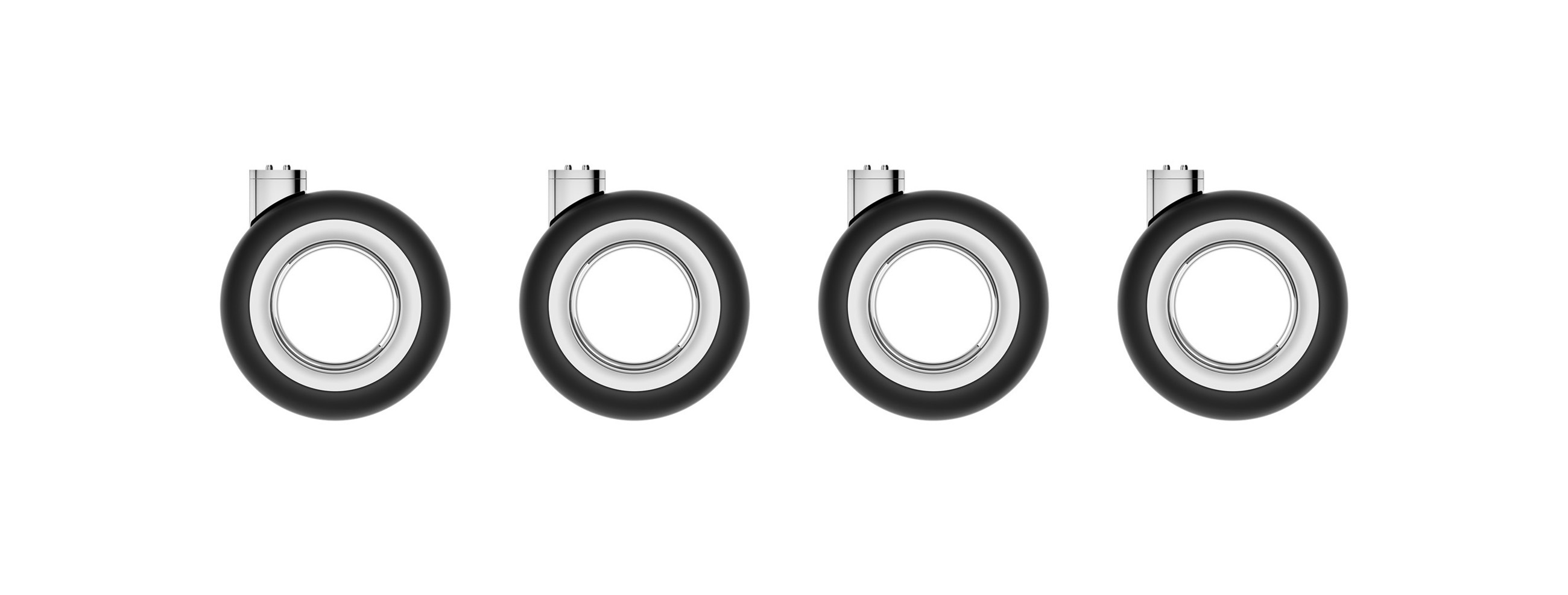
It has happened: the Mac Pro is gone, and Apple will not be replacing it.

Chance Miller, at 9to5Mac:

It’s the end of an era: Apple has confirmed to 9to5Mac that the Mac Pro is being discontinued. It has been removed from Apple’s website as of Thursday afternoon. The “buy” page on Apple’s website for the Mac Pro now redirects to the Mac’s homepage, where all references have been removed.

Apple has also confirmed to 9to5Mac that it has no plans to offer future Mac Pro hardware.
Continue reading ⇢

AgentBridge⇢

If you want your classic Mac to interact with Claude, Sean Lavigne has the project for you:

AgentBridge is a native Classic Mac OS application that lets AI agents (like Claude) interact with Mac OS 7–9 through structured commands and responses. It works on real hardware and emulators — no modifications to your Mac required.

Drop AgentBridge into a shared folder, launch it on your Mac, and an AI agent can list windows, open apps, type text, read the clipboard, browse files, and more — all through a simple text-based protocol.

Continue reading ⇢

WWDC26: June 8-12⇢

Apple has announced dates for this year’s WWDC:

Apple today announced it will host its annual Worldwide Developers Conference (WWDC) online from June 8-12, bringing developers together from around the world for a week of connection, exploration, and innovation. In addition to the online experience, developers and students will also have the opportunity to celebrate in person during a special event at Apple Park on June 8.

WWDC26 will spotlight incredible updates for Apple platforms, including AI advancements and exciting new software and developer tools. As part of the company’s ongoing commitment to supporting developers, WWDC will also provide unique access to Apple engineers and designers, and insight into new tools, frameworks, and features.

Continue reading ⇢

Hide macOS Tahoe’s Menu Icons With This One Simple Trick⇢

I really dislike Apple’s choice to clutter macOS Tahoe’s menus with icons. It makes menus hard to scan, and a bunch of the icons Apple has chosen make no sense and are inconsistent between system applications.

Steve Troughton-Smith is my hero for finding a Terminal command to disable them:

Here’s one for the icons-in-menus haters on macOS Tahoe:

defaults write -g NSMenuEnableActionImages -bool NO

It even preserves the couple of instances you do want icons, like for window zoom/resize.

Continue reading ⇢

The Case for an Ultralight Mac⇢

David Sparks is a fan of the MacBook Neo, but it’s not the Mac notebook his heart truly desires:

Think about it. Apple has covered the pro market with the MacBook Pro lineup. The Neo is about to cover the mainstream and budget-conscious buyer.

But there’s a gap at the top. A premium ultralight for people who travel constantly, who want the absolute minimum weight and footprint, and who are willing to pay for it. A MacBook that weighs two pounds or less, with a stunning display and all-day battery life. Not a compromise machine. A showcase.

Continue reading ⇢

Inside the MacBook Neo

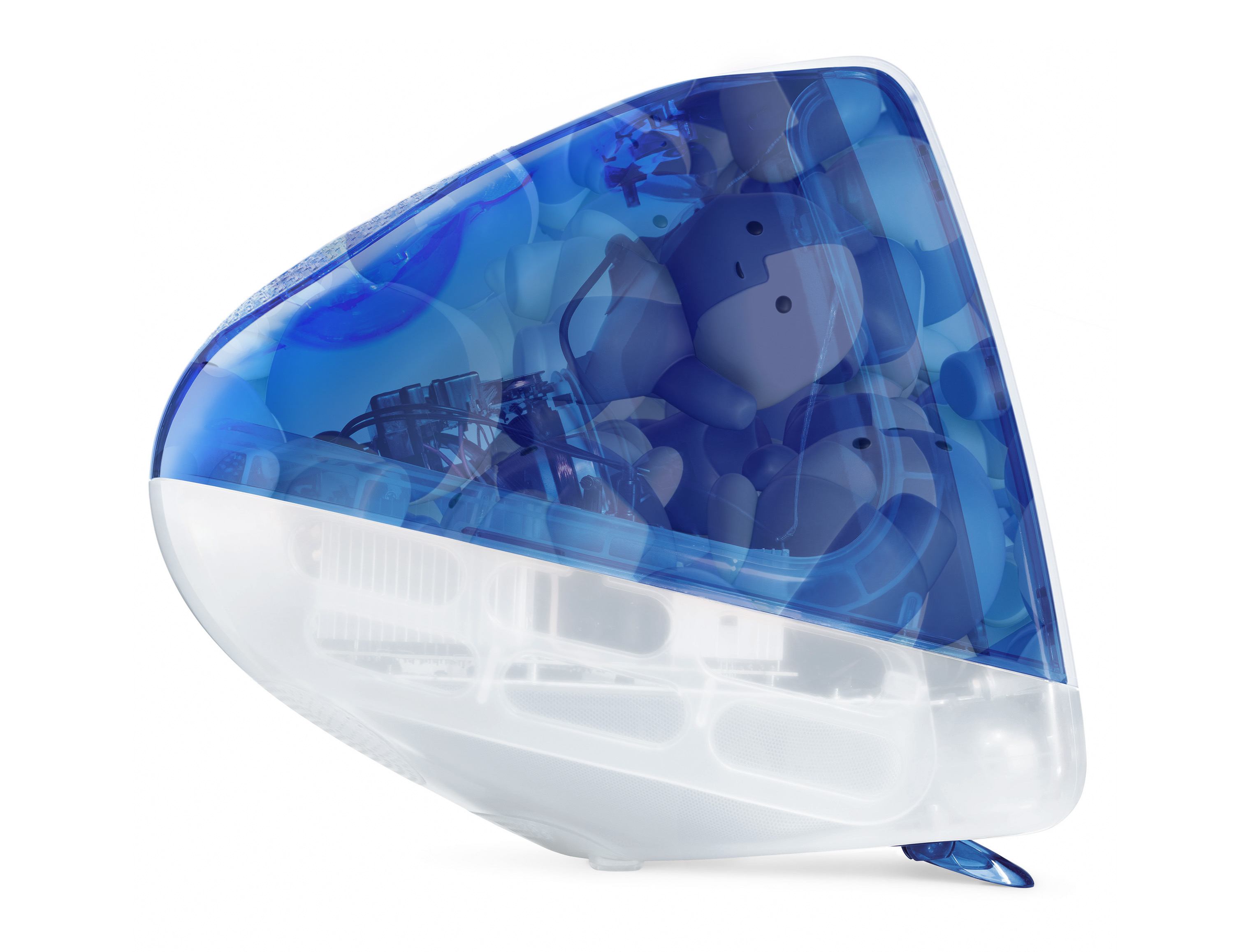
I’m putting my thoughts together for a review of the MacBook Neo, but I think a huge part of this laptop’s story is its repairability. Unlike Apple’s other products, the Neo is put together with screws only — no adhesive. Some of these screws are pentalobes, but if you’re taking apart a computer, you’re probably the kind of person to have that sort of bit on hand, or are willing to get one.

Continue reading ⇢

3D Print Your Own Lil Finder

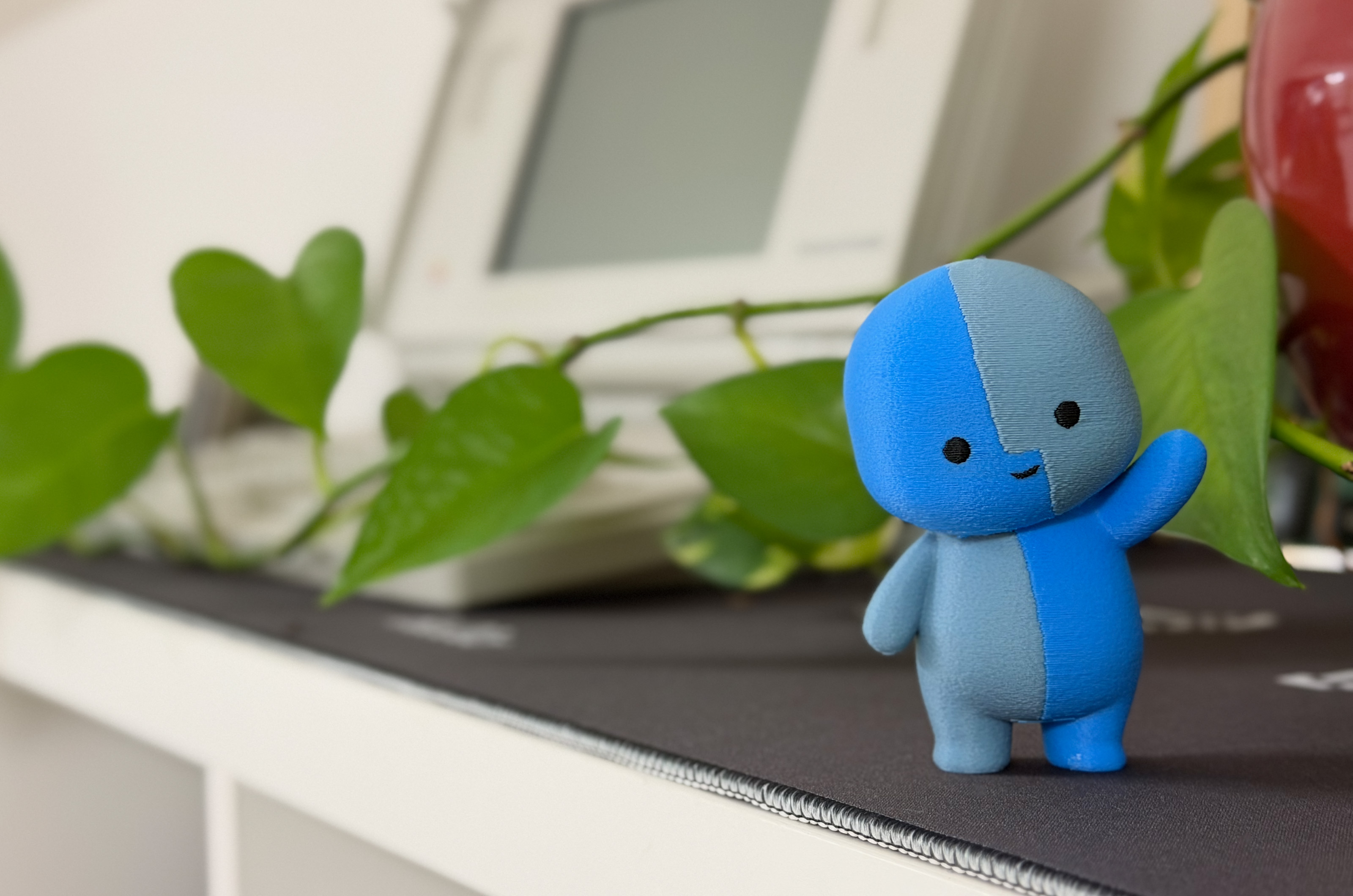
After a week of tinkering with design files and babysitting my 3D printer, I have an adorable new coworker. The final print took 20 hours, but I’m enamored with the results:

Lil Finder Print

I was thrilled to collaborate with Basic Apple Guy on bringing Lil Finder to life. We both hope the Mac community enjoys this project.

If you want to print your own, I’ve uploaded a .3mf file here.

I ran mine on my Bambu P2S, with some fuzzy skin to give the final version a softer finish. On my example, the bright blue is Bambu’s Cyan PLA; the darker color is Overture’s Gray Blue PLA+. You may need to do some adjusting to get things dialed in for your setup.

Continue reading ⇢

More on Lil Finder⇢

Basic Apple Guy:

All I know about Lil Finder Guy is that it’s freakin’ adorable, assuming it means me no harm. And instead of doing literally anything productive or tending to my adult responsibilities like bills, taxes, or work, I have spent my weekend tumbling down the rabbit hole trying to build a life for this mysterious little creature despite knowing next to nothing about it.

Google Gemini (aka the next Siri) has been helpful in modeling out the rest of its body from the single TikTok post. From there, I started generating what Lil Finder Guy might look like working, angry, running, jumping, laughing, and more. Of course, this is all abstraction stacked on abstraction at this point. I do not know if Lil Finder Guy can laugh, what it finds funny, or whether its short, knee-less legs are even capable of jumping.

Continue reading ⇢