Sponsor: MarsEdit⇢

MarsEdit is a Mac app for editing WordPress, Micro.blog and many other types of blogs.

Eliminate the friction of blogging with MarsEdit. Its native Mac interface makes writing, publishing, and editing your blog as delightful as everything else you do on your Mac.

MarsEdit supports editing posts in rich or plain text, and includes a preview window that updates instantly to show your writing exactly as it will appear on your blog. Are you a Markdown fan? MarsEdit can preview and automatically convert your Markdown to HTML as needed before publishing.

Continue reading ⇢

Sponsor: TextExpander⇢

In our fast-paced world, things change constantly — and errors in messaging often have significant consequences.

TextExpander lets you make new approved messaging available to every team member instantly with just a few keystrokes, ensuring your team remains consistent, current, and accurate.

Get your message right every time: expand content that corrects your spelling and keeps your language consistent with just a few keystrokes

Your team members will consistently know the right message for the right person at the right time, without relying on memory or copy and paste.

Continue reading ⇢

Timing⇢

My thanks to Timing for sponsoring 512 Pixels this week. It’s a Mac app that automatically tracks which apps, documents and websites you use so you can see how you’re spending your time on your computer. It’s great for time tracking, eliminating distractions and improving your billing.

Continue reading ⇢

Sponsor: Timing — Automatic Time Tracking for Mac⇢

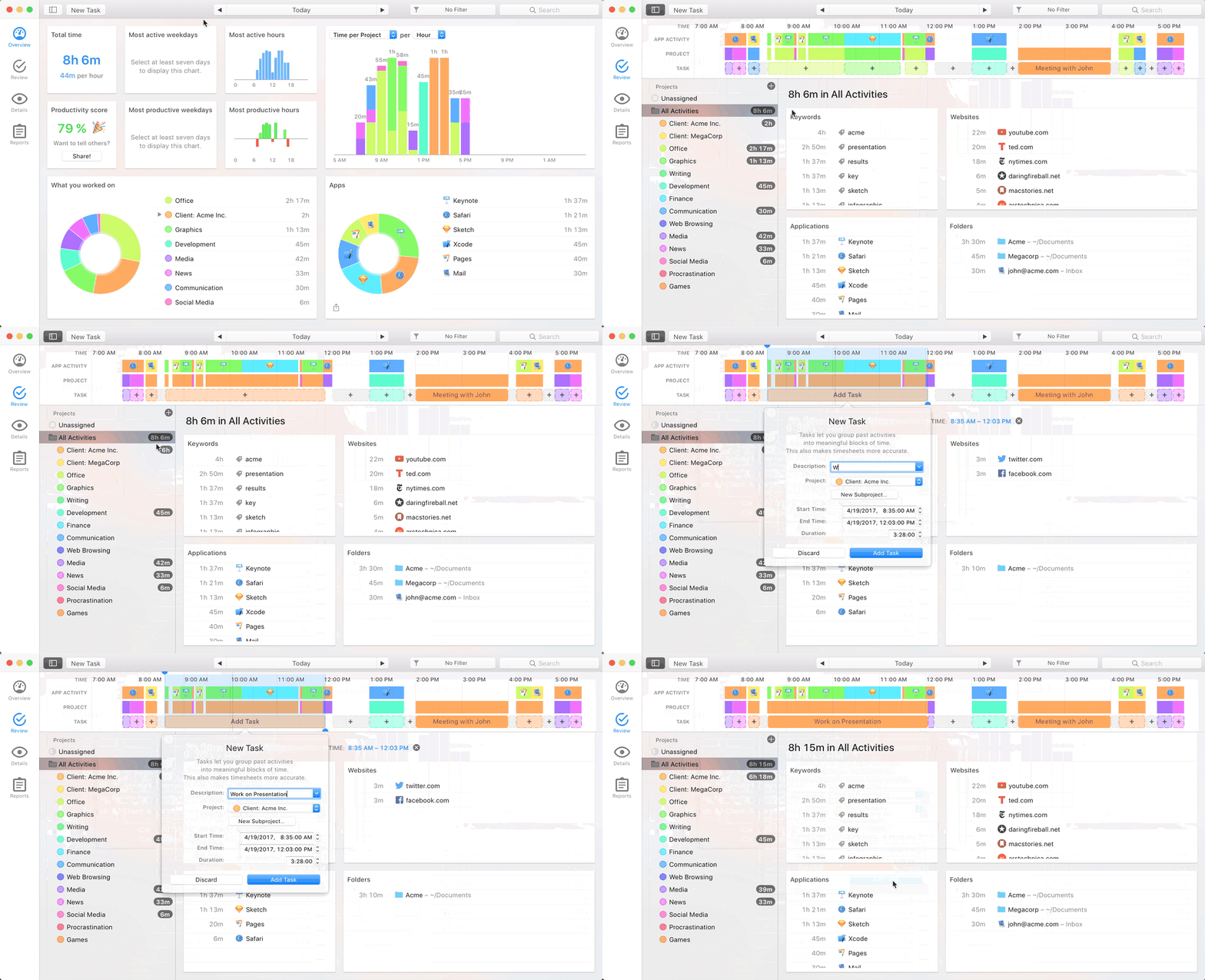
Animated screenshot of Timing

Time is your most precious resource. You need to know how you are spending it. But time tracking sucks. Big Time. (Pun intended.)

Timing fixes that. It automatically tracks which apps, documents and websites you use — without start/stop timers. See how you spend your time, eliminate distracting activities, and improve your client billing.

It’s like Screen Time on steroids.

Timing also offers sync across all your Macs as well as a web app to record time on the go. So, if you need to track time in a meeting, you can do that right from your iPhone!

Continue reading ⇢

Sponsor: Loopback from Rogue Amoeba⇢

With Loopback, it’s trivial to pass audio from one application to another on your Mac. Need to play a recording into Zoom? Add sound effects into a podcast? Include music in a streamed event? Loopback gives you the power to do just that with just a few clicks. It’s like a high-end mixing board, right inside your Mac.

Loopback creates virtual audio devices, which merge audio from multiple applications and input devices into a single source. These virtual devices appear on your Mac just like a real, physical device, and can be selected for use in any audio app on your Mac. It’s incredibly powerful.

Continue reading ⇢

Sponsor: Koombea: Top Web and Mobile App Development

Web development and mobile app development can be hard. They not only require understanding how to develop a digital product and make it work. They also demand that extra something that will help deliver a powerful User Experience and make your app stand out.

top web and mobile app development

At Koombea, we take our role as app development partners very seriously. We don’t just build world-class digital products. We also work hand in hand with you throughout the development process and give you our honest advice on what is best for your business. Last but not least, we also make sure you enjoy the process!

Continue reading ⇢

Sponsor: Work Smarter — Not Harder — with TextExpander⇢

TextExpander helps you work faster and smarter so you can focus your time on your most important work. With just a few keystrokes, TextExpander keeps you consistent, accurate, and working efficiently.

  • Speed through emails: expand forms with fill-in-the-blank fields using a quick abbreviation

  • Time saving power: Use TextExpander’s powerful shortcuts and abbreviations to streamline and speed up everything you type.

  • Get your message right every time: expand content that corrects your spelling and keeps your language consistent with just a few keystrokes

    Continue reading ⇢

Unread⇢

Unread is an RSS reader for iOS with beautiful typography, comfortable gesture-based navigation, and a variety of color themes. When displaying articles from summary-only feeds, Unread retrieves full article content from the website. You get the full article in Unread without needing to open the website.

Unread syncs with Feed Wrangler, Feedbin, Feedly, Fever, Inoreader, and NewsBlur. Its core functionality is free. To get started, simply download Unread from the App Store.

Continue reading ⇢