Yesterday, Jason Snell published the 2022 Apple Report Card over on Six Colors. This year, I saved my full answers for publication here as well.
The Mac: 5/5
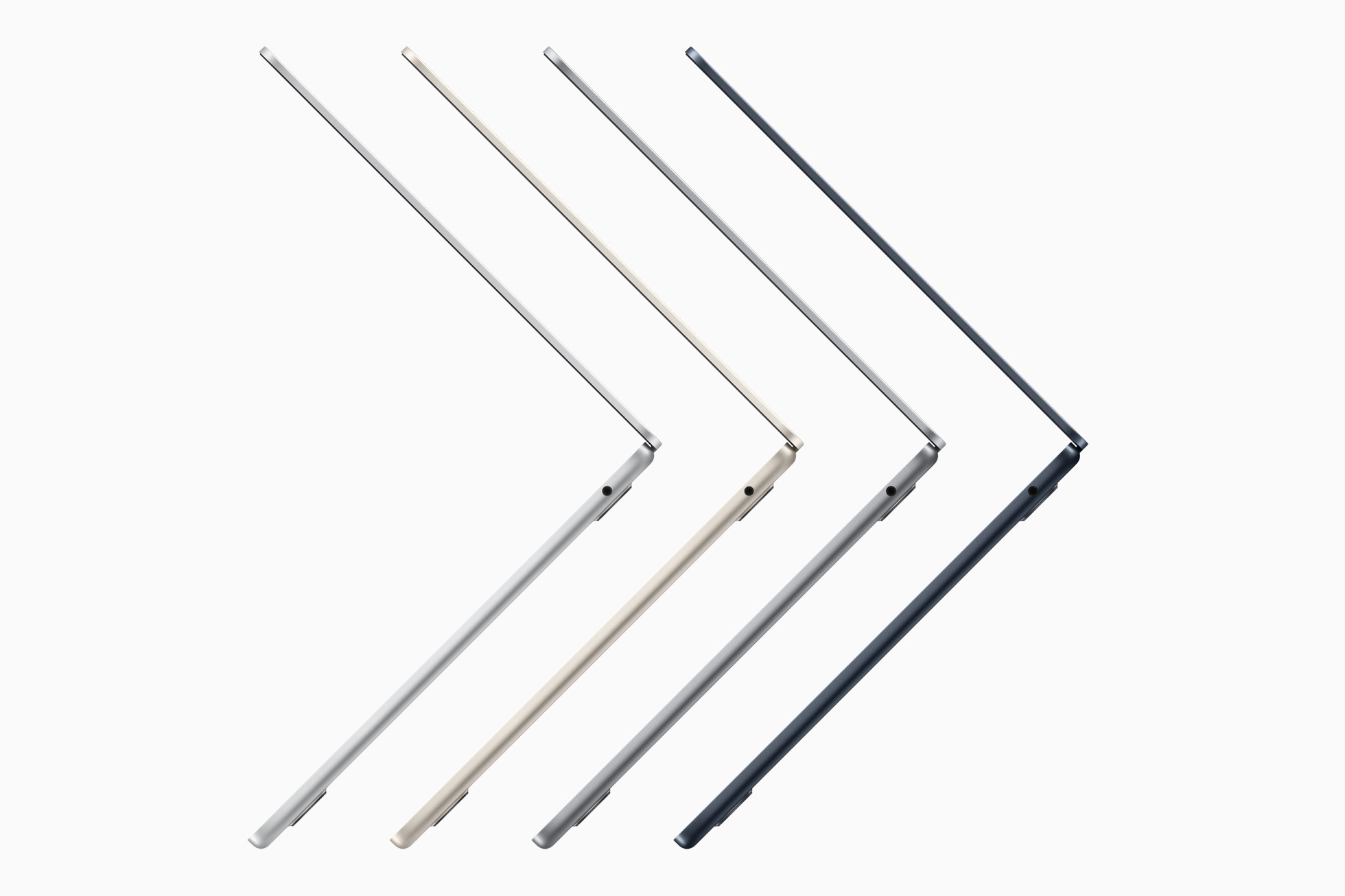
Apple is entering the third year of its two-year transition to Apple silicon. While the company has been tight-lipped about why it missed its self-announced deadline, the Apple silicon machines that have shipped are all very impressive. The malaise that Mac hardware found itself in in the latter 2010s continues to fade into history. The Mac Studio and Studio Display in particular stand out when thinking about 2022, but the M2 MacBook Air is probably the highlight of the Mac’s year in hardware.
On the software front, 2022 brought the first new productivity app from Apple in ages. Freeform isn’t as powerful as some third-party options, but it fits in nicely between the iWork apps and Notes.
macOS continues to receive updates that let it keep up with iOS and iPadOS features, even if Stage Manager leaves something to be desired for many of us.
The iPhone: 4/5
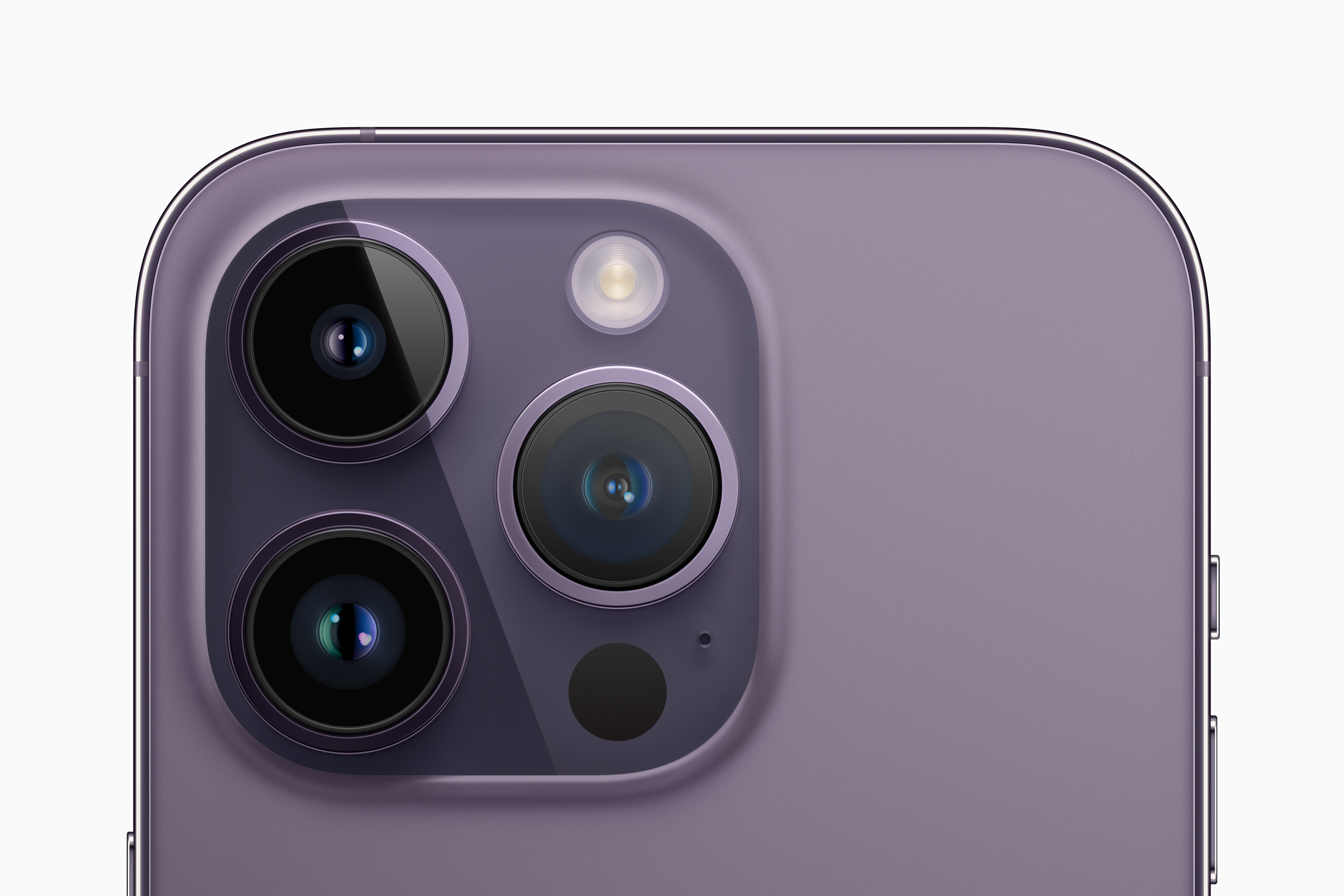
The iPhone 14 Pro’s Dynamic Island is the biggest UI change to come to iOS since the iPhone X ditched the home button back in 2017. Having quick access to media controls, sport scores, weather and more, from anywhere in the system, makes the iPhone feel more useful and alive, somehow.
The 14 Pro also brought with it an always-on display, something seen on Android phones for years. The iPhone’s take was decidedly whimsical, with Apple keeping a user’s wallpaper on the display all the time. Not everyone loved this, and iOS 16.2 added a toggle to disable the always-on wallpaper feature. I flipped the switch as soon as it popped up in the iOS betas, and much prefer the all-black look, with just the time and my selection of Lock Screen widgets staying on all the time — plus whatever notifications have come in.
Speaking of Lock Screen widgets… I love this feature, but would like to see Apple add more flexibility in terms of layout and design. That said, I currently have Calendar, Carrot Weather and Todoist gracing my Lock Screen. Sadly, just like Shortcuts, the teams behind several Apple apps and features didn’t seem to get the memo about the new feature, and don’t offer any support for it.
As inventive as the iPhone 14 Pro is, the regular iPhone 14 is a bit of a swing and a miss. Many of us believed that the larger iPhone 14 Plus would be a huge hit, but reports indicate that the device — with last year’s system on a chip and an even older industrial design — isn’t selling well. The 14 Plus’ struggle in the market is probably not enough to soothe the tears of iPhone mini fans. I expect something to give here, with the iPhone 15 being more attractive than the 14 has proven to be.
Oh, and hopefully this is the last crop of iPhones with Lighting. USB-C is here to stay, and I don’t even mind if Apple claims faster file transfers for things like 4K ProRes video as a reason for the switch.
iPad: 3/5
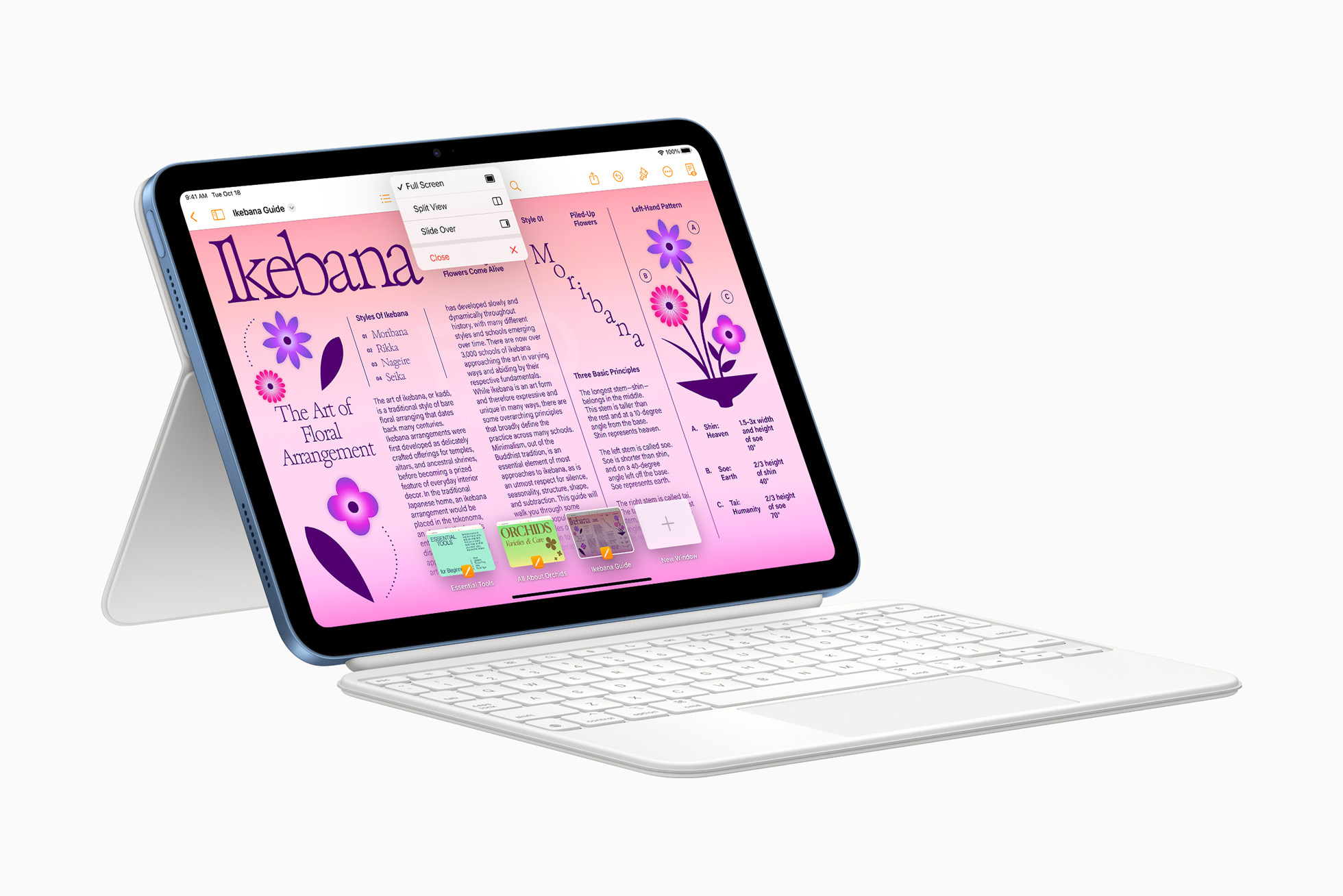
Stop me if you’ve heard this before, but the iPad lineup is a mess. The 10th-generation iPad and M1 iPad Air make the M2-powered 11-inch iPad Pro seem both expensive and redundant. Rumors indicate the iPad Pro is going to go up in size at some point, and I suspect the 11-inch will go away at that point.
Besides the cost/price confusion in the iPad line, the mis-match of features between the various products makes me think that something in Apple’s plans derailed over the last couple of years. I can’t imagine it was the initial plan to ship the 10th-generation iPad with its function keys and its camera-on-the-correct-side, all just to sell it with the first-generation Apple Pencil. And why didn’t the iPad Pro get some of these changes when it got bumped to the M2? Something doesn’t add up here.
Then there’s iOS 16 and Stage Manager. Lots of digital ink has been spilled on the subject, and I think it’s clear that Apple missed the mark with this new feature. It should have spent more time incubating within the company before shipping as the hot mess it still is as of iPadOS 16.2. iPad power users simply deserve better.
Apple Watch: 4/5; Wearables: 4/5
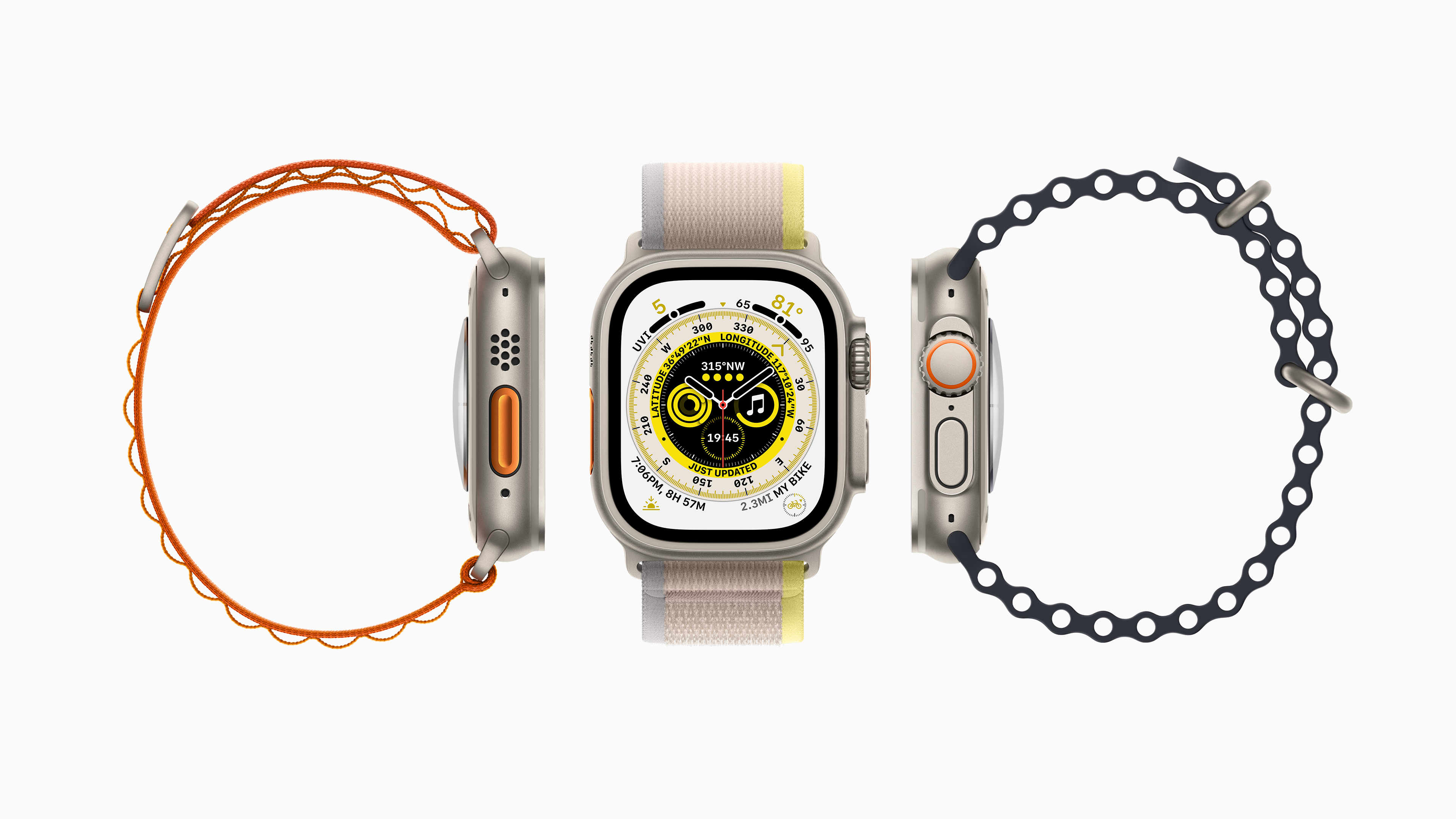
The Apple Watch Ultra is the biggest departure from the original’s design that we’ve seen so far, at least in terms of physical design. I’ve been wearing mine daily since it shipped and truly love its combination of larger size, incredible battery life and rugged construction. It’s a beast, and it’s the first time in years that I’ve been tempted to leave my Apple Watch on the charger some days. Sure, watchOS could take better advantage of the larger screen, but the same could be said for iOS, so I’m willing to mostly overlook it.
The rest of the 2022 Apple Watch lineup is far more pedestrian, but shouldn’t be overlooked. Year-over-year, the Series 8 isn’t a big upgrade, but if you have a Series 4 or 5 on your wrist, it’s a really nice jump in terms of features.
Mercifully, 2022 saw the demise of the Apple Watch Series 3, which was on sale for approximately 84 years too long … not unlike the iPod touch, which was also killed in 2022. The Apple Watch SE doesn’t quiet hit the old Series 3 price point, but it’s close enough for most … even if a gently-used Series 6 or 7 may be a better buy.
Apple’s AirPod line continues to do well, with the second-generation AirPod Pros 2 being universally-acclaimed. I upgraded from an aging pair of AirPods 2 and couldn’t be happier with them.
While the earbuds line continues to grow and improve, the costly AirPods Max are now two years old, and due for an upgrade that should include better sound quality, USB-C support and a new carrying case. Really, even just the last one would be more than welcome for anyone who has had to wrestle with the worst case Apple has shipped since the atrocity it sold for the first-generation iPad back in 2010.
Apple TV: 3/5
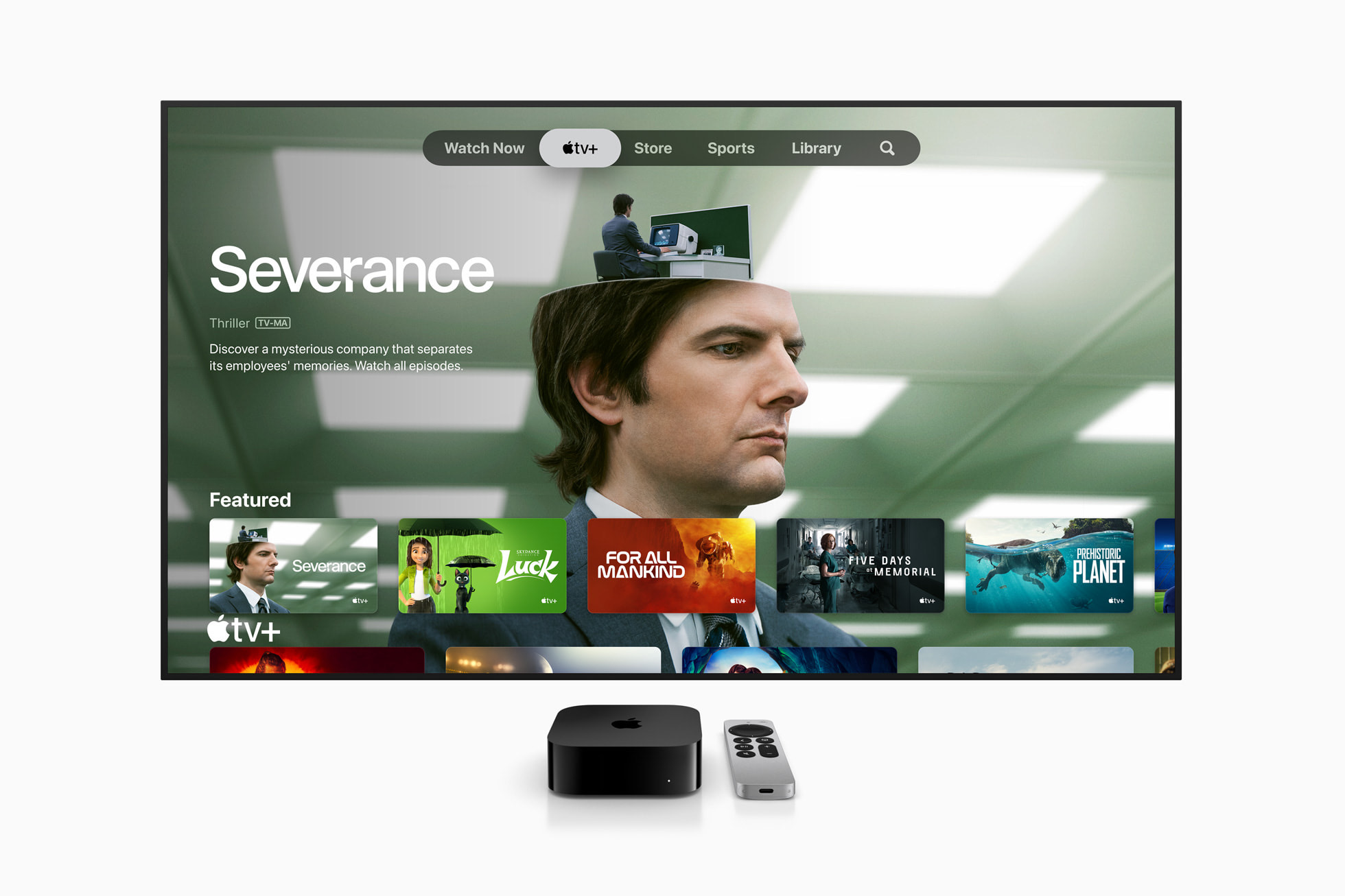
The newest version of the Apple TV 4K continues Apple’s long line of set-top boxes that are overkill for almost anyone’s needs. At least they haven’t messed up the remote in a little while.
tvOS feels the most stagnant (or stable, if you’re a glass half-full kind of person) of all of Apple’s operating systems, as the TV app continues to be a bit of a confusing mess and the company still unable to get more streaming services to play ball with Apple’s user interface … cough Netflix cough.
Services: 4/5
After years and years of begging, users of iCloud Photos have finally heard their cries answered in the form of Family Sharing. I turned it on for my wife and I to share photos, but now have a mountain of work ahead of me to sort out duplicates and add metadata to photos that are missing dates, GPS information and more.
To my great sadness, Album support is lacking in the family library, but it’s forcing me to add tags and the other metadata mentioned above for easier searching. I’m sure that as soon as I finish that work in 2027, Apple will add Albums to the product.
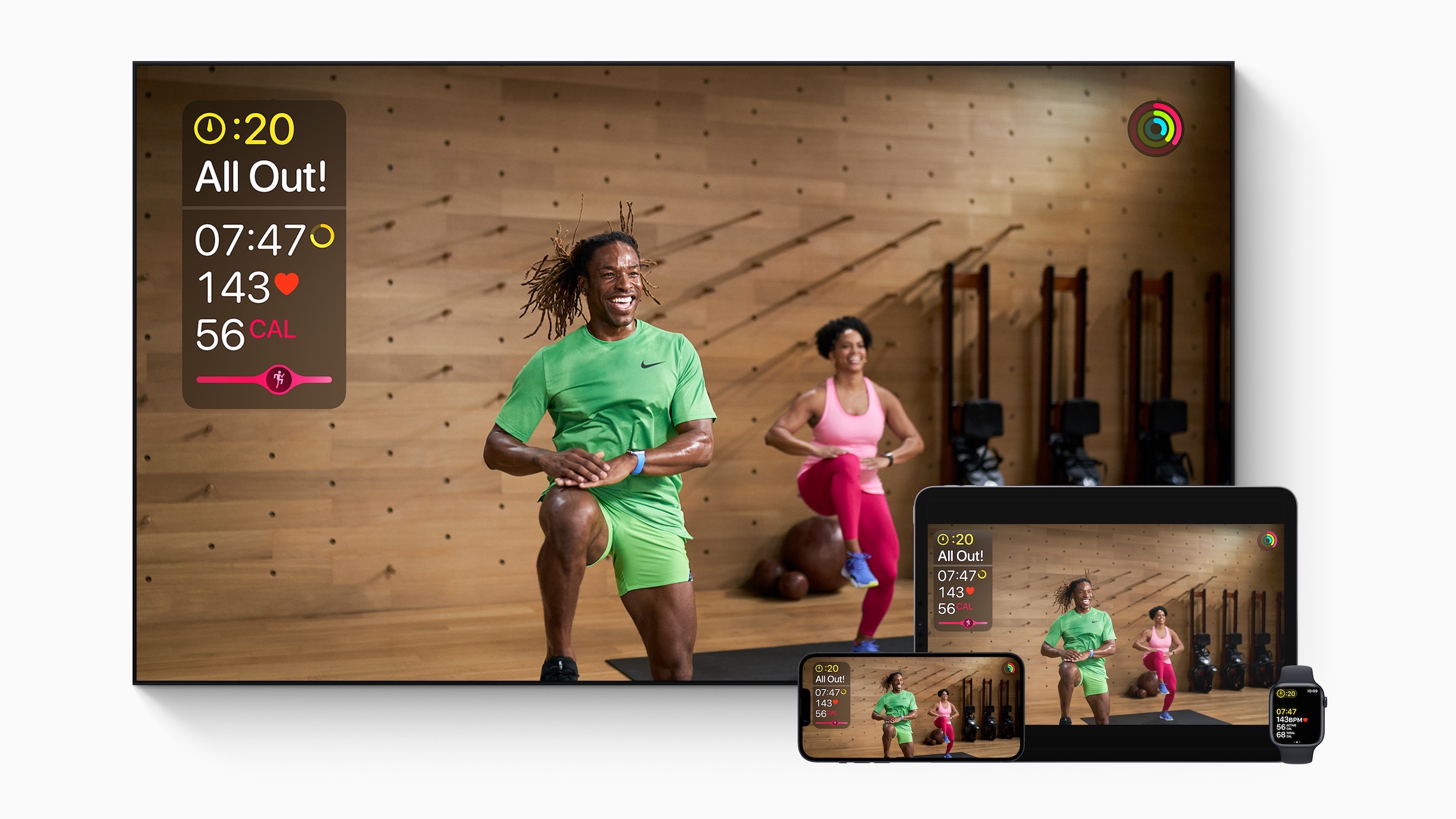
In terms of other Services, TV+ and Fitness+ continue to be bright spots, with both receiving regular content. I’ve been pleasantly surprised with how well run both seem to be run.
That’s in sharp contrast to Apple News, which is stuffed with some of the worst ads I’ve ever seen. As someone paying for Apple One, I should not see them.
The rest of Apple’s Services are not something I think about regularly, which is probably how things should go. iCloud is keeping all of my notes, contacts, events, bookmarks, iMessages and more in sync, quietly in the background.
HomeKit/Home: 3/5
As I write this, there’s a big question as to why Apple paused the rollout of its “new architecture” for HomeKit that arrived with iOS 16.2. For what it’s worth, I hit the upgrade button on day one, before the feature was pulled, and nothing has exploded for me. I wish Apple would be more open about what happened here, but that feels like a long shot.
2022 felt like a year in waiting for HomeKit, with Matter rolling out at the end of the year. It promises cross-vendor support for a wide range of products. For HomeKit users, it should unlock the world of Amazon-backed products… assuming vendors actually bother to update their existing products. Time will tell how successful that undertaking is.
In terms of the Home app itself, the new design is an improvement, but like many Apple software products, it feels like too many things are behind hard-to-find menus. I mostly interact with my HomeKit products via Siri or Shortcuts, so at least I don’t have to spend too much time in there.
Overall Reliability of Apple’s Hardware: 5/5
Apple has pretty much perfected their work with both aluminum and glass over the years, and now that the Butterfly Keyboard is gone, I don’t have any real complaints here. Users can even get their own parts now through the Self Service Repair Program! What a world we live in.
Apple Software Quality: 3/5
It’s been years since I’ve had a Mac experience a kernel panic or even had an Apple application crash on a regular basis … with the exception of the macOS version Freeform, which I could make crash 100% of the time when interacting with text written on an iPad. Seeing as that’s a 1.0, I’m mostly willing to forgive that.
Apple’s software issues are more subtle than crashes and reboots. It’s the little things that bother me, like the mis-match of features found in the Mac and iOS version of Reminders, or how the Mac version of Messages still struggles to catch up with iCloud upon its first launch after sleeping over a long weekend.
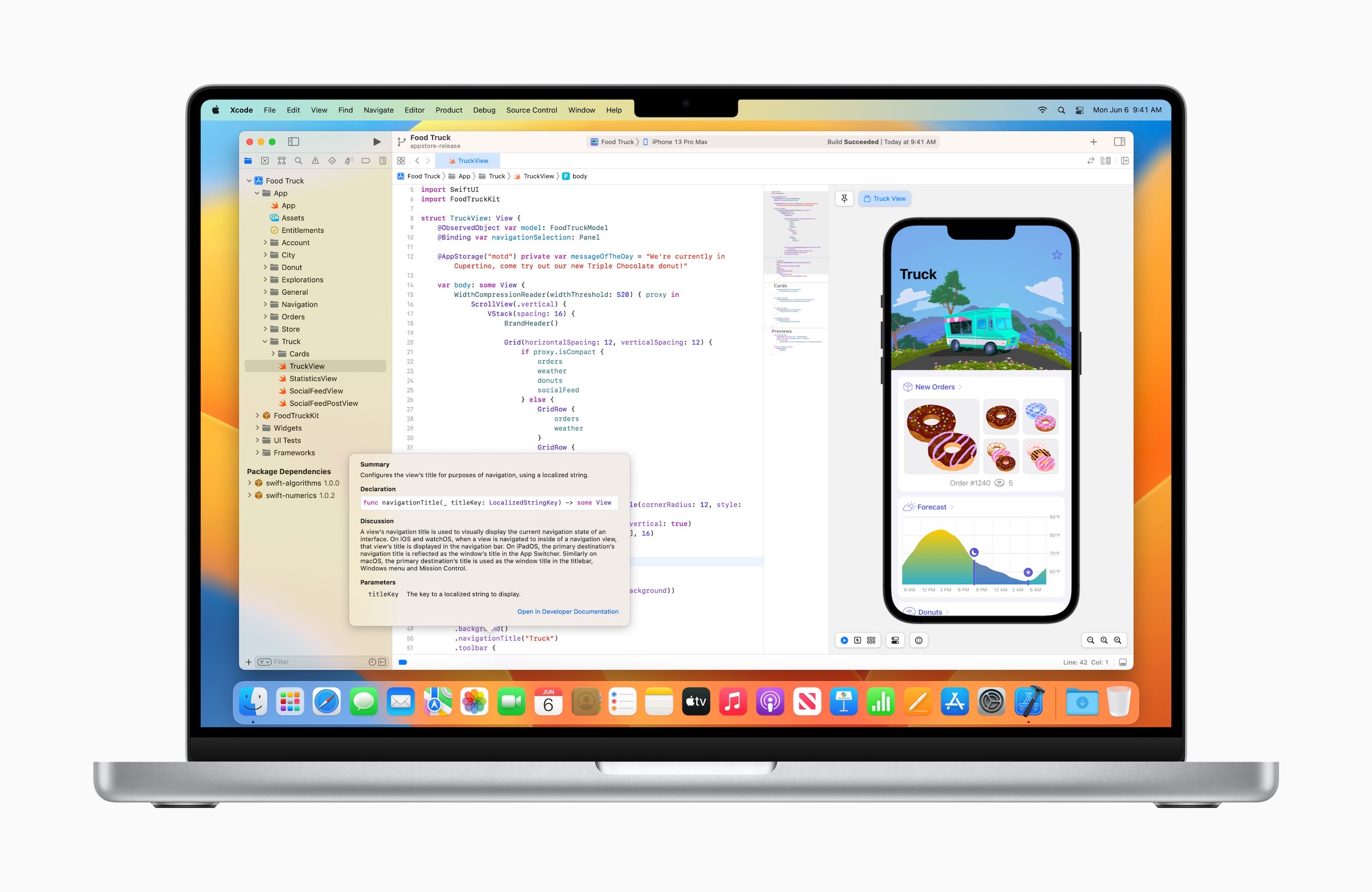
On another note, I fully understand that Mac developers have to choose between Cocoa, Catalyst and SwiftUI as Apple continues to make its slow transition away from Objective-C and its traditional methods of building apps, but I continue to be disappointed with SwiftUI on macOS. Look no further than Ventura’s new System Settings app to see just how badly this technology falls short at this point. I’m not convinced that a UI toolset designed for touch will work well on the Mac without a massive amount of additional work on Apple’s part.
Whether an app is written in SwiftUI or not, the trend of Apple’s designers hiding controls and features behind buttons and menus continues to add unneeded complexity to macOS in particular. UI clutter is bad, but it’s far lesser evil than UI confusion.
Developer Relations: 2/5
It’s harder to think of a harder self-own than Apple’s rollout of additional App Store ads in late 2022. The App Store was instantly flooded with ads for low-brow titles like gambling and hook-up apps.
Seeing those ads instantly made the App Store feel like a worse place to be, but having them placed at the bottom of an individual app’s page was simply a bridge too far. It’s like Apple was trying to burn goodwill with developers with the move.
Apple continues to be willing to die on the hill of its 30% cut of App Store purchases. Things like additional price points or the 15% commission on subscriptions that are older than one year are nice, but the market — and government regulators — are ready to see Apple’s iron-fisted control over the App Store loosen.
There are a couple of bright spots here, though. Being at WWDC with developers was a welcome change after two years of COVID forcing the conference to be online-only. The Developer Center is a physical promise on Apple’s part to communicate better with developers. The “Ask Apple” Slack-based Q&As are a good step in the right direction as well.
Social/Societal Impact: 3/5
Apple continues to do important work in the areas of environmental conservation and social issues, but the back-and-forth over its Return to Work plans and it’s willingness to look the other way in China continue to be troublesome, if not downright hypocritical. Apple needs to do better the world over, not just in parts of the world far from its factories.
