
I miss Away Messages. This nostalgia is layered in abstraction; I probably miss the newness of the internet of the 1990s, and I also miss just being … away. But this is about Away Messages themselves—the bits of code that constructed Maginot Lines around our availability. An Away Message was a text box full of possibilities, a mini-MySpace profile or a Facebook status update years before either existed. It was also a boundary: An Away Message not only popped up as a response after someone IM’d you, it was wholly visible to that person before they IM’d you.
Nothing like this exists in our modern messaging apps.
512 Pixels
Timery 1.4⇢
The best time-tracking app just got even better — and now ships with an Apple Watch app. I use Timery every day and just love it.
SoundSource from Rogue Amoeba⇢
My thanks to Rogue Amoeba for sponsoring 512 Pixels this week. Their app SoundSource lets you do all sorts of magical audio routing and tweaking on macOS. It is sweet.
Download the free SoundSource trial, then purchase today. Through the end of June, 512 Pixels readers can save 22% with coupon code SMHSS22.
AirPods with Spatial Audio Ad Rekindles iPod Silhouette Magic⇢
I dig this:
WorldWideWeb⇢
The folks over at The Iconfactory have a new app out, named WorldWideWeb. It’s a simple web server for both macOS and iOS. It comes at a time when Apple has made doing this with the Mac harder than ever, and as a bonus, it’s free.
Alex Guyot has a review of WorldWideWeb over on MacStories:
WorldWideWeb’s killer feature is simplicity. The app’s entire main interface consists of two tiny sections: in the first you select a folder, and in the second you start or stop the web server. When the server is activated, a URL is generated. The app uses Bonjour to make the address available to any device on the same Wi-Fi network as the host. Just copy and paste the URL or press the ‘Open in Browser’ button to view the website natively in a web browser.
Connected #400: The Rickies (WWDC 2022)⇢
WWDC 2022 is just around the corner, and the guys have come prepared with a series of Picks, Risky Picks and Flexies.
Rediscovering the Mac⇢
Federico Viticci, writing about coming back to the Mac after years of being the iPad Guy:
The problem is that, at some point, I have to be realistic about my work and what I want to achieve in my professional life. Ultimately, it comes down to this question:
Have I been able to get more things done lately thanks to the Mac?
The answer is yes.
Einstein⇢
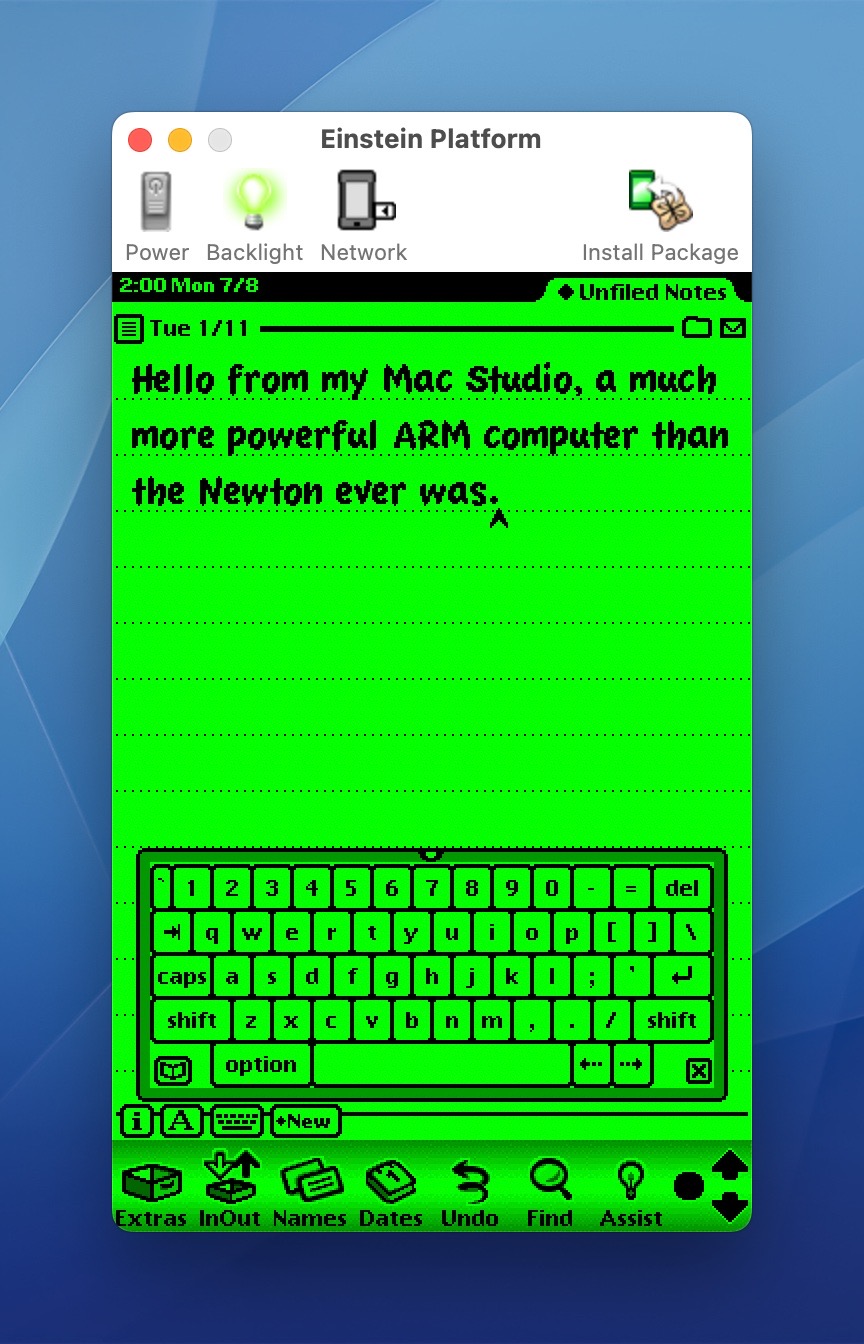
Speaking of the Newton, if you want to emulate one on a Mac, this application is the way to do it. The newest version has added support for printing.
Kbase Article of the Week: iTunes 6: -208 Error Message When Playing iTunes Store Content⇢
In some cases, you may get the following error message when you try to play purchased music or video or access the iTunes Store using iTunes 6:
“We could not complete your iTunes Store request. An unknown error occurred (-208).”
To resolve this issue, update to iTunes 6.0.1 or later.
Newton Turns 30⇢
Sponsor: SoundSource from Rogue Amoeba⇢
Do you use audio on your Mac, in any way? If so, SoundSource is for you. It lives in your menu bar, and provides you with superior control over all your audio.
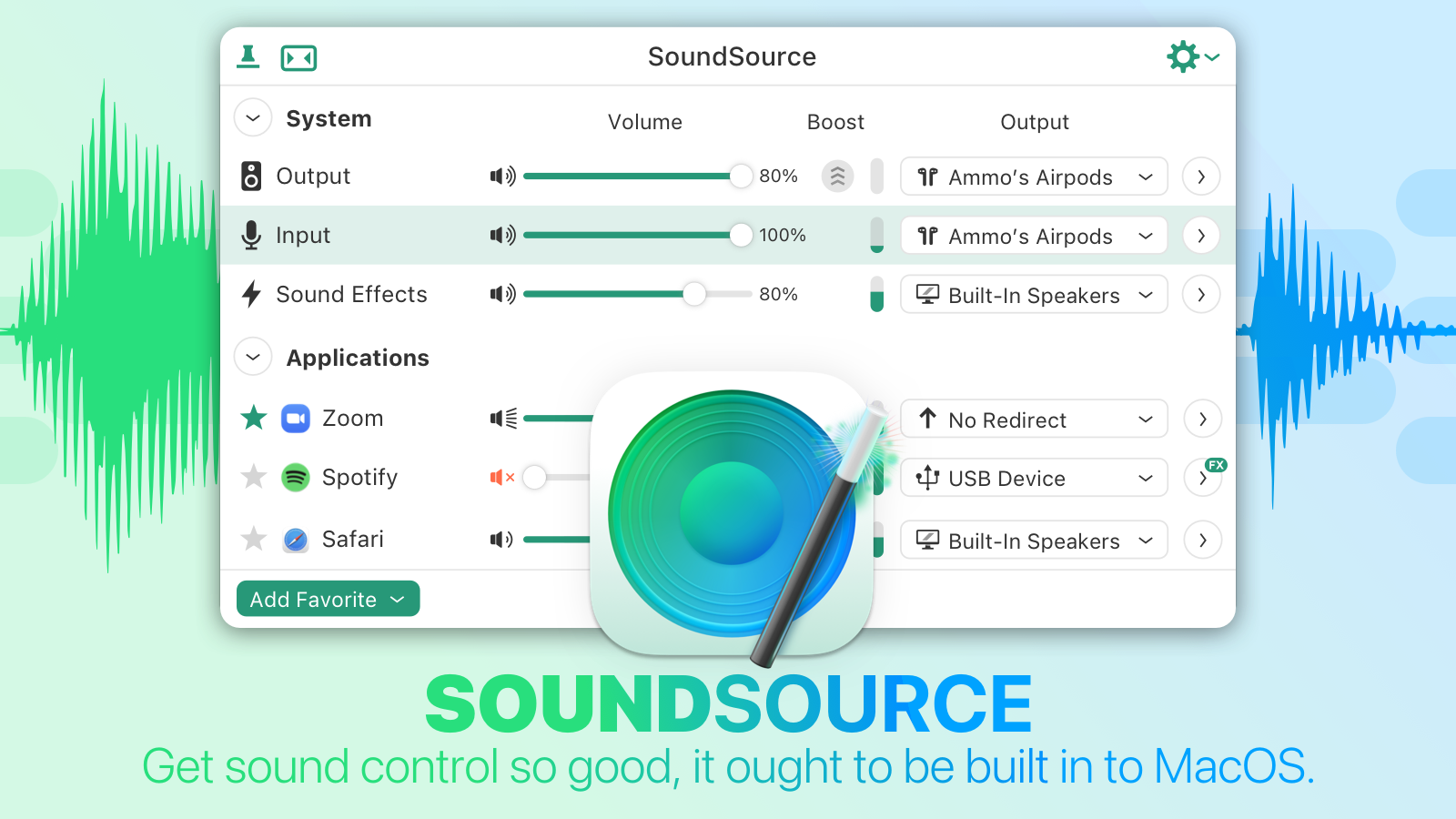 Per-application control: Change the volume of any app relative to others, and play individual apps to different audio devices.
Audio effects, anywhere: SoundSource has great built-in effects, like Magic Boost and Volume Overdrive features, as well as a built-in 10-band equalizer to sweeten sound. Advanced users will love the ability to apply Audio Units to any audio.
Fast device access: Adjust settings for your Mac’s Output, Input, and Sound Effects audio devices, instantly. Change levels, tweak the balance, and even switch sample rates, right from the menu bar. You may never need to open the Sound System Preference again!
And oh yeah, SoundSource just added Shortcuts actions on MacOS 12. Automate your usage of not just SoundSource, but many of your Mac’s audio device settings. If you’ve ever wished you could automate the controls found in MacOS’s Sound System Preferences and Audio MIDI Setup app, the new Shortcut support in SoundSource is for you.
Download the free SoundSource trial, then purchase today. Through the end of June, 512 Pixels readers can save 22% with coupon code SMHSS22.
Mac Power Users #642: Shortcuts for Mac⇢
Shortcuts arrived on the Mac a year ago, and in the time since, Apple and third-party developers have worked to make it a real contender in terms of automation on macOS. This week, David and Stephen talk about the app and David’s new Field Guide on the topic.
David’s Field Guide is fantastic. Here are the links to it:
A quick programming note: There will not be an episode out on Sunday, June 5. Instead, episode 643 will be out sometime late Monday or early Tuesday, following Apple’s WWDC announcements.