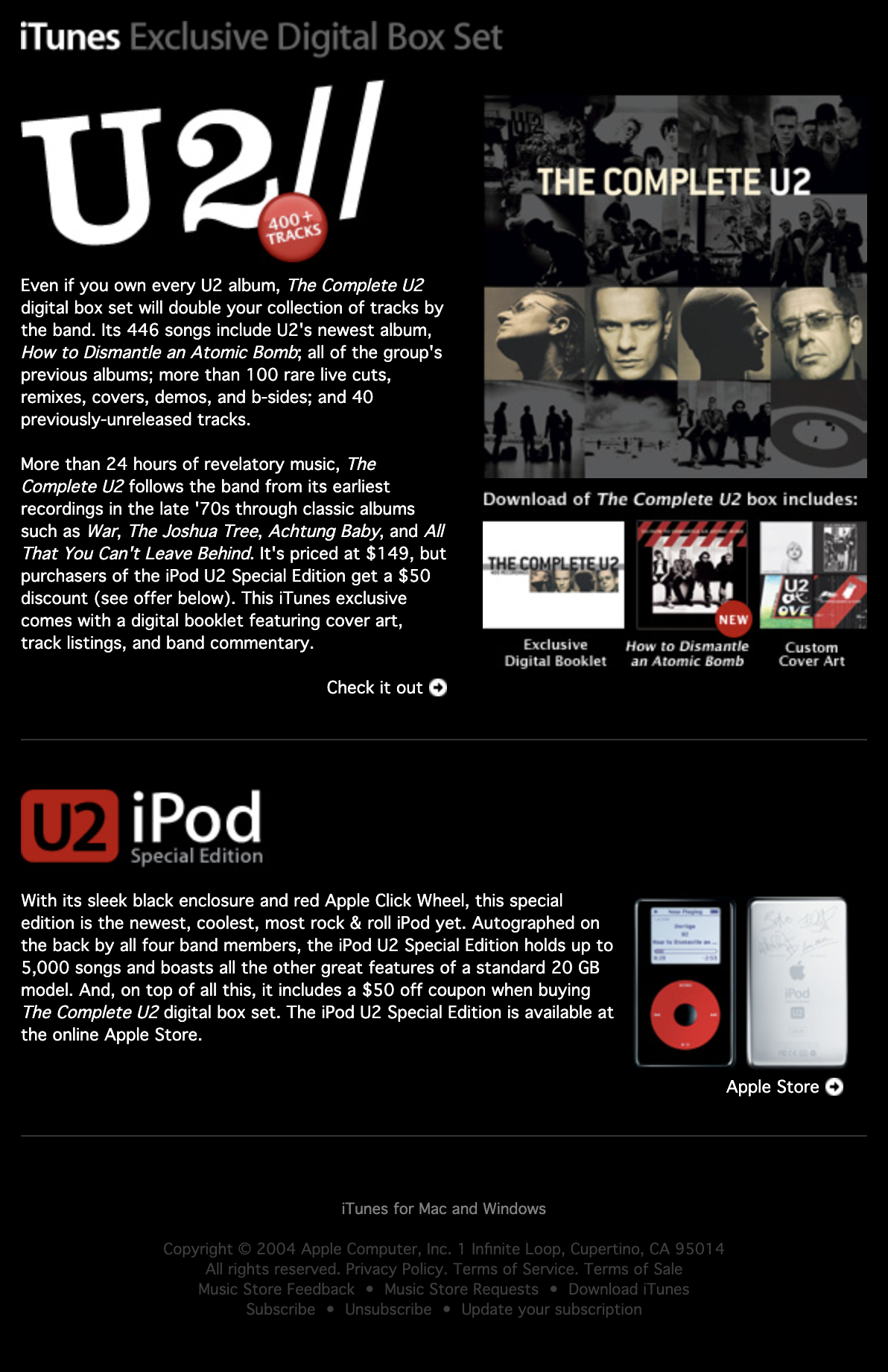
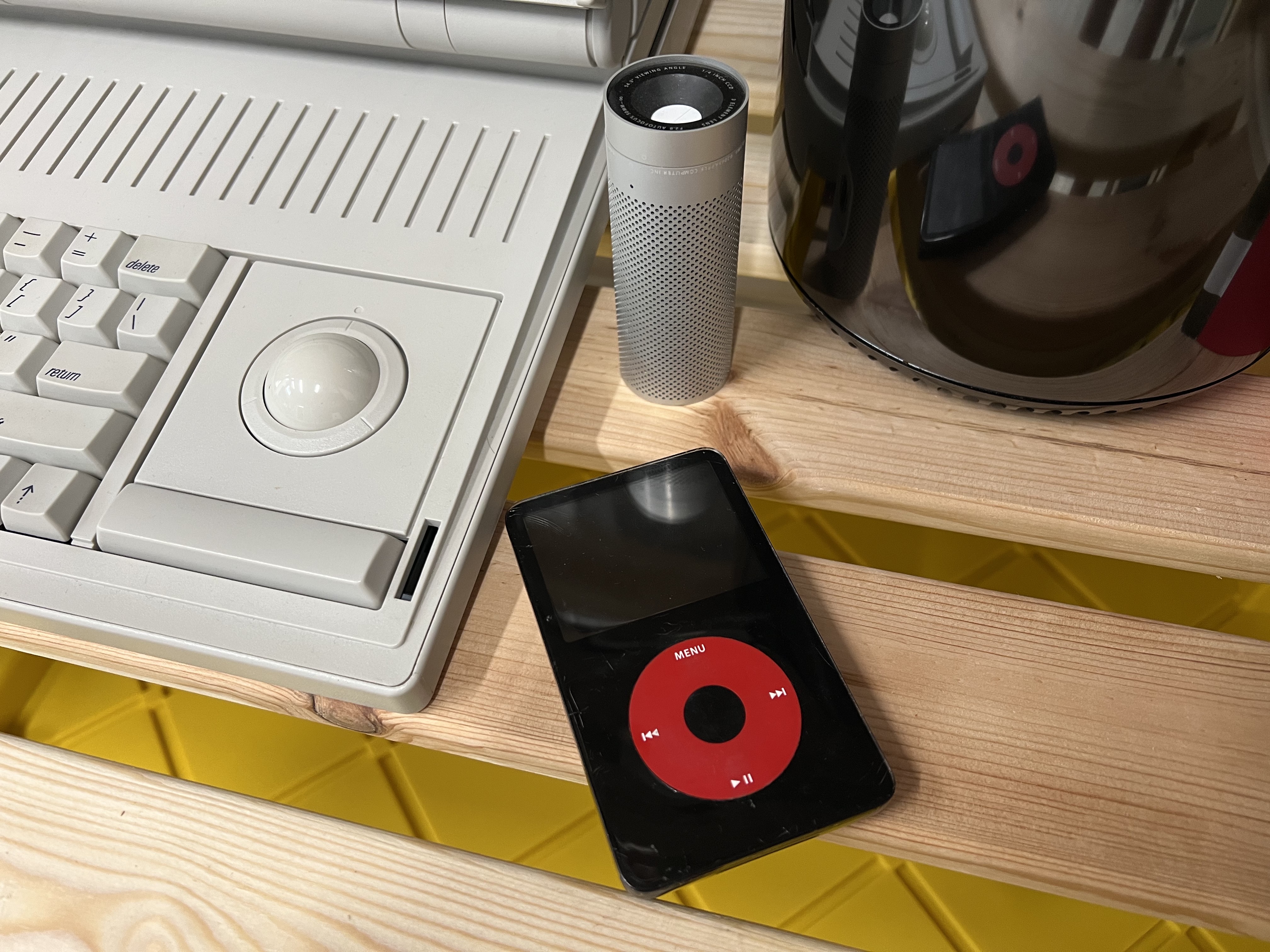
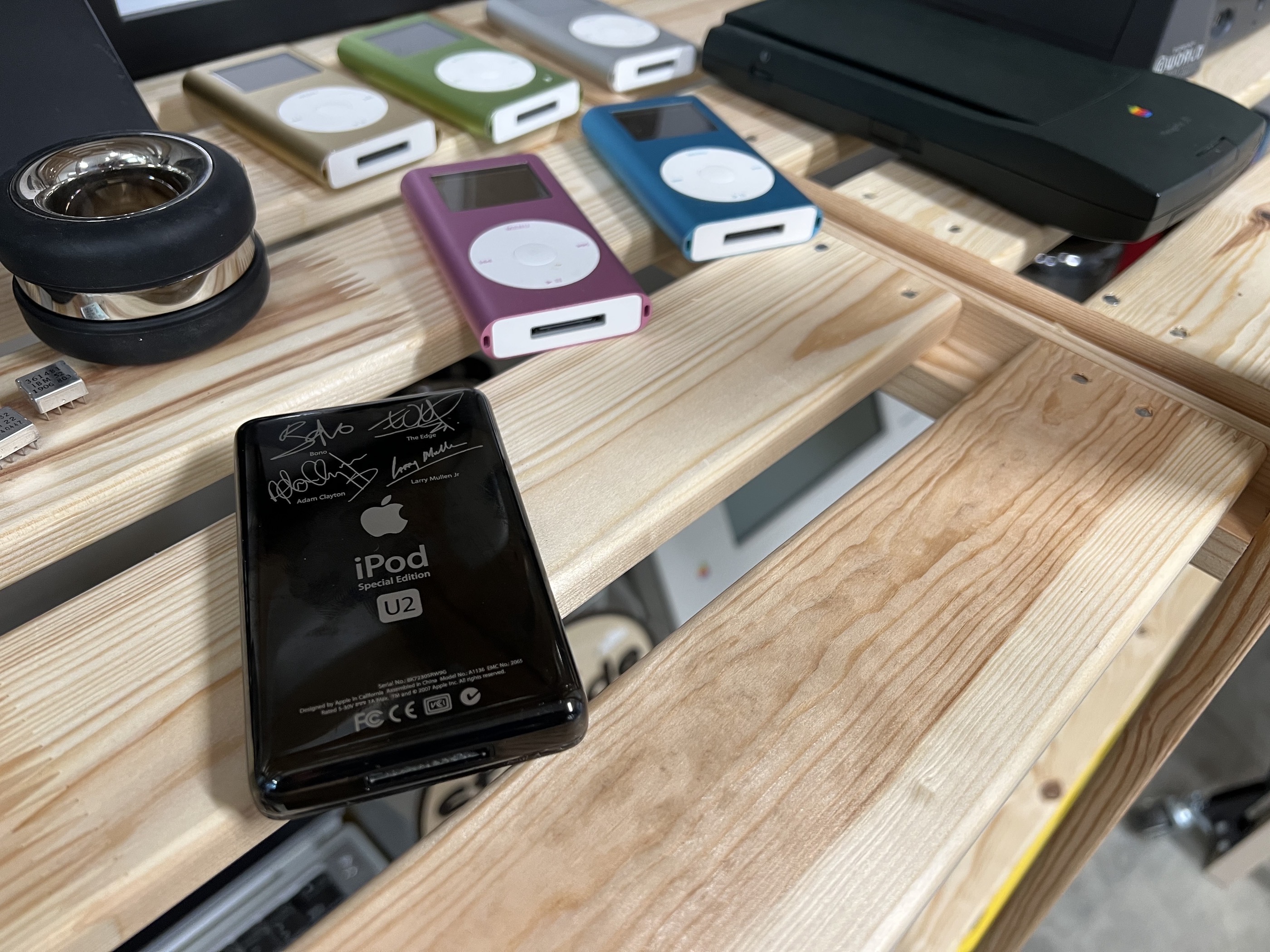
In addition to the Harry Potter iPod and the U2 iPod, there is another special edition iPod that was a little … less special.
Let’s talk about the HP iPod.
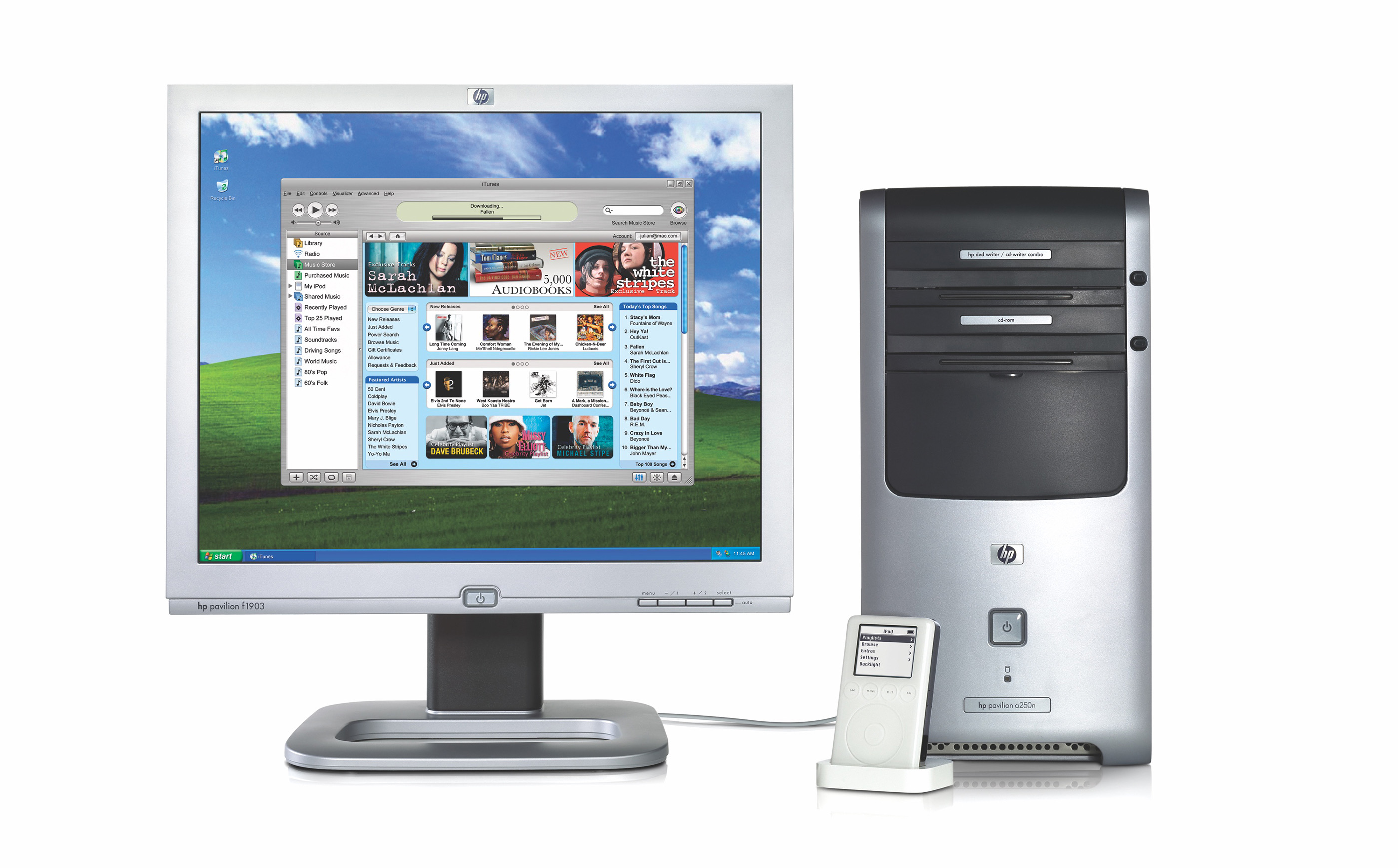 Mmmm, Brushed Metal and Windows XP…
I always like referring to Apple’s press releases when looking at historic products or announcements. This time, the dateline includes something a bit unusual:
LAS VEGAS, Consumer Electronics Show, January 8, 2004
Not too many Apple press releases mention CES, but this is not most press releases:
Working to provide consumers with the most compelling digital content whenever and wherever they desire, HP and Apple® today announced a strategic alliance to deliver an HP-branded digital music player based on Apple’s iPod™, the number one digital music player in the world, and Apple’s award-winning iTunes digital music jukebox and pioneering online music store to HP’s customers.
As part of the alliance, HP consumer PCs and notebooks will come preinstalled with Apple’s iTunes® jukebox software and an easy-reference desktop icon to point consumers directly to the iTunes Music Store, ensuring a simple, seamless music experience. This offering is yet another way that HP is helping consumers enjoy more from their personal digital entertainment content.
It goes on with some quotes:
“HP’s goal is to bring the most compelling entertainment content and experiences to our customers,” said Carly Fiorina, chairman and chief executive officer at HP. “We explored a range of alternatives to deliver a great digital music experience and concluded Apple’s iPod music player and iTunes music service were the best by far. By partnering with Apple, we have the opportunity to add value by integrating the world’s best digital music offering into HP’s larger digital entertainment system strategy.”
“Apple’s goal is to get iPods and iTunes into the hands of every music lover around the world, and partnering with HP, an innovative consumer company, is going to help us do just that,” said Steve Jobs, Apple’s CEO. “As the industry balkanizes by offering digital music wrapped in a multitude of incompatible proprietary technologies, consumers will be reassured in getting the same unparalleled digital music solutions from both HP and Apple, two leaders in the digital music era.”
According to internal HP research, more than 54 percent of current HP consumers download music to their PCs.
Under this deal, HP PCs would come with iTunes and HP would get to sell some digital music players:
HP’s digital music player is expected to become available this summer and be competitively priced to other digital music players currently available.
Beginning this summer, the iTunes software and a desktop icon guiding users to the music site will be preloaded on HP Pavilion, Media Center and Compaq Presario desktop and notebook consumer PCs.
Despite the artwork shown above, the first iPod+hp (as it would be styled) was a 4th-generation iPod.
Jeremy Horwitz reviewed it at iLounge, pointing out that other than packaging, the biggest difference between the two versions of the iPod showed up on the back:
The body of the iPod+hp is virtually identical to that of Apple’s own fourth-generation iPods. In footprint, thickness, colors, controls, screens and weight, they’re the same. HP’s iPod, however, has a smaller iPod logo, an additional HP Invent logo, and a unique serial number (ten digits, versus Apple’s eleven, starting with a number rather than a letter).
[…]
Other than their rear casings, the units are identical down to the legal notices in their firmware: HP gets no billing, even in the menus. And the 40GB unit we tested exhibits the same static and hard drive accessing audio defect we’ve heard in Apple’s standard fourth-generation iPods. So save for a slight cosmetic difference, the Apple iPod from HP is just the same as Apple’s iPod from a hardware standpoint.
Horwitz goes on:
On a side note, we visited HP’s site to see whether there was any evidence of Apple’s most recent (October) firmware updater for all iPods, and we didn’t see any references on the pages we visited: clicking on Support & Drivers from HP’s pages and typing iPod led us to iTunes pages, not iPod firmware pages, and as of November 17, HP hadn’t acknowledged that the October updater existed. Perhaps the updater wasn’t considered important enough to fourth-generation iPod users to merit a mention, but it would be nice if HP linked to new updates as a matter of course.
In addition to the 4th-generation iPod, HP would also offer the iPod photo, iPod mini and iPod shuffle. Each looked just like their Apple counterparts, just with an HP logo on them.
Badge engineering wasn’t the original plan; the HP iPod was, at least for a while, planned come in a blue finish:

In this photo, Carly Fiorina holds up a blue third-generation iPod. It would never ship.
If blue wasn’t your jam, HP had you covered — literally — according to this article by Michael Miller in August 2004:
HP’s version of the iPod, which will start shipping next month, looks just like Apple’s, except for the HP logo located underneath the Apple logo on the back of the device. The biggest difference is probably HP’s ability to add “tattoos”, or removable skins that wrap around the iPod. HP will offer the printable tattoos as a package with special printing media for all iPods, beginning Sept 15. You’ll be able to download specially designed pictures of particular artists, or print your own pictures to personalize the device even more.
iLounge has some photos of these tattoos, and somehow, HP’s support page for them is still up.
Here’s a bit more about the skins:
New HP Printable Tattoos allow consumers to personalize the look of their iPod with album cover art from top bands and recording artists, as well as to create their own personalized artwork and photos printed on Tattoo media via an HP color printer.
The ultra-thin HP Printable Tattoos are easy to apply and remove from the player’s exterior. They are durable and water-resistant, which helps protect the iPod from scratches and scuffs as music lovers carry it around. HP is working with industry recording studios to offer consumers access to the latest album art from the newest releases. The HP Tattoo Gallery at http://www.hp.com/music will be regularly updated with the hottest album art, so consumers can continually personalize their iPod.
As you can imagine, this deal didn’t last long. I think HP knew it never had much to gain in this arrangement, as Steve Levy wrote:
It didn’t seem like a recipe for success, and indeed, HP was not successful at it, for a number of reasons. But before I get to that, let’s contemplate what Apple got in return for allowing HP to rebrand iPods and share the loot. HP agreed to pre-load Apple’s iTunes music software and store into its personal computers. This was a hugely valuable concession. Apple had only recently begun to push this key software into the Windows world. Millions of HP/Compaq customers would instantly become part of Apple’s entertainment ecosystem.
If it were a straight deal for HP to include Apple’s software, the fee might have been hundreds of millions of dollars. (Around that time, software companies were paying huge sums to have their products or services preinstalled, since people seldom deleted them and often used the default choices.) Even better, preinstalling iTunes was a way for Apple to stifle Microsoft’s competitor to the iTunes Music Store. As an Apple leader at the time puts it, “This was a highly strategic move to block HP/Compaq from installing Windows Media Store on their PCs. We wanted iTunes Music store to be a definitive winner. Steve only did this deal because of that.”
One might even argue that since Carly Fiorina wasn’t making much profit from selling computers, each machine her company sold under this deal delivered more value to Apple than it did to HP.
Levy even addressed the blue iPods, which never materialized:
Even with a detail like the color of the iPod, Jobs totally rolled over Fiorina. When I spoke to Fiorina at CES, she crowed that HP’s iPods would be distinctive in their look; unlike Apple’s pristine white, the Pod would be a fetching shade of blue. Presumably, this would distinguish its iPod from Apple’s and provide a reason, however slight, for a consumer to choose it over the Cupertino model. She was adamant that HP had the right to determine what color the HP iPod would be. Knowing Steve Jobs and his protectiveness about all things design, this sounded dubious to me. I got on the phone with him that very day, and asked him if HP would be producing blue iPods. There was a significant pause. “We’ll see,” he finally said with a bit of ice in his voice.
Indeed, when the HP iPod appeared seven months later, it was exactly the same bright white as Apple’s version. The main difference was that a small HP logo was etched on the rear, underneath the usual Apple logo.
(Fiorina was fired from HP in February 2005 — just a few months before HP pulled the plug on the program.)
It didn’t just go poorly for Fiorina. Customers who bought HP iPods were turned away from Genius Bars. Here’s Dan Frakes, writing at Macworld:
In terms of support, Apple-branded iPods include a 1-year warranty, but only 90 days of free phone support; those terms are further restricted in that all repairs after the first six months require a $30 shipping and handling fee, and the free phone support applies to only a single incident within the first 90 days after purchase. HP, on the other hand, provides a full year of both hardware warranty and phone support, with toll-free technical support available 24 hours a day, 7 days a week; they also provide out-of-warranty support via email. As for in-person support, Apple iPod users can visit Apple retail stores for assistance; HP iPod users can visit authorized service centers such as Best Buy and CompUSA.
By the fall of 2005, HP was washing its hand of the deal. Here’s Jacqui Cheng writing at Ars Technica in October of that year:
Remember when Hewlett-Packard sold HP-branded Apple iPods, and everybody bought them? Yeah, neither do we. Because of that less-than-enthusiastic reception by the digital music player community, HP decided to discontinue selling iPods back in July of this year. Well it seems that they’re now getting around to clearing out that remaining inventory with a 15 percent instant rebate, because PCMagazine has pointed us to a great deal that anyone interested in an iPod (albeit HP-branded) might want to check out.
In January 2006 — just two years after the Apple/HP announcement, HP made more news in the music-playing space:
HP and Rhapsody made the joint announcement that HP will no longer be offering iTunes as a preinstall on consumer desktops and laptops, and will now include Rhapsody. This is a major coup for RealNetwork’s Rhapsody, which has been without a preinstall contract since the Gateway days. It’s also the final nail in the coffin for HP’s partnership with Apple, which included not only an iTunes preinstall but an HP-branded iPod that was recently discontinued.
The preinstalled Rhapsody software will come with a complimentary 30-day trial of Rhapsody’s all-you-can-download subscription service—another good move on Rhapsody’s part. The 30-day trial will expose new users to Rhapsody, give them a chance to try out a flat-rate music download service, and at the end of the trial, they’ll have a definite incentive to continue the subscription (don’t want to lose all those DRMed tracks!).
I think we can all guess how that ended for HP.