CarPlay’s UI Needs a Revisit in the Age of Large Screens

Yesterday, I picked up my new truck, a 2023 Toyota Tundra. Coming from an older Tacoma, this truck is amazing, and that includes the large 14-inch screen. The truck has wireless CarPlay, and I noticed something right away: CarPlay’s UI doesn’t stretch very gracefully for these larger displays.

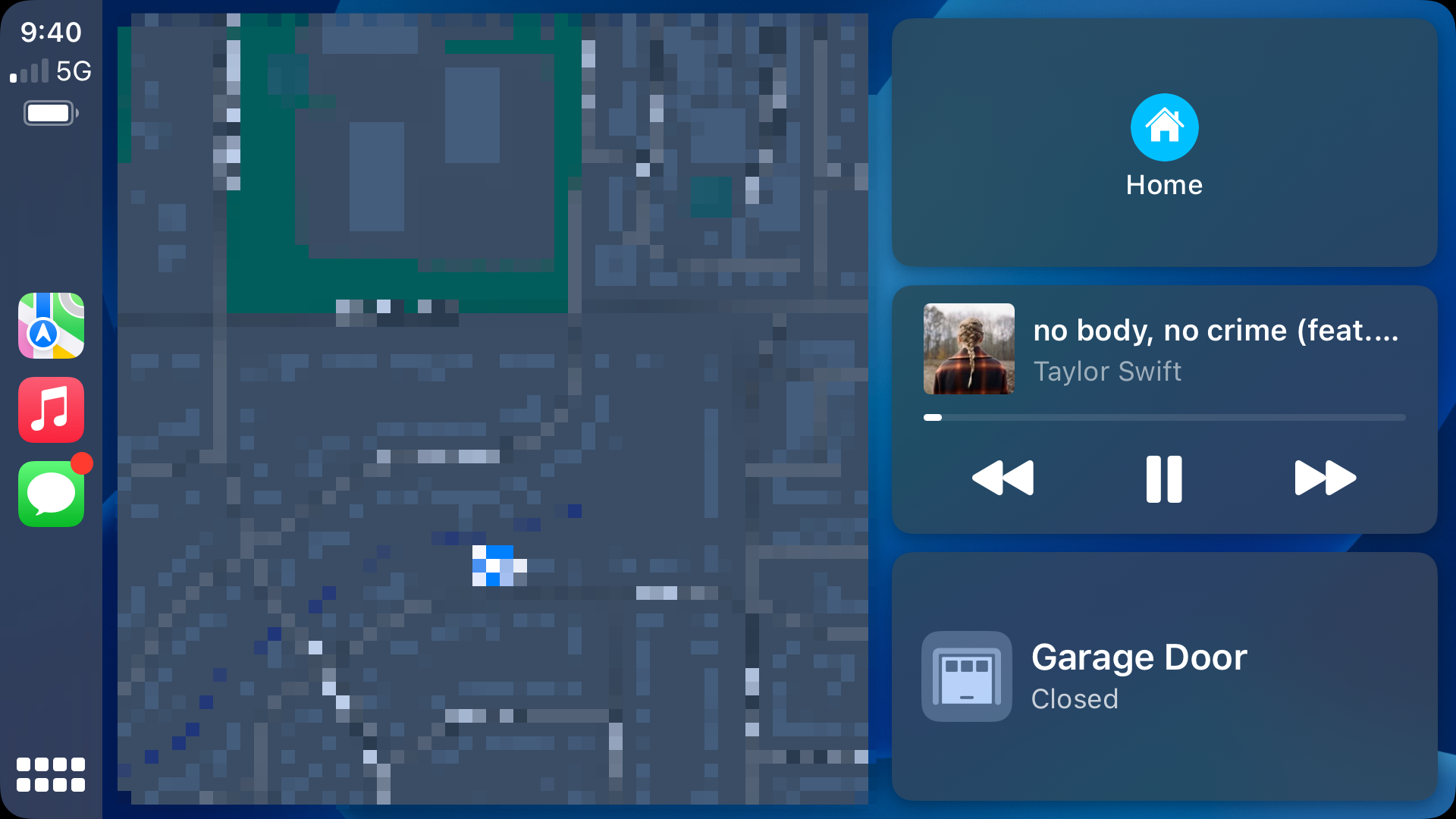
The home screen actually looks pretty good, with a giant map and nice large buttons:

CarPlay home screen

Sadly, it’s the best-looking screen at this size.

Continue reading ⇢

Kbase Article of the Week: Moving your MUSICMATCH Songs into Your iTunes Library⇢

Apple Support:

Learn how to move songs from MUSICMATCH into your iTunes for Windows Library.

When you first start iTunes, you are given the option to search for music to add to the iTunes library. If you did not select this option, follow the steps below to add music to iTunes.

To move songs from MUSICMATCH into the iTunes Library:

  1. Open iTunes.
  2. Open your “My Music” folder by clicking the Start button and then pointing to My Music.
  3. Arrange the windows so you can see both the My Music folder, and the iTunes Source list.
  4. Drag your MUSICMATCH songs from the My Music folder to the Library in the Source list.

Continue reading ⇢

Sponsor: TextExpander⇢

TextExpander’s customizable and shareable snippets of text allow your team to fly through repetitive tasks quickly by expanding the things you type regularly — all you have to do is type a short abbreviation and TextExpander does the rest of the work for you.

Here’s How It Works: Create It: Collect your most commonly used emails, phrases, messaging, URLs, and more to create snippets and templates in TextExpander that are always accessible with a quick search or abbreviation. Share It: Give your team or different departments across your company access to the content they need to use every day. Use It: Expand the content you need with just a few keystrokes on any device, across any app you use — no APIs or integrations needed. Optimize It: Add customizations like fill-ins and optional sections to keep that human touch. Anytime you make changes to snippets they update everywhere so your team is always on the same page.

Continue reading ⇢

Twenty Years Ago, Apple Launched the iTunes Music Store

On April 28, 2003, Apple made a pair of announcements. The first was a new generation of iPod that featured completely solid-state controls and introduced the 30-pin Dock Connector.1

The other would change the company forever: the iTunes Music Store.

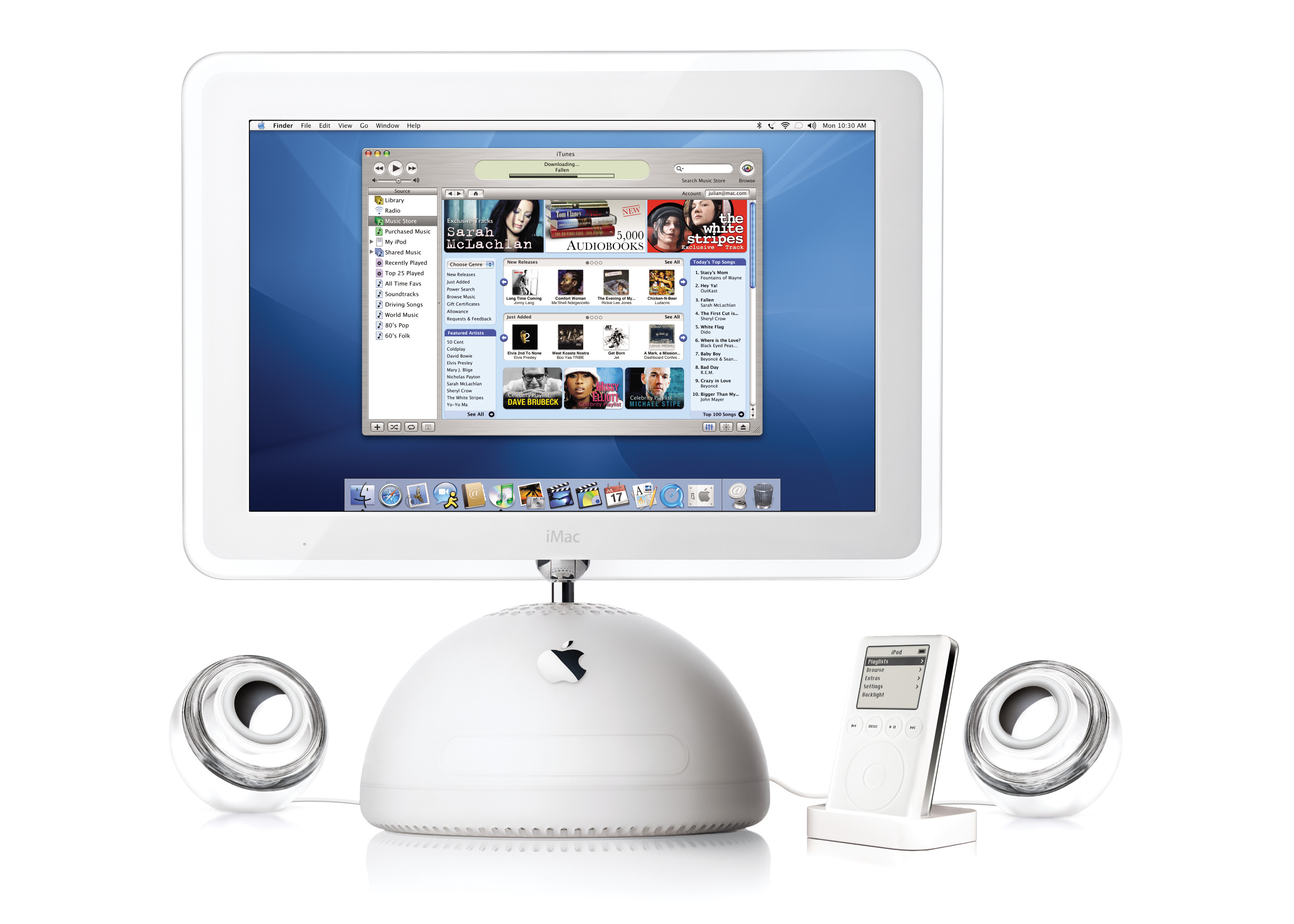
iTunes Music Store

Here’s a bit from the press release:

Apple today launched the iTunes Music Store, a revolutionary online music store that lets customers quickly find, purchase and download the music they want for just 99 cents per song, without subscription fees. The iTunes Music Store offers groundbreaking personal use rights, including burning songs onto an unlimited number of CDs for personal use, listening to songs on an unlimited number of iPods, playing songs on up to three Macintosh computers, and using songs in any application on the Mac, including iPhoto, iMovie and iDVD.

Continue reading ⇢

Kbase Article of the Week: Macintosh: External Drive Failures⇢

Apple Support:

PROBLEM DESCRIPTION: Intermittent and/or solid failure during reading and writing to the external drive.

CAUSE: The pins on the logic board punch holes in the mylar covering on the RFI shield on the back of the logic board. When they penetrate the covering they short to the case.

That sounds like an exciting bug. Here was the “CURE” as Apple put it:

  1. Install the latest revision of RFI shield orderable through Apple Service.
  2. If the problem persists, replace the external drive mechanism.
  3. If the problem still persists, refer to the Level I Technical Procedures.

Continue reading ⇢

The Everything Headset

In the run-up to WWDC 2023, reporting about Apple’s forthcoming AR/VR headset have really begun to heat up.

In this week’s Power On newsletter, Mark Gurman wrote a bit about how Apple may pitch the device to customers and developers.

Forgive the long block-quote, but I think it’s important to go over what he believes the headset will be capable of doing:

  • The ability to run most of Apple’s existing iPad apps in mixed reality, which blends AR and VR. That includes Books, Camera, Contacts, FaceTime, Files, Freeform, Home, Mail, Maps, Messages, Music, Notes, Photos, Reminders, Safari, Stocks, TV and Weather.
  • A new Wellness app with a focus on meditation, featuring immersive graphics, calming sounds and voice-overs.
  • Being able to run the hundreds of thousands of existing third-party iPad apps from the App Store with either no extra work or minimal modifications.
  • A new portal for watching sports in virtual reality as part of Apple’s push into streaming live games and news.
  • A large gaming focus, including top-tier titles from existing third-party developers for Apple’s other devices.
  • A feature to use the headset as an external monitor for a connected Mac.
  • Advanced videoconferencing and virtual meeting rooms with realistic avatars, ideally making users feel like they’re interacting in the same place.
  • New collaboration tools via the Freeform app that let users work on virtual whiteboards and go over material together.
  • A new VR-focused Fitness+ experience for working out while wearing the headset (though this feature likely won’t arrive until later).
  • A way to watch video while immersed in a virtual environment, such as a desert scene or in the sky.
  • Users will also be able to operate the headset in several different ways, including by hand and eye control and Siri. It also will work with a connected keyboard or controls from another Apple device.

Most folks would look at this list and think, “My word, Apple has no idea what this device is for!”

Continue reading ⇢

Sponsor: Unite 4 for macOS⇢

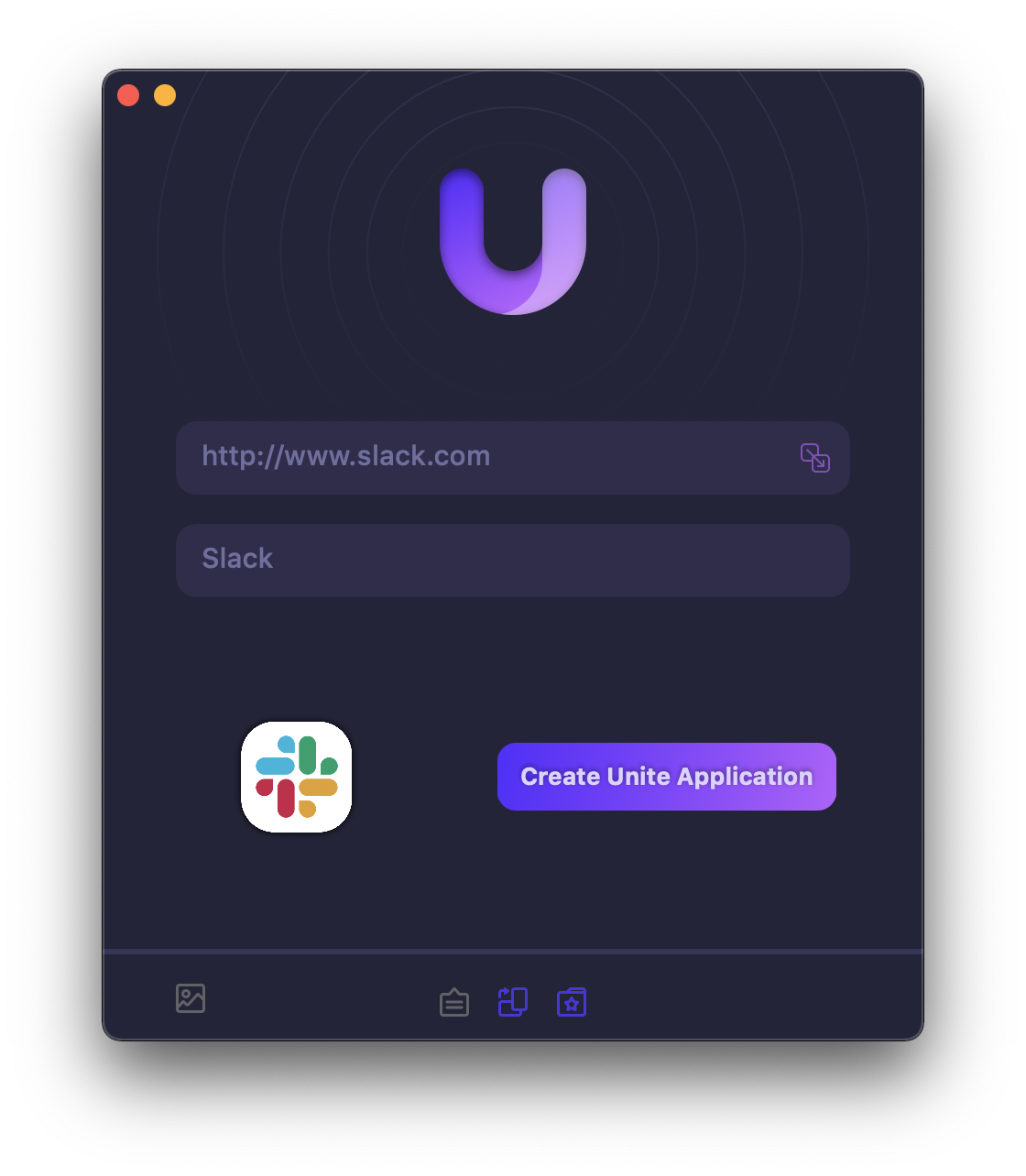
Unite 4 for macOS allows you to turn any website into an app on your Mac. Using a lightweight, WebKit powered browser as a backend, you can easily create isolated, customizable apps from any site.

Unite 4 includes dozens of new features, including support for native notifications, new customization options, and much more. Unite apps also serve as a great alternative for resource hogging Electron apps or half-baked Catalyst apps.

Continue reading ⇢

Kbase Article of the Week: Safari 4: May Unexpectedly Quit with ‘Glims for Safari’⇢

Apple Support:

Safari 4 may unexpectedly quit if “Glims for Safari” by MacHangout is installed.

Uninstall “Glims for Safari” as described on this website.

That MacHangout URL is long gone, but the Wayback Machine grabbed it, and the page included a link to an uninstaller.

I had no recollection of Glims for Safari, but the Wayback Machine is helpful there, too.

Continue reading ⇢