Gurman: 15-inch MacBook Air Among Future Notebooks⇢

Mark Gurman, writing at Bloomberg:

The 15-inch model under development is a wider version of the 13.6-inch MacBook Air that Apple announced this week. That design, unveiled at the developers event Monday, is thinner than recent models, relies on the M2 chip and abandons the previous wedge-shaped frame. It’s considered to be the biggest overhaul to the MacBook Air since it was introduced by Steve Jobs in 2008.

Apple has also begun work on a new 12-inch laptop and is considering launching it at the end of 2023 or in early 2024. If Apple moves forward with the release, it would represent the company’s smallest laptop since it discontinued the 12-inch MacBook in 2019.

Continue reading ⇢

The Curious Case of the M2 13-inch MacBook Pro

The new MacBook Air with M2 looks like it’s going to be a great machine. I was really impressed by it during my hands-on time at the Steve Jobs Theater on Monday.

The other M2 machine is a bit of a head-scratcher though:

13-inch MacBook Pro

That’s actually a press photo from the 2016 MacBook Pro’s introduction, but you probably didn’t even notice, as the new M2 machine continues to use the same design, including the Touch Bar and the lack of MagSafe.

Continue reading ⇢

Apple Could Get Me to Switch to Reminders With This One Weird Trick

I’ve attempted to move from Todoist to Apple’s Reminders app a few times over the years. I’ve always hit some bit of friction, then returned to the third-party option.

With macOS and iOS 16, Reminders gains some powerful smart list features that I am really excited about. However, there is one small feature that still keeps me from switching.

There is no way to have Reminders show a badge for a task due Today.

Continue reading ⇢

New HIG, Who Dis⇢

Apple has totally overhauled its Human Interface Guidelines:

Apple’s Human Interface Guidelines (HIG) is a comprehensive resource for designers and developers looking to create great experiences across Apple platforms. Now, it’s been fully redesigned and refreshed to meet your needs — from your first sketch to the final pixel.

The whole thing looks great, but I’m a little sad it can’t be easily downloaded, like say the 1987 edition of the HIG.

Continue reading ⇢

System Requirements for macOS Ventura, iOS and iPadOS 16 and watchOS 9

This year, Apple moved the bar with its OS system requirements in some big ways…

macOS Ventura brings with it a new, shorter list of supported machines that no longer includes any Mac notebooks made before 2017, the 2013 Mac Pro, and iMacs from 2015:

  • iMac: 2017 and later
  • Mac Pro: 2019 and later
  • iMac Pro: 2017
  • Mac Studio: 2022
  • MacBook Air: 2018 and later
  • Mac mini: 2018 and later
  • MacBook Pro: 2017 and later
  • MacBook: 2017 and later

(Not all features are available for Intel Macs.)

Continue reading ⇢

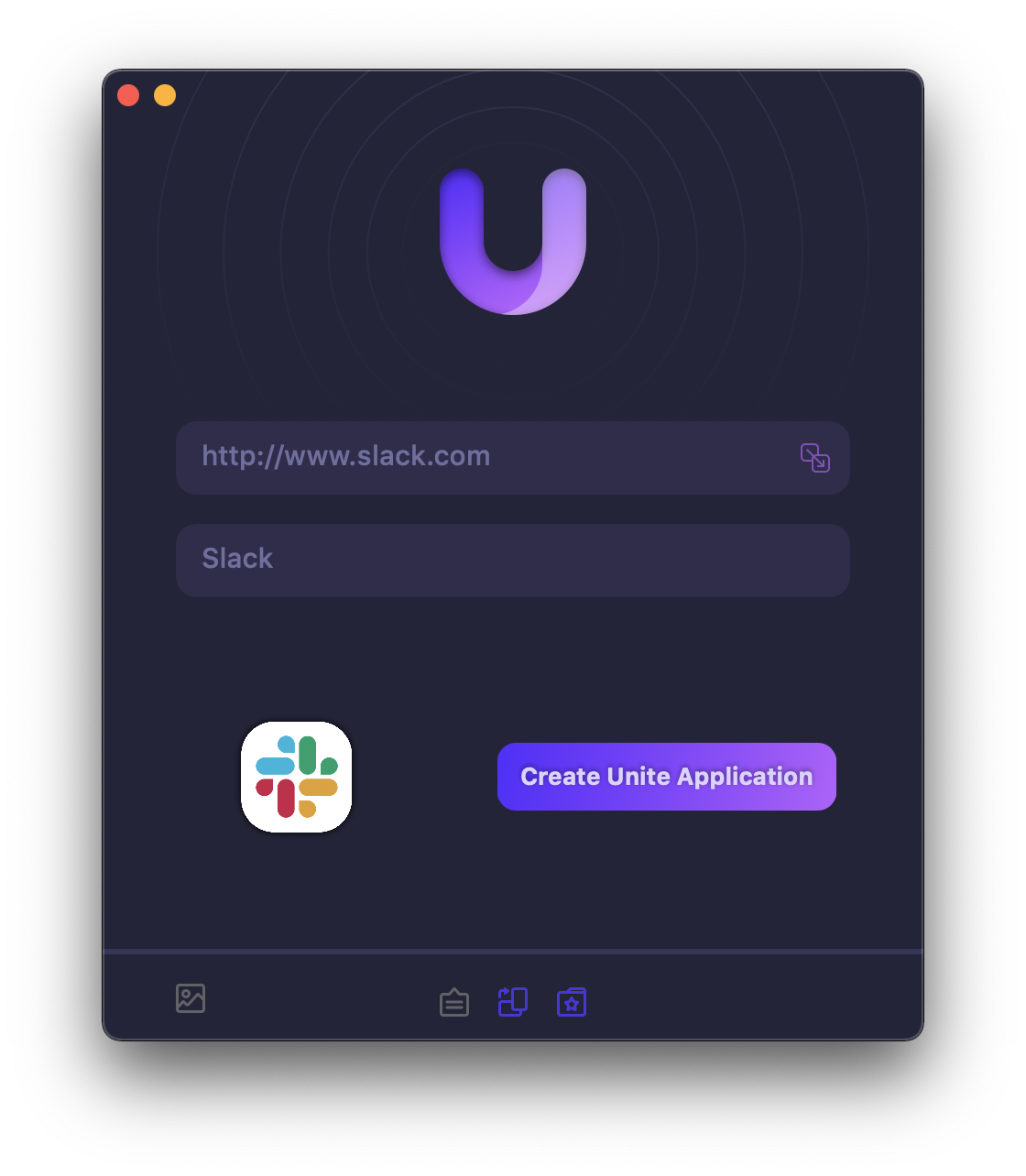
Sponsor: Unite 4 for macOS⇢

Unite 4 for macOS allows you to turn any website into an app on your Mac. Using a lightweight, WebKit powered browser as a backend, you can easily create isolated, customizable apps from any site.

Unite 4 for Mac

Unite 4 includes dozens of new features, including support for native notifications, new customization options, and much more. Unite apps also serve as a great alternative for resource hogging Electron apps or half-baked Catalyst apps.

Continue reading ⇢

Bring Back the Away Message⇢

Lauren Goode:

I miss Away Messages. This nostalgia is layered in abstraction; I probably miss the newness of the internet of the 1990s, and I also miss just being … away. But this is about Away Messages themselves—the bits of code that constructed Maginot Lines around our availability. An Away Message was a text box full of possibilities, a mini-MySpace profile or a Facebook status update years before either existed. It was also a boundary: An Away Message not only popped up as a response after someone IM’d you, it was wholly visible to that person before they IM’d you.

Continue reading ⇢