On the Apple IIe Microloop System 1100 Spirometer, by Medical Graphics Corporation

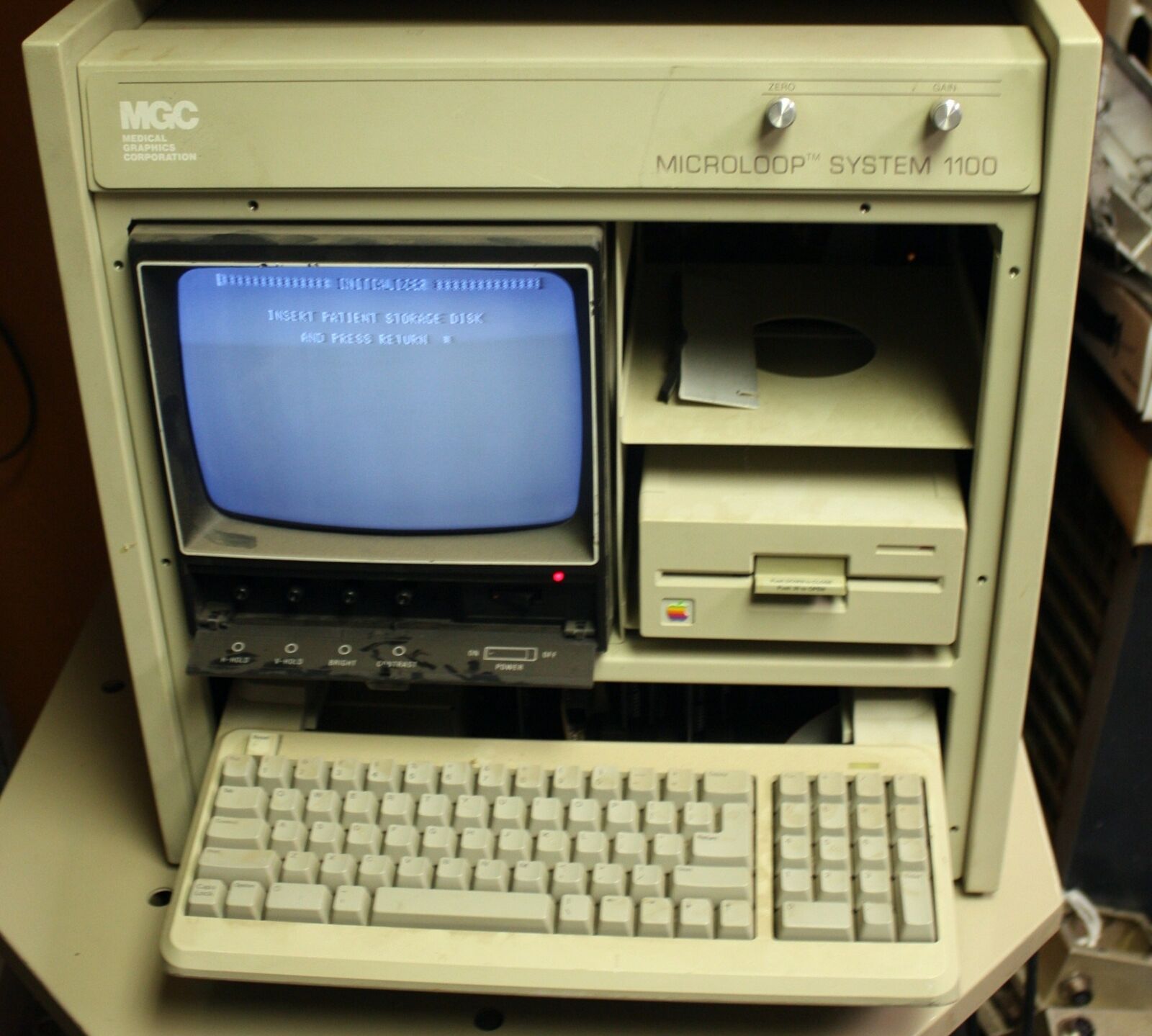
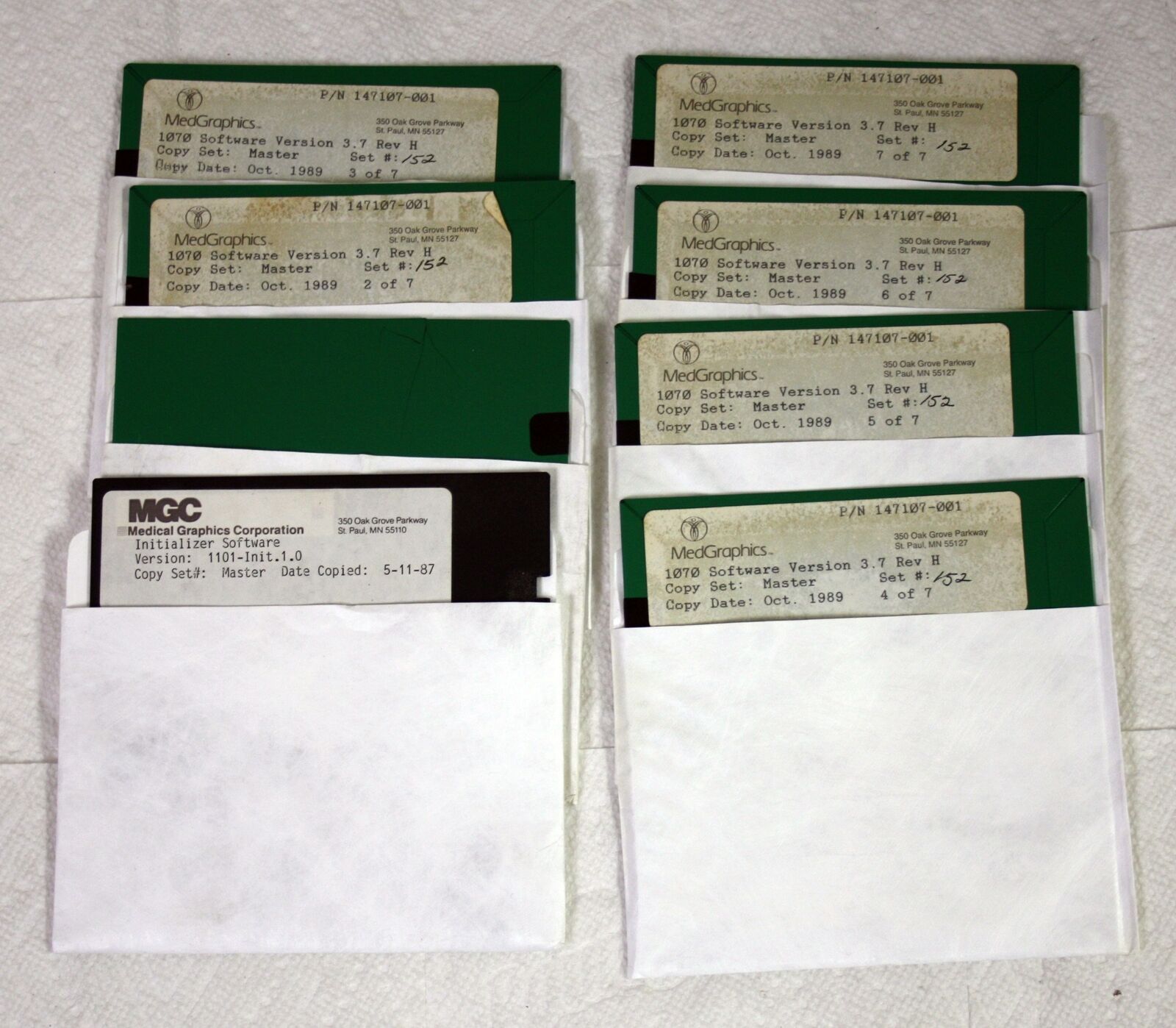
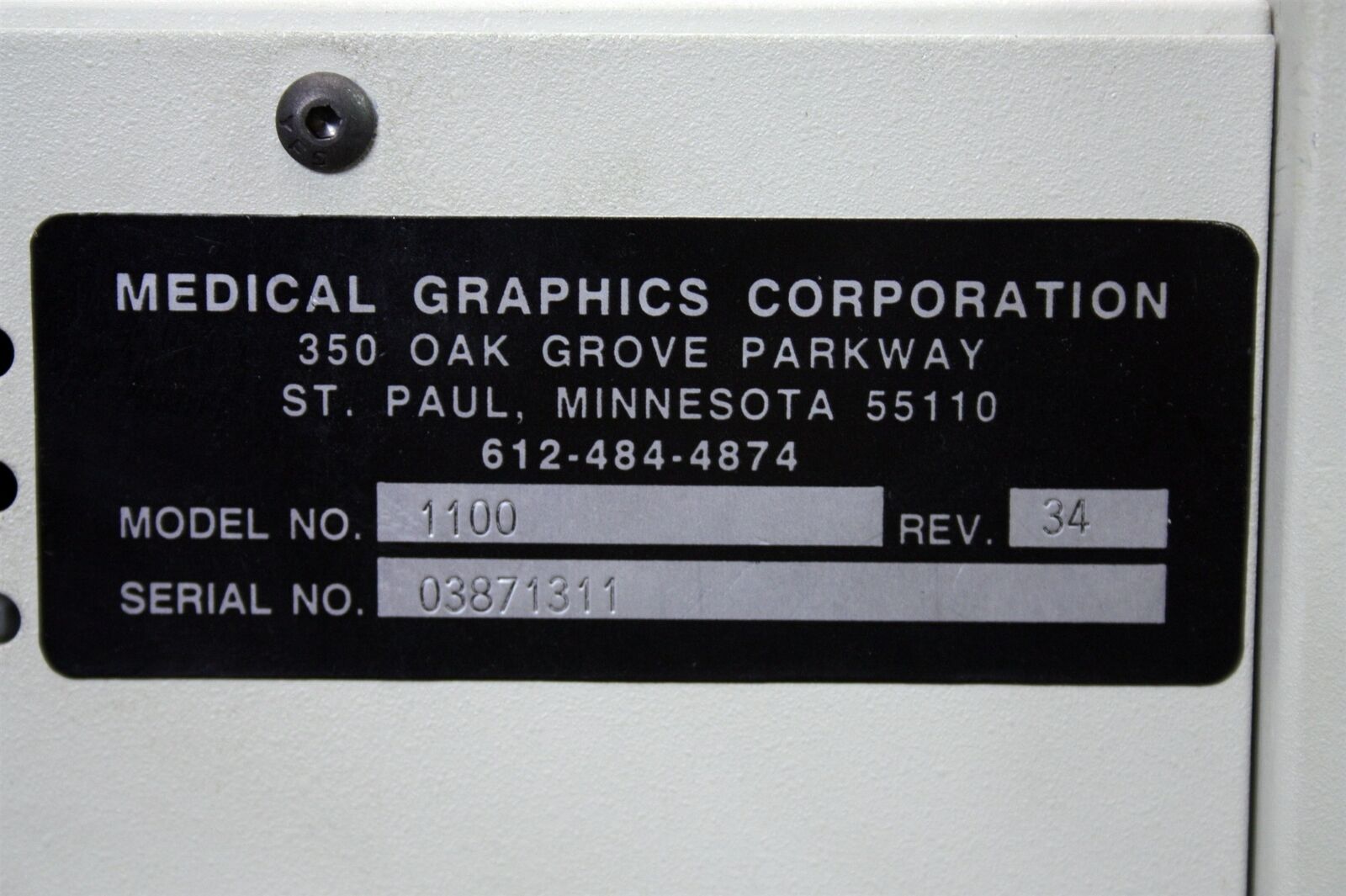
I was recently idly scrolling through the vintage Apple listings on eBay and came across something I’d never seen before: the Microloop 1100 Spirometer.Microloop 1100 Spirometer
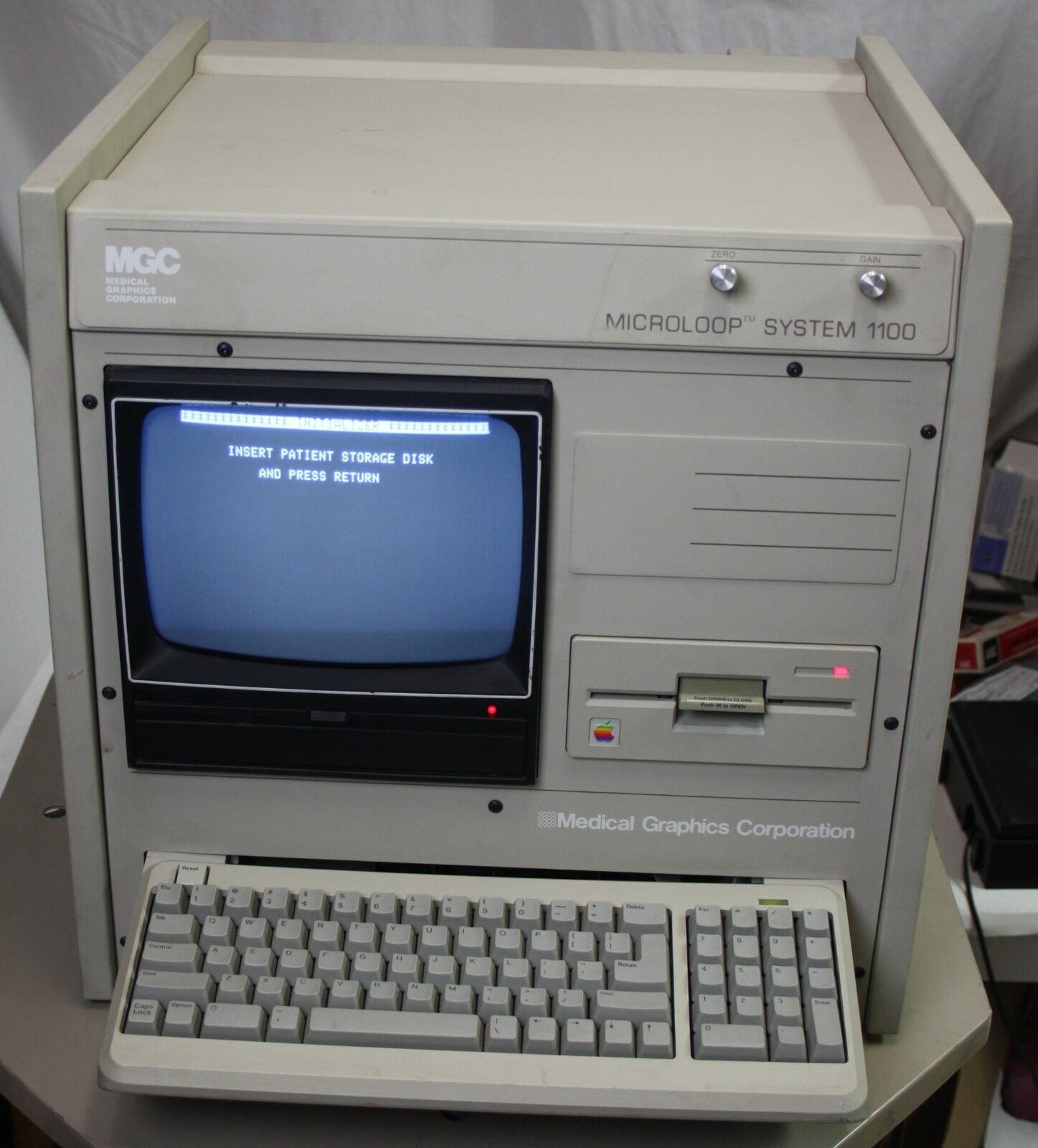
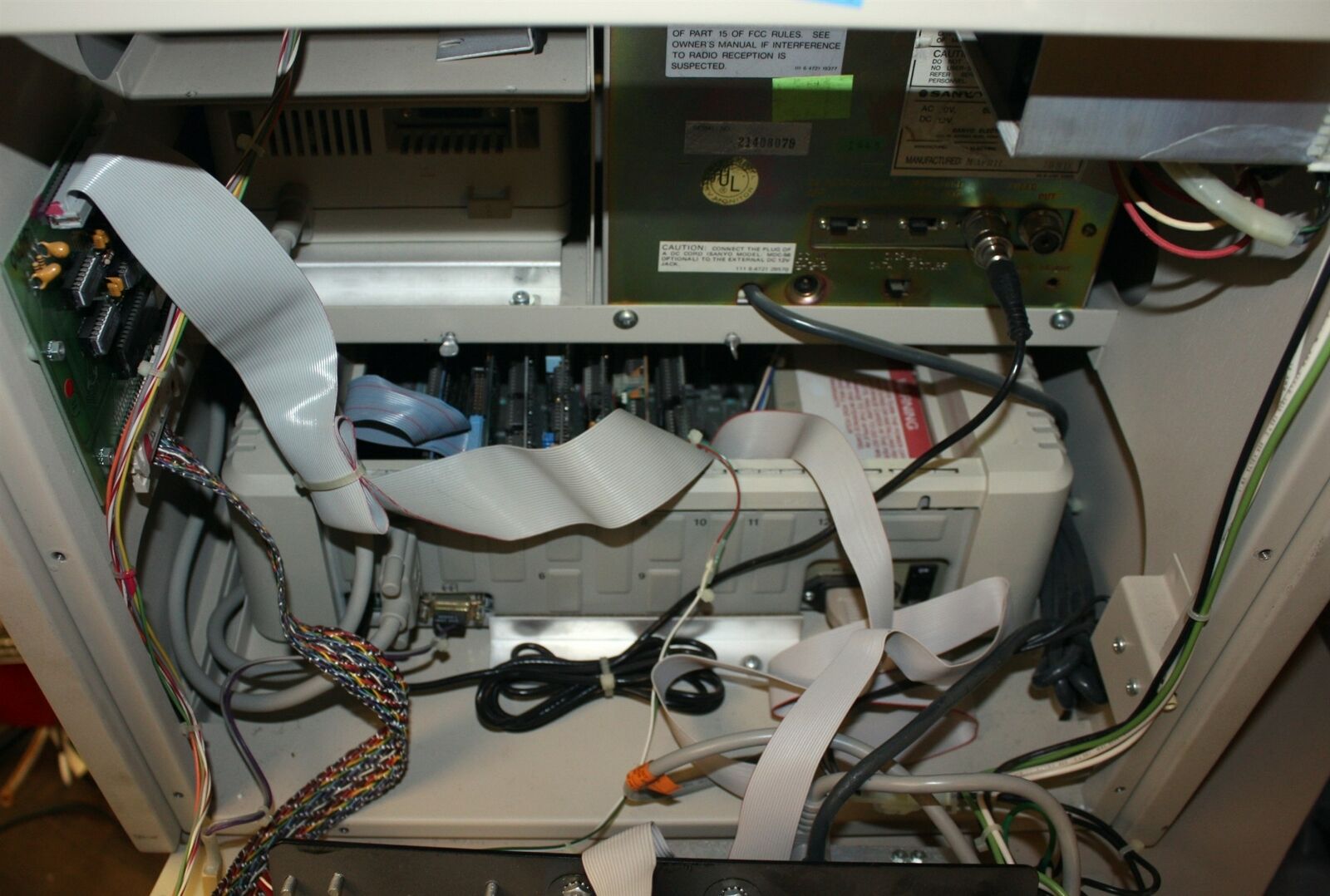
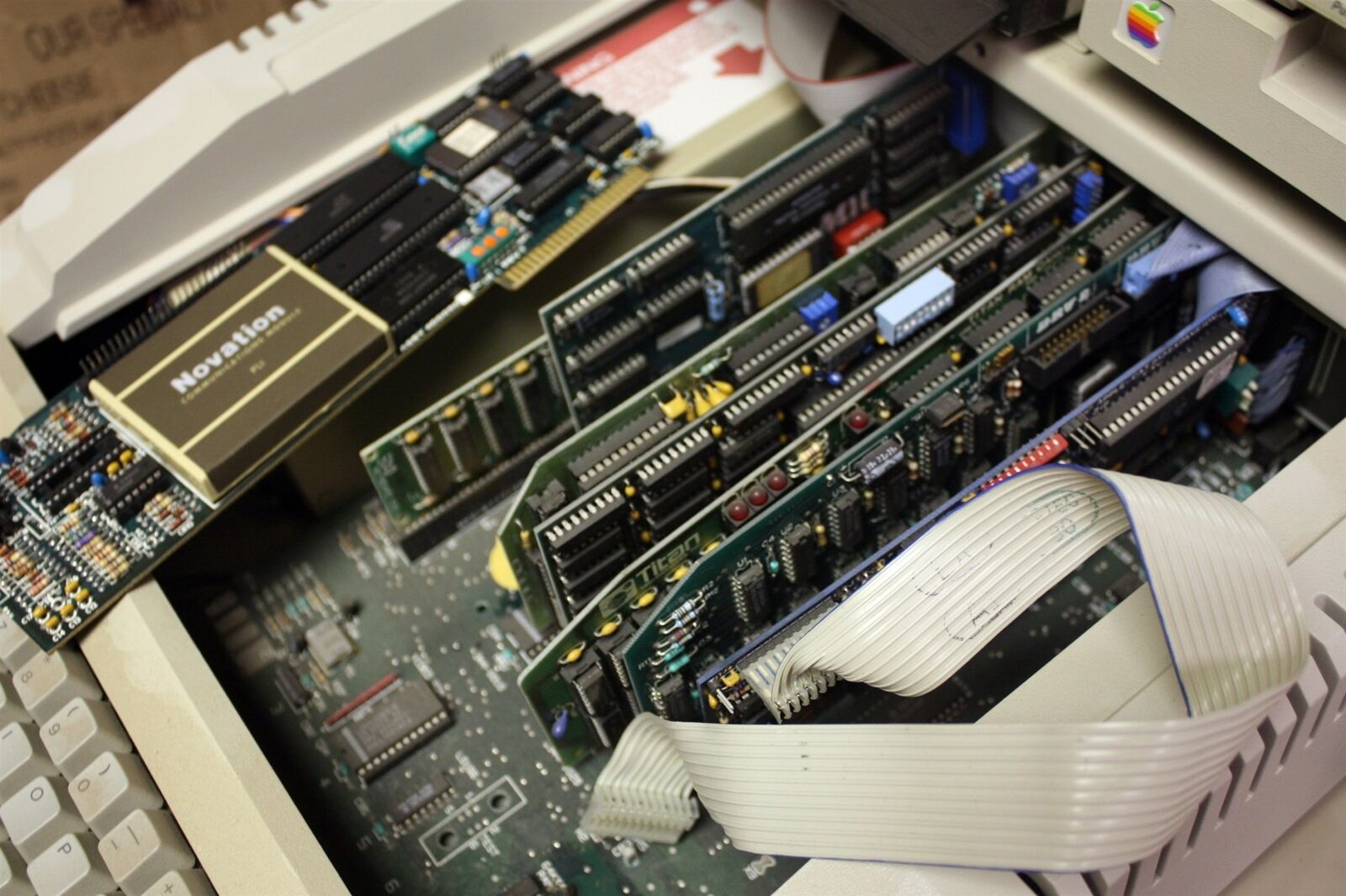
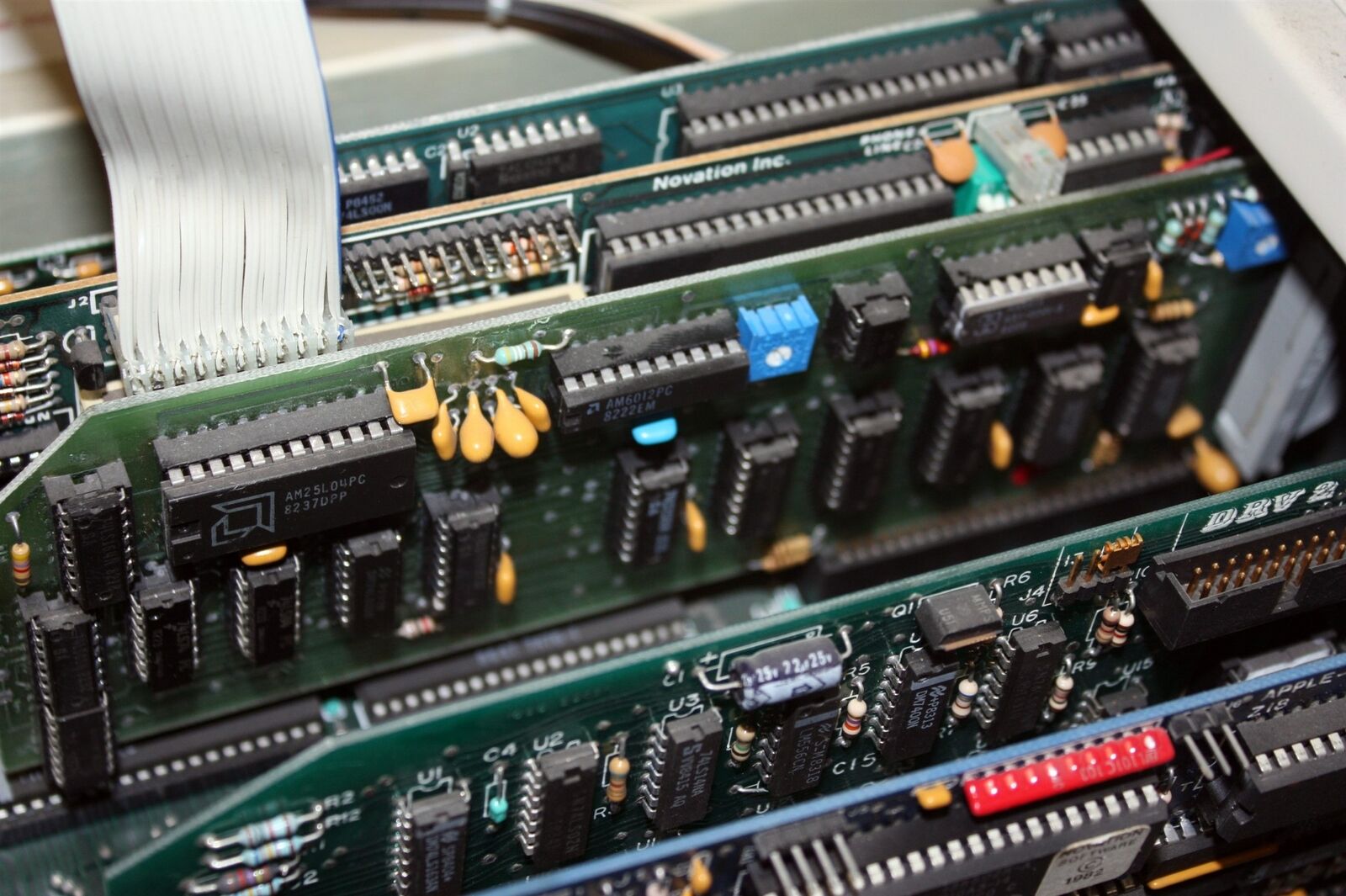
According to the listing, this beast hails from 1987 and is built around an Apple IIe and a 9-inch CRT, with some extra goodies:

  • A 5.25-inch floppy drive
  • 80 column / RAM expansion
  • An Apple CAT II modem
  • An Apple CAT expansion card for 1200 Baud
  • A Microbuffer II
  • A Disk II card
  • An 16 channel Interactive Structures A113-A A/D card
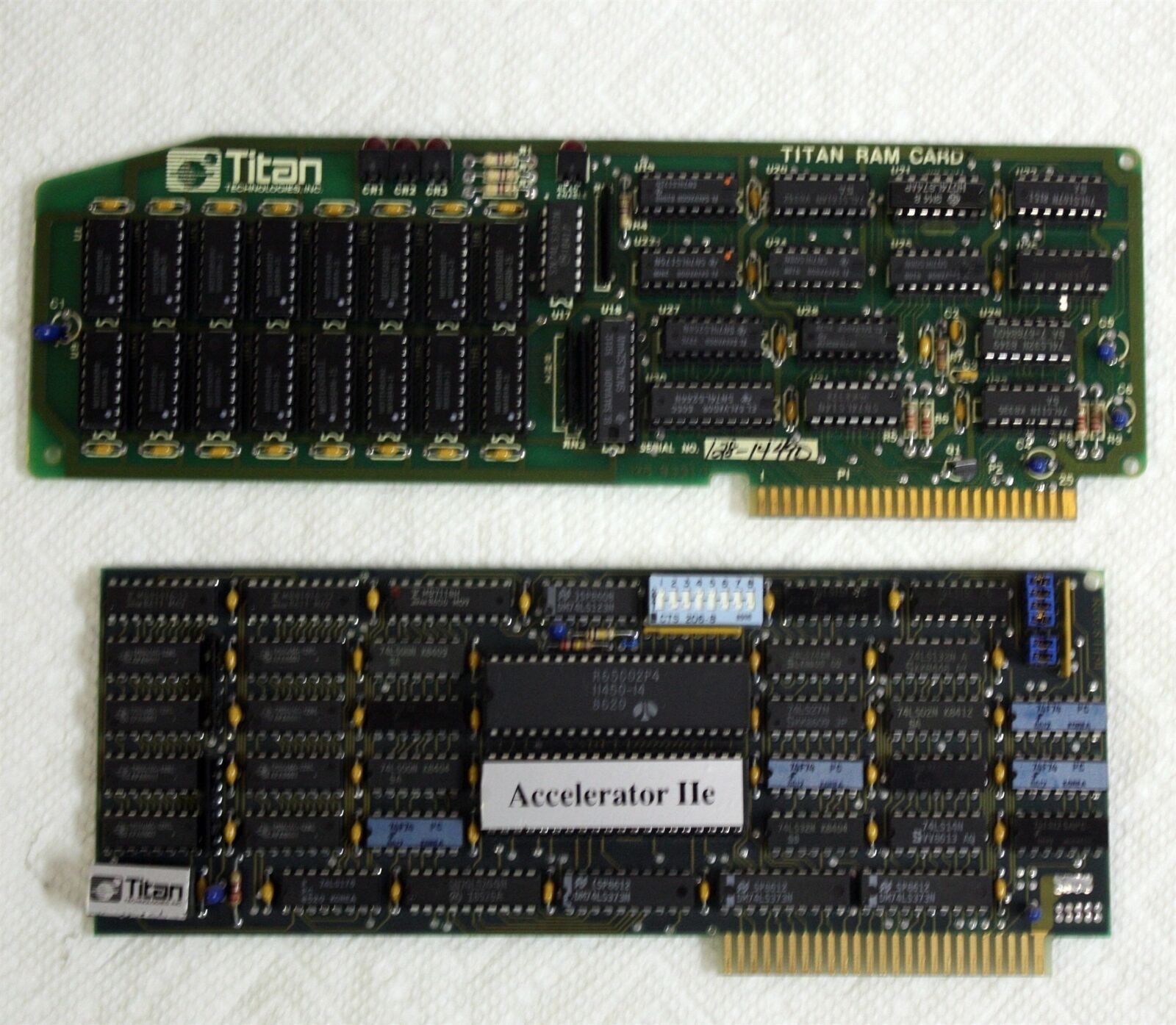
  • A Titan accelerator
  • A Titan 128K RAM expansion

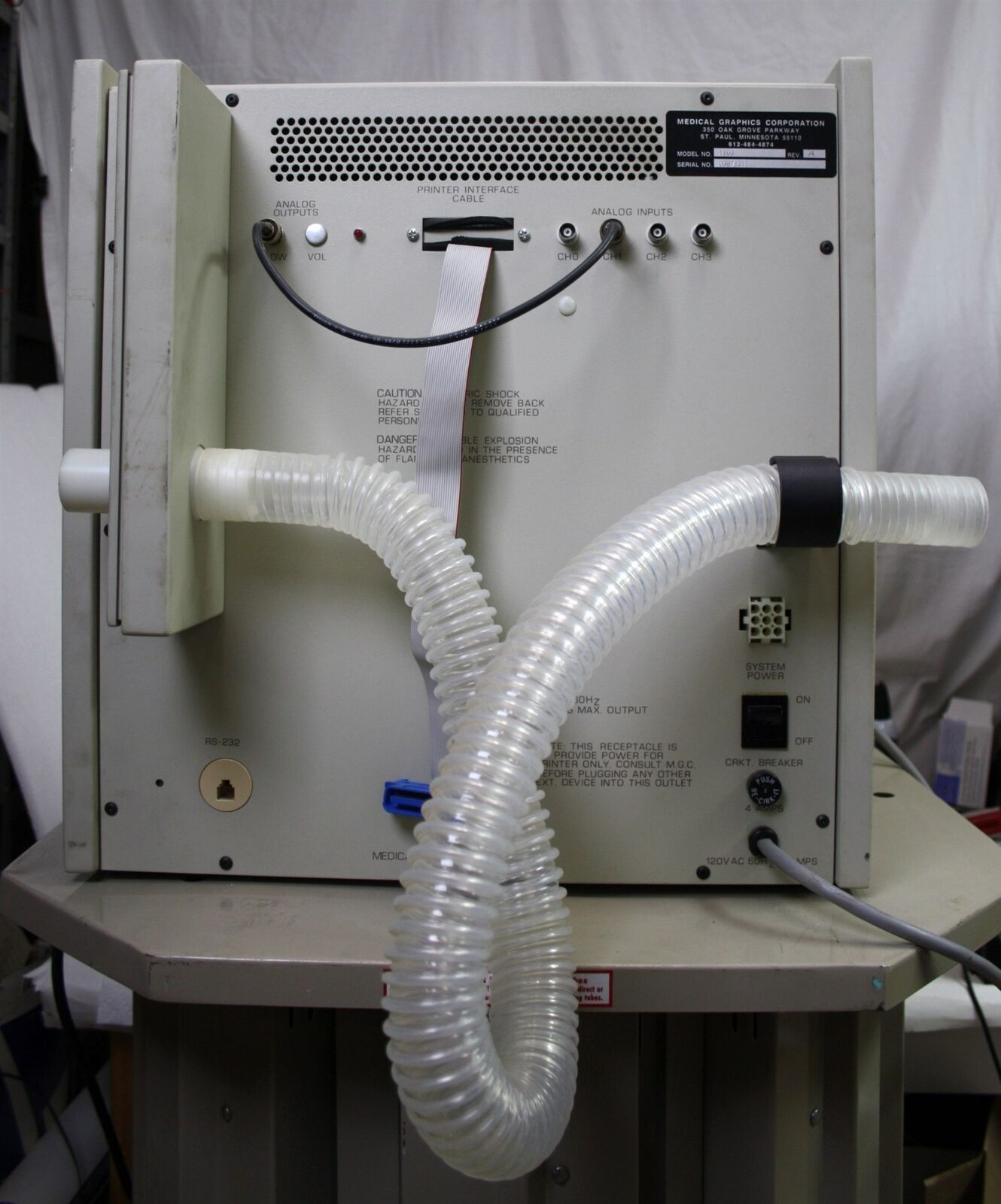
This machine was crammed into a custom case and was hooked up to a spirometer, which is used to measure the volume and movement of air into and out of the lungs. This medical instrument interfaced with the Apple IIe via that 16-channel Interactive Structures A113-A card, which operated as an analog-to-digital converter for incoming data.
Continue reading ⇢

Kbase Article of the Week: Magnetic Accessories Might Interfere With iPhone Cameras⇢

Apple Support:

Lens-position sensors respond to magnetic fields. If you place a magnet near these sensors, the magnetic field will interfere with or temporarily disable the sensors. This can degrade the sensors’ accuracy and limit the range of movement available to the lenses. The camera will continue to take photos with other means of stabilization but without the benefit of OIS and closed-loop AF.

Third-party manufacturers make some accessories with strong magnets or magnetizable metal plates that are near the iPhone rear camera (or cameras). These magnets and plates can latch folio covers, join separable cases, or attach to rigid mounts—for example, car mounts. For best camera performance, avoid accessories that use magnets or magnetic metal near the iPhone rear camera (or cameras).

Continue reading ⇢

Connected #348: The Rickies (WWDC 2021)⇢

This week on a chaotic episode of Connected:

WWDC is next week, so the boys have gathered their picks for The Rickies, which are now tracked on some amazing websites. As for the picks themselves … well, buckle up, because things get passionate.

My thanks to our members and sponsors for making it possible:

  • Pingdom: Start monitoring your website performance and availability today, and get instant alerts when an outage occurs or a site transaction fails. Use offer code CONNECTED to get 30% off. Offer expires on January 31, 2022, and can be used only once.
  • Squarespace: Make your next move. Enter offer code CONNECTED at checkout to get 10% off your first purchase.
  • Clean My Mac X: Your Mac. As good as new. Get 5% off today.
  • StoryWorth: Record your family stories. Get $10 off your first purchase. Get started right away with no shipping required.

I can’t wait for next week.

Continue reading ⇢

Sponsor: HomeControl — Mac Menu Bar App for HomeKit⇢

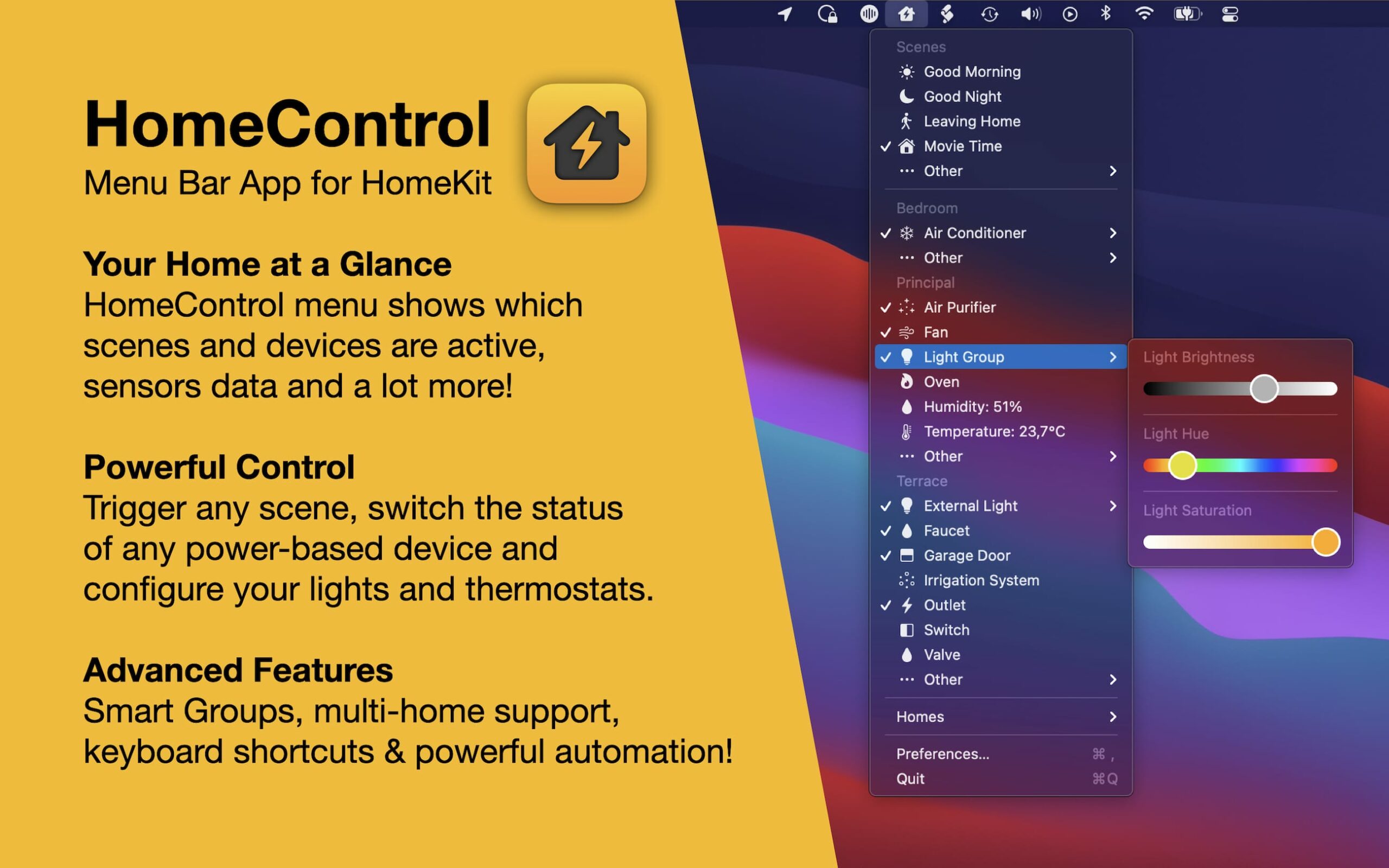
HomeControl is a powerful HomeKit menu bar app: check the state of your home at a glance, trigger scenes or switch the status of any device directly from your Mac menu bar!

HomeControl Screenshot

HomeControl supports all standard HomeKit devices and sensors and includes advanced features like changing device properties (lightbulb brightness or color, thermostat temperature), global keyboard shortcuts and Smart Groups to quickly control all devices in a room at once.

Continue reading ⇢

Mac Power Users #590: Our Video Workflows⇢

David and I are both working on more video than ever, so on this week’s show, we compare notes on their processes, gear and editing tools.

For MPU members, I reviewed the 24-inch M1 iMac.

My thanks to our sponsors this week:

  • TextExpander from Smile: Get 20% off with this link and type more with less effort! Expand short abbreviations into longer bits of text, even fill-ins, with TextExpander from Smile.
  • Memberful: Best-in-class membership software for independent creators, publishers, educators, podcasters, and more. Get started now, no credit card required.

Continue reading ⇢

Big Sur 11.4 Supports Full External Booting for Apple Silicon Macs⇢

Howard Oakley at The Eclectic Light Company:

I’m delighted to report that five months after I wrote that M1 Macs had problems starting up from external disks, Apple has finally fixed Big Sur 11.4 so that they now work fully.

If you have an M1 Mac, you should now be able to connect supported storage, such as an SSD, install on it any version of Big Sur from 11.2 onwards, select that in the Startup Disk pane, and boot your Mac from that external disk.

Continue reading ⇢