Apple has officially sent out details for this year’s event. I am very excited to say that I will be attending the keynote; this neon unicorn’s face sums up how I feel right now:
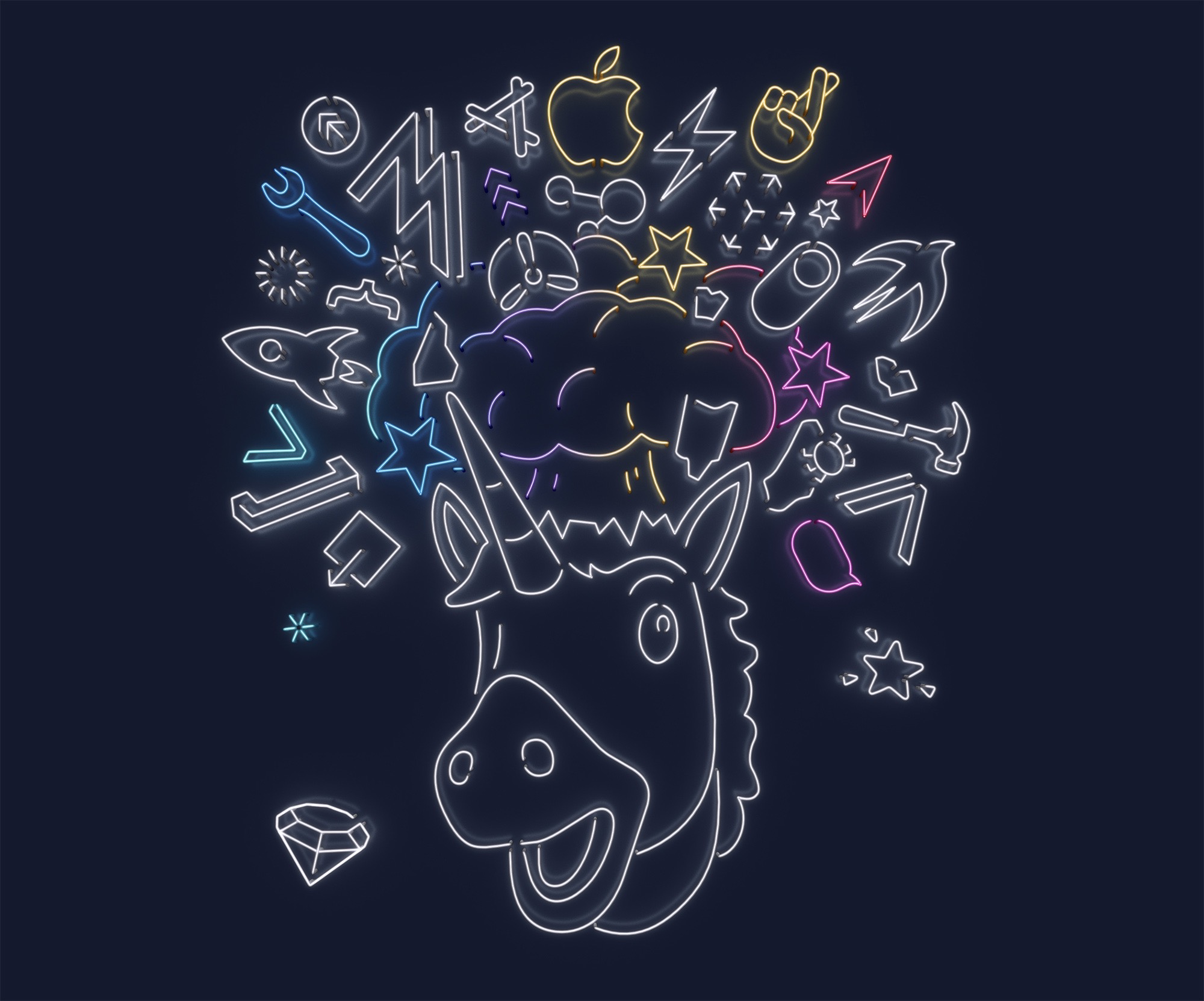

Apple has officially sent out details for this year’s event. I am very excited to say that I will be attending the keynote; this neon unicorn’s face sums up how I feel right now:
Exciting stuff going on here at Relay FM HQ:
Join us in celebrating Relay FM’s 5th birthday with a special live show featuring some of your favorite podcast hosts for what the kids call a podcasting extravaganza!
The live show will be in San Francisco on August 22. More information and tickets here.
And just check out this artwork!
After months of teasing, Casey Liss has shipped Vignette, a new iPhone app for keeping your contact images updated easily.
Here’s a bit from his blog post announcing the app, about why he wrote it:
As with all ideas, it starts with a question:
Could I get new pictures for all my contacts on my iPhone off Gravatar?
That was early February. I was just goofing off, and just seeing if I could make that work at all.
Then more questions came:
Could I do this for Twitter as well? For Instagram? For Facebook?
About three months later, Vignette is here.
This time on Liftoff, Jason and I continue our series marking the 50th anniversary of each Apollo mission:
In May 1969, Tom Stafford, John Young and Gene Cernan took their Apollo spacecraft within 48,000 feet of the lunar service.
Come for the views of the lunar surface, stay for the floating poop and weird space music.
My thanks to our sponsors:
Apple has updated the MacBook Pro today, just two weeks before WWDC. Jason Snell has details:
These updates don’t bring any changes to the exterior of the MacBook Pro—it’s the same base design introduced in late 2016—but they do bring 9th-generation Intel processors with up to eight cores to the MacBook Pro for the first time. There’s also been yet another tweak to the controversial butterfly keyboard Apple first introduced in 2015.
David Sparks has launched his new Field Guide, a video course all about Keyboard Maestro.
Keyboard Maestro is one of those applications that can really make a Mac sing, but it can be a bit intimidating at first. In this course, David walks through its features in an easily-digestible way. I haven’t used Keyboard Maestro in years, and walked away with a much better understanding of this app and how it can make using macOS more efficient. In fact, I’ve installed it and have already created several macros that are helping me work more quickly. If you’re using a Mac as your main computer, this is $24 you will not regret spending.
After months of work, Federico has published a manifesto of sorts about the working on the iPad Pro:
Seven years after I started (slowly) replacing my MacBook Air with an iPad, my life is different, but one principle still holds true: I never want to find myself forced to work on a computer that’s only effective at home, that can’t be held in my hands, or that can’t be customized for different setups. For this reason, the iPad Pro is the best computer for the kind of lifestyle I want.
However, the iPad is not perfect. And so in the spirit of offering one final update before WWDC and the massive release for iPad that iOS 13 will likely be, I thought I’d summarize seven years of daily iPad usage in one article that details how I work from the device and how I’d like the iPad platform to improve in the future.
In this story, I will explore four different major areas of working on the iPad using iOS 12 system features, third-party apps, and accessories. I’ll describe how I optimized each area to my needs, explain the solutions I implemented to work around the iPad’s software limitations, and argue how those workarounds shouldn’t be necessary anymore as the iPad approaches its tenth anniversary.
This week marks the second anniversary of the 512 Pixels Membership. To mark the occasion, I am sharing this article, which was sent in this month’s members-only newsletter. To learn more and sign up, visit this page.
Today, the vast majority of Macs sold are notebooks, and as we Mac nerds eagerly await a redesigned MacBook Pro, it’s easy to forget just how far Mac notebooks have come over the years.
In May 1999, Apple introduced the “PowerBook G3 (Bronze Keyboard)” which was an update to the black, curvy notebooks of the day. True to its name, it shipped with semi-transparent bronze keys that exposed the keyframes underneath under direct light.
2019 has brought a lot of changes to my workload. I joined Mac Power Users, which radically changed how my work week looks, bringing to an end to a couple of projects and requiring changes to others.
I knew that to make informed decisions about my time as an indie, I needed data. Your gut will always be wrong about how you think you spend your time, but raw numbers don’t lie.
You may notice that the built-in NVIDIA GeForce 9400M graphics subsystem does not appear in the Device Manager and cannot be used with Microsoft Windows XP or Vista.
Windows is not able to take advantage of the GeForce 9400M graphics processor and by default uses the GeForce 9600M GT discrete graphics processor.
Steven Troughton-Smith has spent some time testing one route to get from x86 to ARM for Mac apps:
Of course, the specter of macOS on ARM has been in the public psyche for many years now, and many have pondered whether Bitcode will make this transition more straightforward. The commonly held belief is that Bitcode is not suited to massive architectural changes like moving between Intel and ARM.
I was unconvinced, so I decided to test the theory!
Dave Mark, writing at The Loop:
Interesting difference between the Mac and iOS is the ability to download and run a Mac app without any involvement from Apple. While you can sideload an iOS app using Apple’s Mobile Device Management, Test Flight, or by building the app yourself, none of those offer the freedom the Mac brings.
Will Marzipan change that, even a bit? Will I be able to download a Marzipan app from a developer’s site and just run it on my Mac? Or will Marzipan restrict apps to the Mac App Store?