
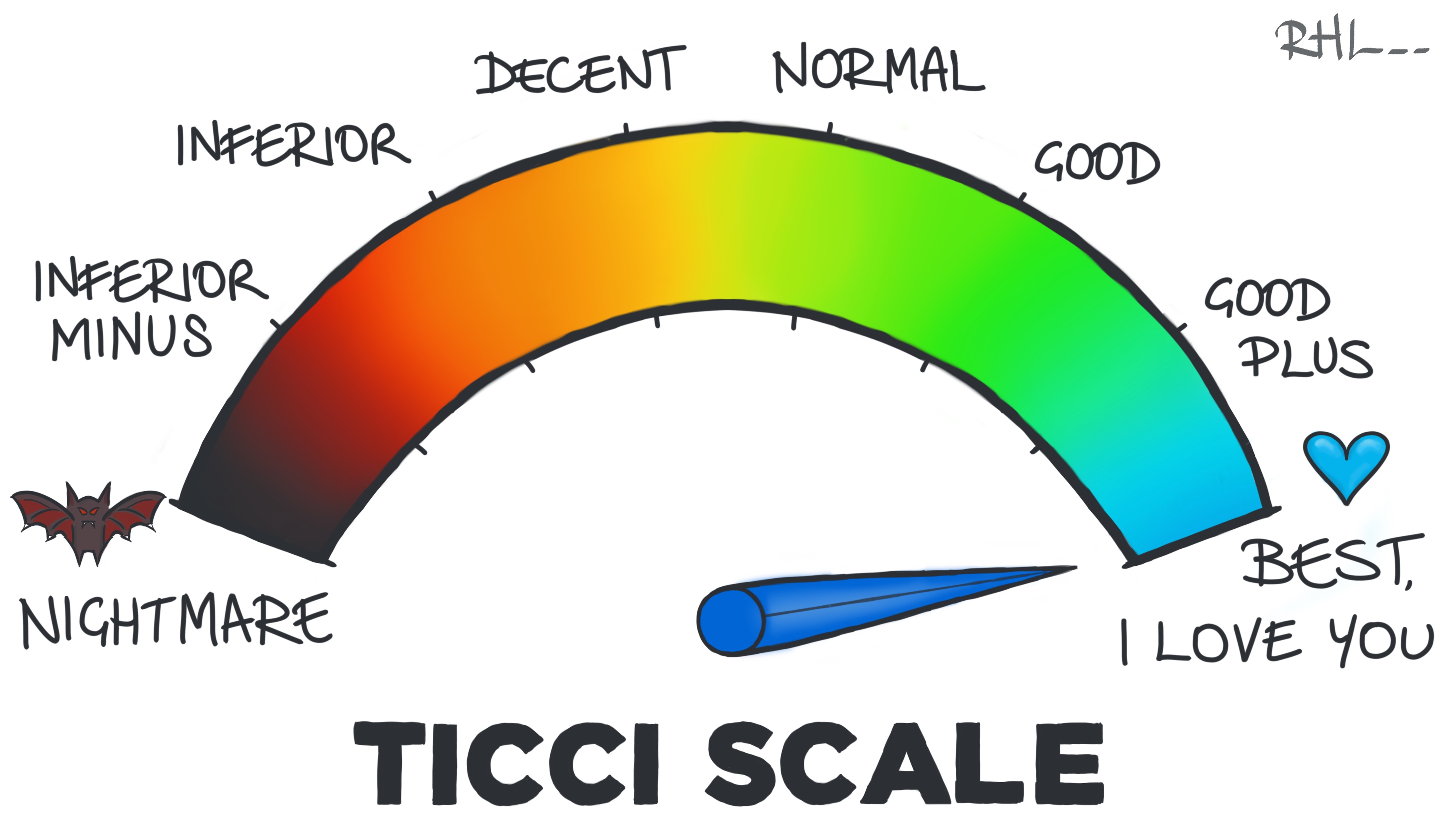
This week on Connected, we revisit the biggest stories of year, ranking each month on the most scientific scale known to humankind: the Ticci Scale.
posts
Pedometer++ 6.2
There’s a new version of Pedometer++ rolling out now that makes it easy to see your step count over time:
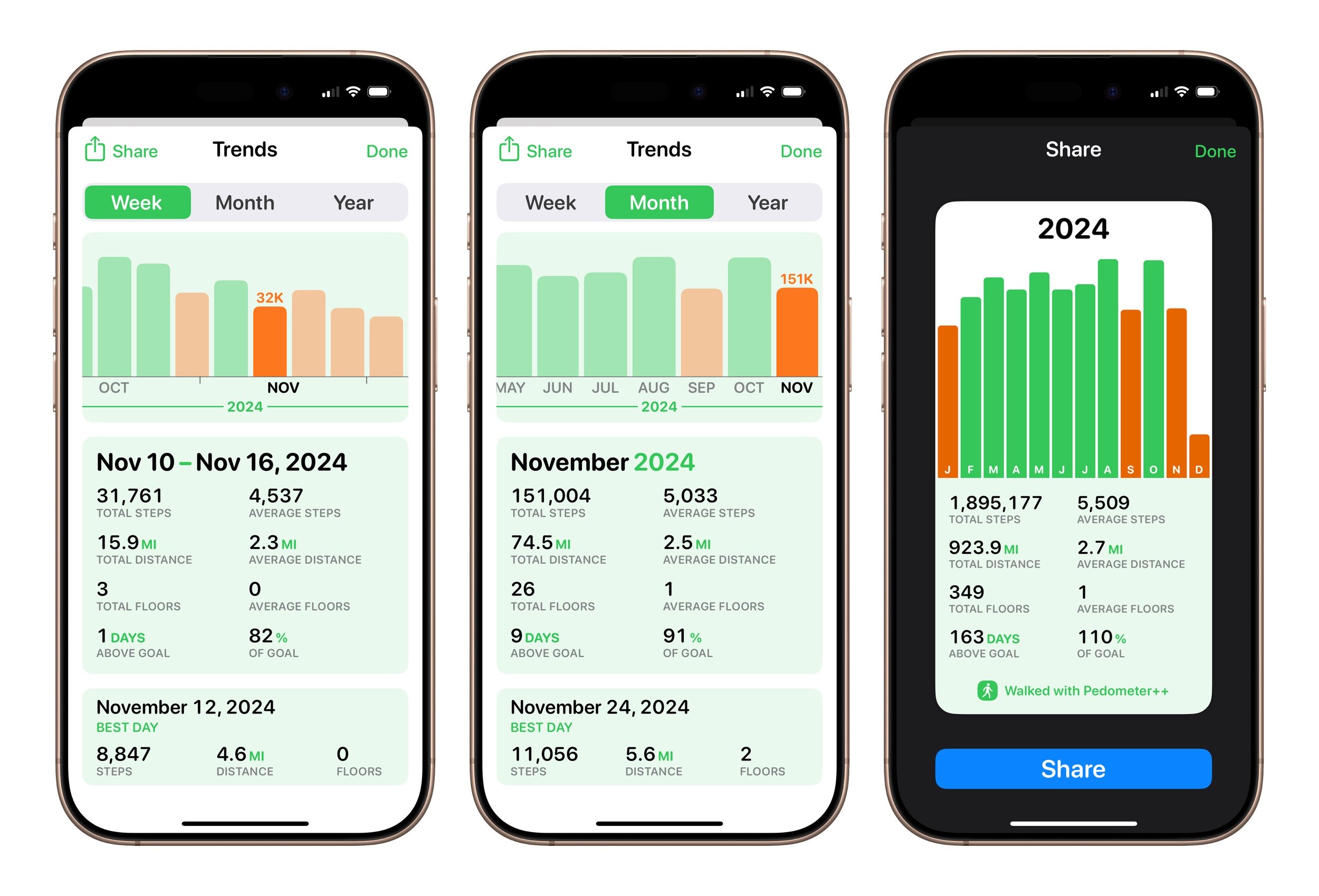
David and I have been talking about this feature for a while now, and it is exciting to see it shipping. I love being able to scroll back and see my progress over the years, and it’s easy to share a graph from the app.
Pedometer++ 6.2 also allows you to import your complete Apple Health history. Before now, the app only fetched recent step count data when installed for the first time, but we realized that the new Trends feature would be much more compelling with a complete picture of your step count data. Importing historic Apple Health data is fast, and can be done from the in-app settings screen.
Kbase Article of the Week: Use Categories in Mail on iPhone⇢
In iOS 18.2 or later, the Mail app automatically sorts your email messages into categories to help you find and manage messages quicker.
- Primary: Find personal messages and time-sensitive information.
- Transactions: Keep track of your confirmations, receipts, and shipping notices.
- Updates: Catch up on news, newsletters, and social updates.
- Promotions: Browse your coupon and sales emails.
The rollout of this feature is weird. Mail categories are only on the iPhone, and while the feature shipped with iOS 18.2, it’s not part of Apple Intelligence, as it runs on phones older than the 15 Pro.
The iPod at 5 and ‘The Google’
I was recently moving some files around and came across a column I wrote for my college newspaper. I was on the design side of the paper1 and didn’t get to write that much. In the fall of 2006, I was given a short-lived column covering the tech news, and this entry is from October 25.
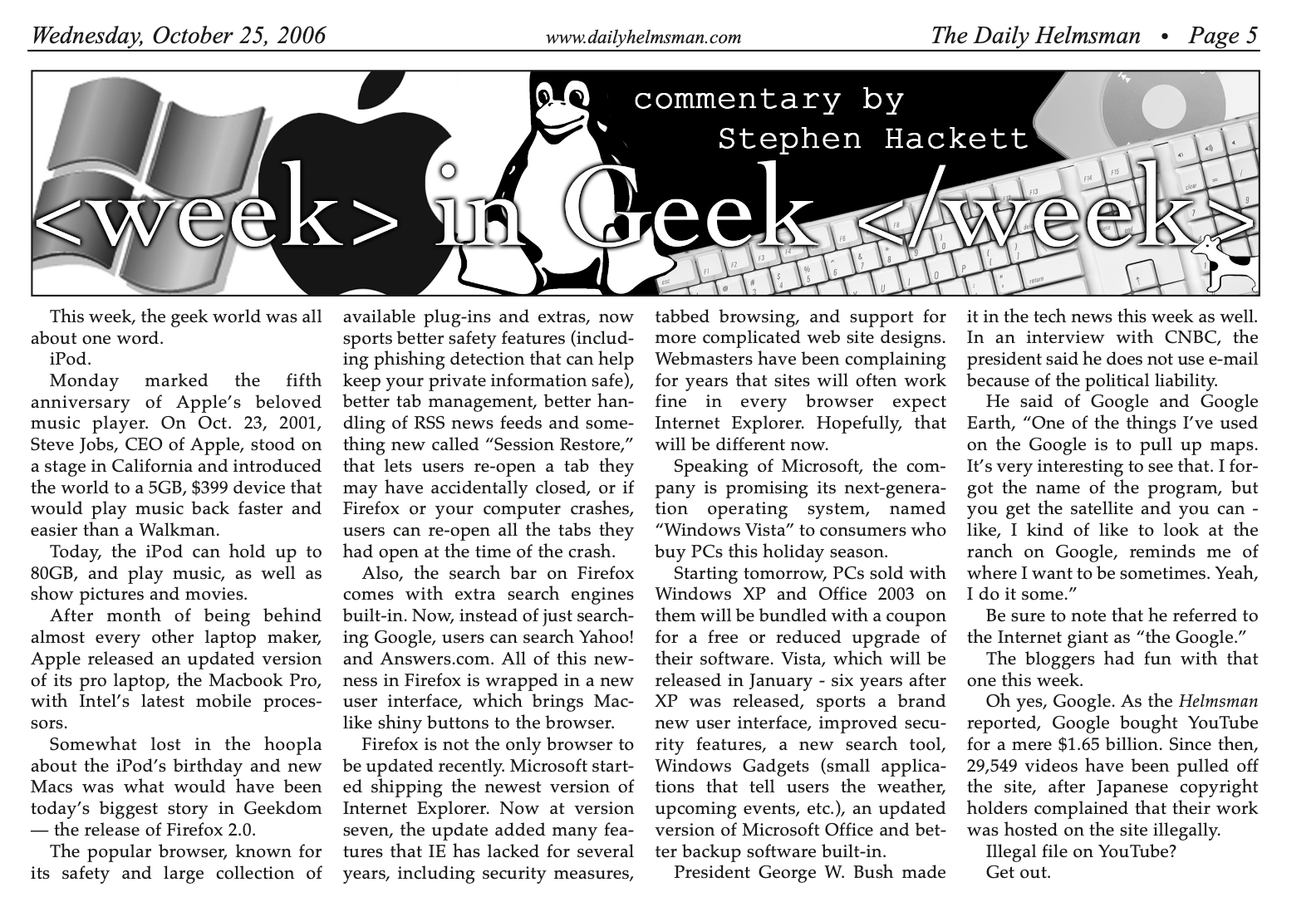
This week, the geek world was all about one word.
iPod.
Monday marked the fifth anniversary of Apple’s beloved music player. On Oct. 23, 2001, Steve Jobs, CEO of Apple, stood on a stage in California and introduced the world to a 5GB, $399 device that would play music back faster and easier than a Walkman.
Silo Renewed for Two More Seasons⇢
From the Apple TV+ Newsroom:
Following the acclaimed second season premiere of “Silo,” today Apple TV+ announced that the global hit, world-building drama has been renewed through season four. The fourth season of “Silo” will bring the series to its final, thrilling chapter, telling the complete story of Hugh Howey’s New York Times bestselling trilogy of dystopian novels. Starring and executive produced by Rebecca Ferguson, “Silo” season two is now streaming globally on Apple TV+, and new episodes premiere every Friday through January 17, 2025.
Sponsor: PowerPhotos by Fat Cat Software⇢
PowerPhotos is the ultimate toolbox for Photos on the Mac. It works with the Apple Photos app, filling in missing features that Photos itself doesn’t provide.
PowerPhotos allows you to work with multiple Photo libraries and store them wherever you want, including on an external drive or a network drive. Split up your giant library into smaller ones by copying photos and albums with a simple drag-and-drop, preserving metadata such as descriptions and keywords along the way. You can free up space on your laptop’s drive or save space on iCloud while keeping all your photos in the Photos app.
Mac Power Users 775: File Automation with Hazel and DEVONthink⇢
Many people have more PDFs and files than they’d like. This week on MPU, David and I explore two great applications that make managing files more straightforward and efficient.
The Story Behind Rogue Amoeba’s Audio Engine and Modern Macs⇢
I use several of Rogue Amoeba’s apps on a near-daily basis. They are critical to my work as a podcaster, and my Mac would be noticeably less useful without them.
With the transition to Apple silicon, installing these programs became much more complicated, and I feared that Apple was pushing tools like Audio Hijack, Loopback, and others off the platform.
In the background, it seems like the folks at Rogue Amoeba were living in fear as well:
Apple Intelligence Notification Summaries Generating Fake News⇢
Graham Fraser at the BBC:
This week, the AI-powered summary falsely made it appear BBC News had published an article claiming Luigi Mangione, the man arrested following the murder of healthcare insurance CEO Brian Thompson in New York, had shot himself. He has not.
A spokesperson from the BBC said the corporation had contacted Apple “to raise this concern and fix the problem”.
Apple declined to comment.
I used notification summaries during the beta of iOS 18.2, but ended up turning them off. I felt like I was reading everything twice, and saw summarization errors all over the place. None of them were as spicy as this Mangione example, thankfully.
Conduit 90: "Big Theme Guy," with Stephen Hackett⇢
This week’s Conduit had a pretty mediocre guest:
Jay is gone away again, so Kathy brings in Stephen Hackett as a guest host and they can actually talk about Yearly Themes!
Connected 531: Gill Sands⇢
This week: Myke shares some news, Federico covers iOS 18.2, and I launch a new awards program.
A Look at Apple Intelligence’s Image Creation Tools
iOS 18.2 is rolling out today, bringing the next wave of Apple Intelligence features with it.1
The splashiest feature is Image Playgrounds, which allows users to create images based on photos in their image libraries:
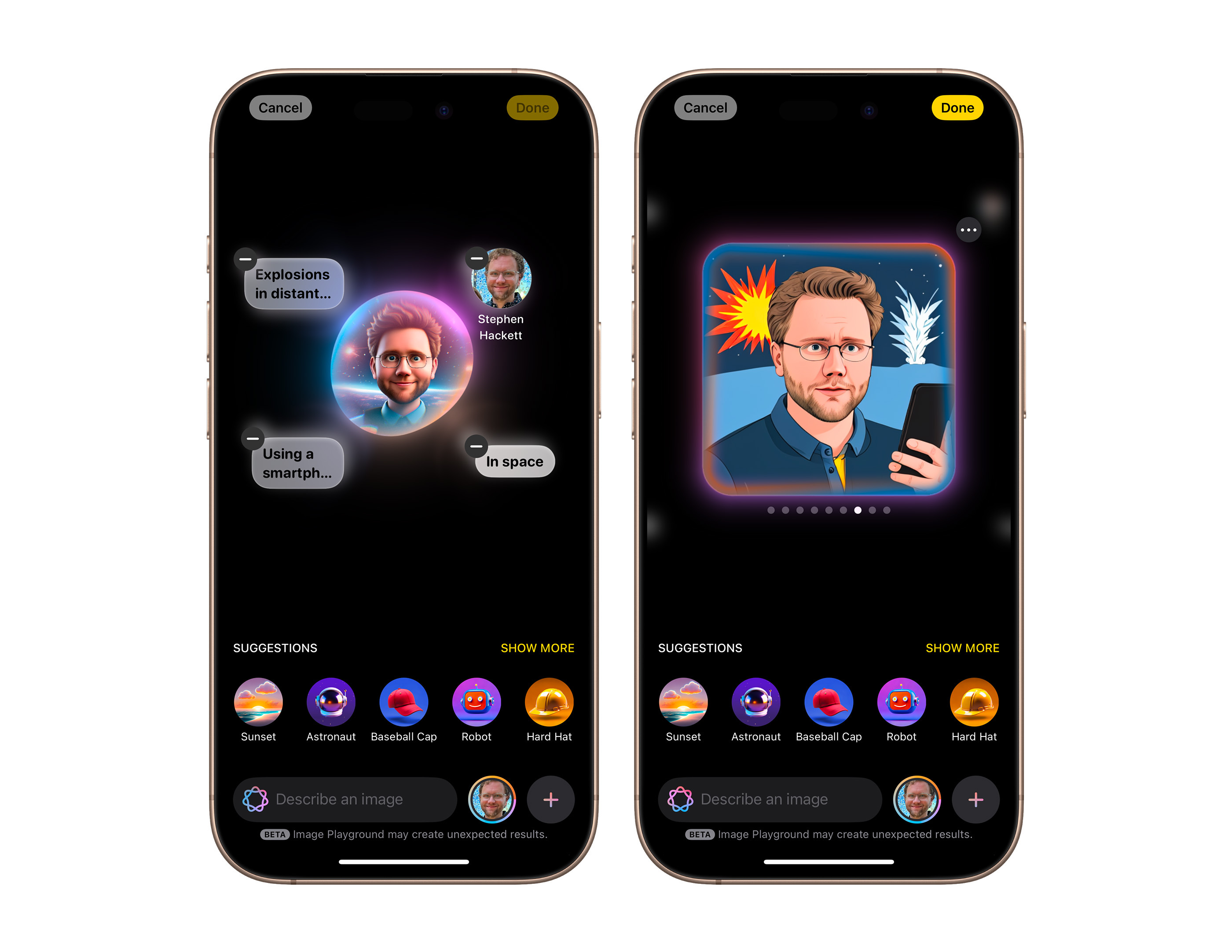
(Don’t look too closely at my hand in the image on the right.)
Apple’s system will not create realistic images, and is instead limited to two styles: “Animation” and “Illustration,” as you can see here: