
Tim Cook once said that “we are high on AR for the long run” and it’s true, for 28 years Apple - and the rest of the tech industry - has been noodling around on augmented reality and virtual reality.
Out of a purely personal interest, I started flipping through rumours about Apple and its “glasses” to see where the leakers got it right and wrong, and the next minute I’m back in 1995, so I thought a curated list of all the leaks, rumours, and related dates might be a nice record to make in the year of our headset, AVP 0.
Category: Apple
The visionOS SDK
In addition to publishing the initial SDK for visionOS, Apple has updated its Human Interface Guidelines to include the new operating system. There’s also a bunch of documentation up for review. There’s a lot here, and I can’t wait until folks start diving in.
Apple’s Self Service Repair Expanded, Updated⇢
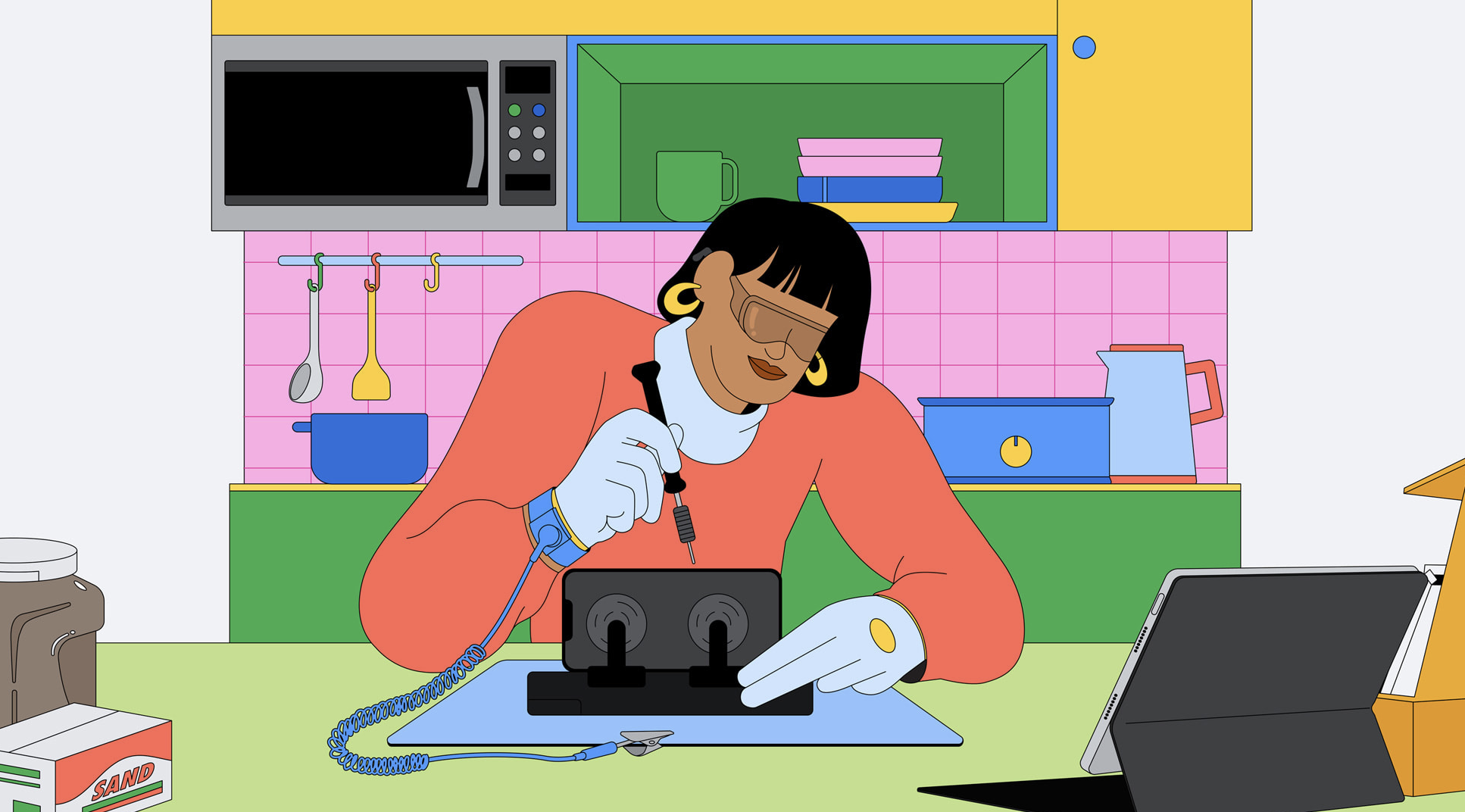
Today, Apple announced the inclusion of the iPhone 14 lineup, as well as M2-based 13-inch MacBook Air and MacBook Pros, in its Self Service Repair program, which means we get to enjoy this amazing promotional art again:
More importantly, Apple has removed one of the most frustrating parts of the program:
Apple will also make the System Configuration process used for iPhone repairs, such as displays, batteries, and cameras, even easier to use. System Configuration is a postrepair software tool that ensures repairs with genuine Apple parts — designed and tested to internationally recognized standards — were completed correctly, and the parts are working properly. The tool is available for free to all Self Service Repair users and participating service providers in Apple repair programs.
The Worldwide Developer ... Festival⇢
John Voorhees, writing at MacStories, about how WWDC’s new form could continue to evolve:
I’d like to see Apple create a communal space for developers, its engineers and other employees, and media to gather. The trouble is that Apple Park is off-limits unless you have an invitation for an event. Without a convention center or nearby hotel to meet at, a lot of mingling happened at the Visitor’s Center, which wasn’t ideal because it’s a store and not that big when flooded with hundreds of developers. The Visitor’s Center cafe worked well as a gathering and workspace for the media, but it would be too small for everyone.
Apple Battersea⇢
The more I see of it, the more I love this newest iteration of Apple’s retail design.
A Watershed Moment⇢
Federico, writing at MacStories:
I’m going to be direct with this story. My 30-minute demo with Vision Pro last week was the most mind-blowing moment of my 14-year career covering Apple and technology. I left the demo speechless, and it took me a few days to articulate how it felt. How I felt.
It’s not just that I was impressed by it, because obviously I was. It’s that, quite simply, I was part of the future for 30 minutes – I was in it – and then I had to take it off. And once you get a taste of the future, going back to the present feels … incomplete.
Apple’s Original Vision Products Were a Line of CRTs
The Apple Vision Pro may be ushering in the era of spatial computing, but like many other Apple products, it’s using a name steeped in history.
Ok, steeped may be a little strong, but Apple has had other products with “vision” in their names over the years. Seven products, to be exact, and all of them are long-forgotten CRT displays:
- AudioVision 14 Display
- AppleVision 1710 & AppleVision 1710AV
- AppleVision/ColorSync 750 & AppleVision/ColorSync 750AV
- AppleVision/ColorSync 850 & AppleVision/ColorSync 850AV
The AudioVision 14 Display came out in 1993, and was built around a Sony Trinitron CRT, as were all the other products in that list. The AudioVision 14 Display was Apple’s first “multimedia display,” and was equipped with a microphone, stereo speakers and two ADB ports for plugging in accessories.
A Developer’s View of Vision Pro⇢
Last week at WWDC I was extraordinarily fortunate to be one of the very few people in the world to try out Vision Pro for myself. The 30 minute session I had with it has been described in tremendous depth in lots of places (the best likely being Myke’s discussion on Cortex), so I won’t go into the content of that demo itself, but instead focus on what I think this platform means for developers, and [spoiler alert] why I’m incredibly excited to get started developing for it (and think you should too).
The Vibe is Good
I’m writing this in the lobby of my hotel in Cupertino, a couple of hours before I fly home to Memphis and I am here to report that the vibe at WWDC is good.
The Annual March
For several years, Apple has been really good at keeping features across its platforms in step with one another. 2023 is shaping up to be no different, with core improvements coming to the company’s various operating systems at the same time, each tuned to the particular form and function of their host devices.
I Have Some Questions About the New New Mac Pro
It’s been one day since Apple announced a new Mac Pro, so we are now safely within the time period in which we can go back to worrying about the product and its future.
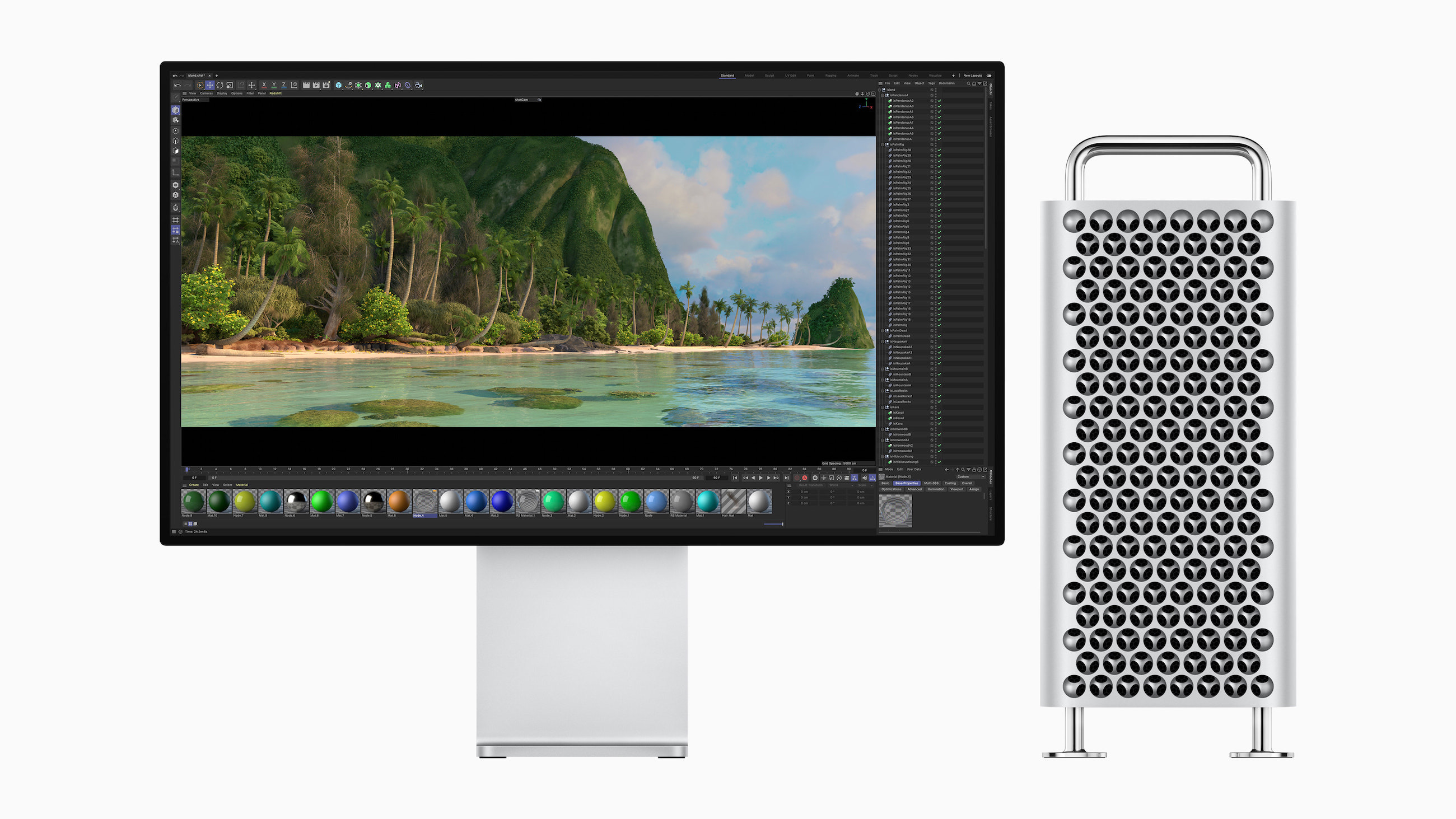
Back in 2006 when the first Mac Pro was announced, we were already at the tail end of the era of desktop tower Macs. 17 years later, notebooks are more popular than ever, and in the age of Apple silicon, they are more powerful than ever, too.
Download macOS Sonoma’s Default Wallpapers
I still think Big Sur had my favorite default wallpaper in the modern age of macOS, but these look pretty good!

 Filipe Espósito over at 9to5Mac has details on how some of the fancier wallpapers work in Sonoma.
Some of my Favorite Small Software Announcements from WWDC 2023
…in no particular order, except the first two which I am psyched about:
- Interactive widgets.
- Find My items can now be shared with others.
- Offline access to Maps.
- Medication alerts can now repeat if medication is not logged, and can be sent as critical alerts. I bailed on Medication reminders last year due to a lack of this.
- Name Drop.
- Inner-app linking in Notes.
- Profiles and shared passwords in Safari.
- Mood tracking in Health.
- Widgets on the Mac desktop.
- One-time verification codes received in Mail are filled in automatically in Safari, just like ones from Messages.
- Quick muting on AirPods.
- The new iPhone Standby feature can show different things based on where your iPhone is when charging.
- Pet “faces” in Photos.
- Automatic grocery item sorting and a new column view in Reminders.
- Share contents from an Apple Note into Pages for more layout tools.
My least favorite thing? That creepy heart AR demo.