Apple Posts Q2 2023 Results⇢

As always, Jason has a bunch of charts up over at Six Colors:

Apple announced its latest quarterly results on Thursday. The company posted $94.8 billion in revenue, down slightly from the year-ago quarter but—at least to my eyes—not down as much as we might have expected.

Mac revenue was, as expected, down 31 percent to $7.2 billion—the lowest quarter of Mac revenue since 2020. iPad was down 13 percent to $6.7 billion, the lowest iPad revenue quarter since 2020. iPhone was up 2 percent to $51.3 billion, which given the downward trend elsewhere was pretty impressive—it was a Q2 record for iPhone revenue.

Continue reading ⇢

On Rapid Security Responses⇢

Adam Engst has an in-depth article up about the new update type that iOS, iPadOS and macOS users saw earlier this week:

Ultimately, it’s good to see Apple finally utilizing the long-promised Rapid Security Response update mechanism. I’ll admit that I had somewhat come to dread operating system updates, particularly on the Mac, where you can end up staring at a black screen for far longer than is comfortable. Rapid Security Responses won’t fix that problem for actual operating system updates, but I hope Apple can use them to reduce the number of full updates that are necessary.

Continue reading ⇢

CarPlay’s UI Needs a Revisit in the Age of Large Screens

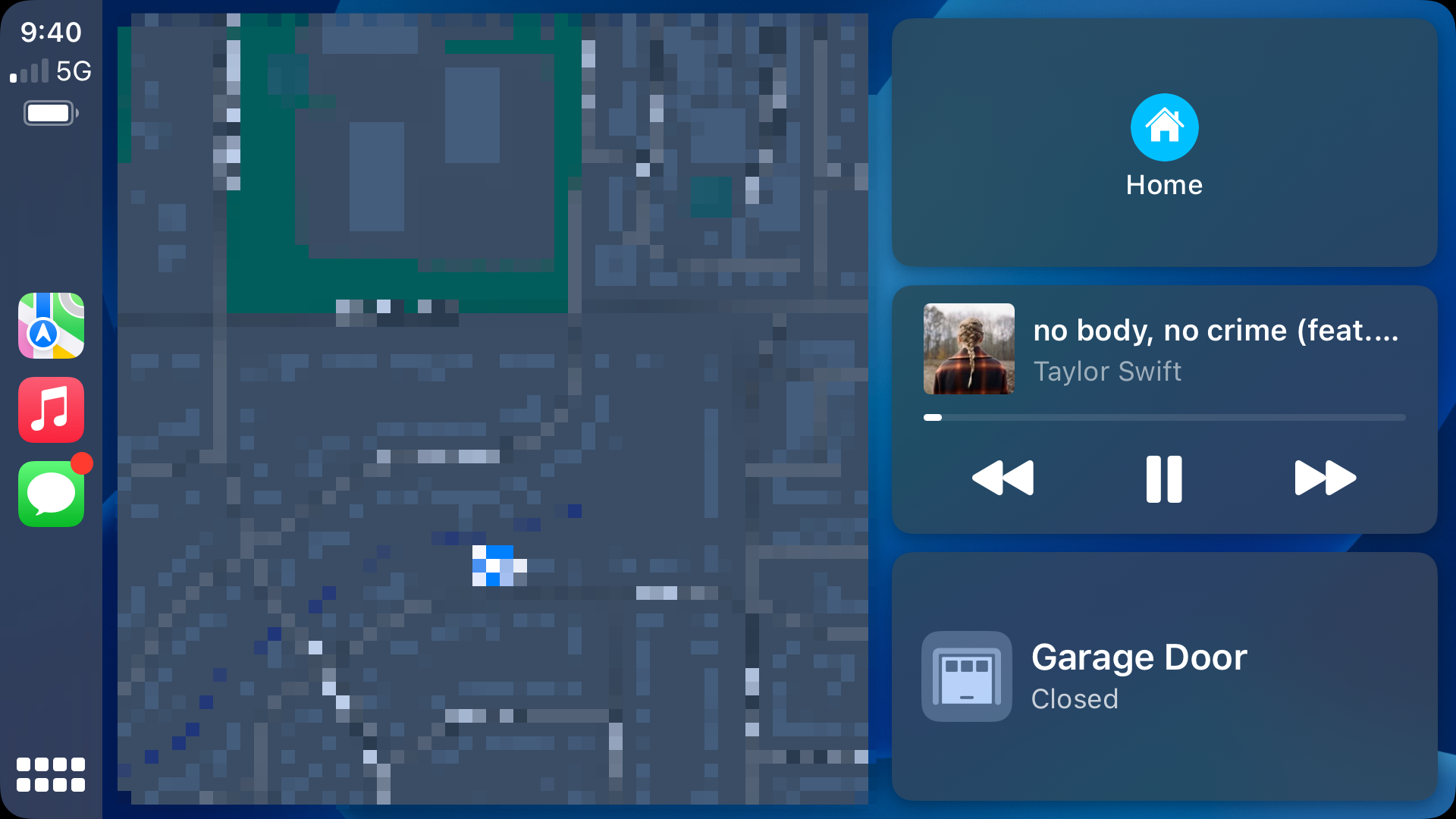
Yesterday, I picked up my new truck, a 2023 Toyota Tundra. Coming from an older Tacoma, this truck is amazing, and that includes the large 14-inch screen. The truck has wireless CarPlay, and I noticed something right away: CarPlay’s UI doesn’t stretch very gracefully for these larger displays.

The home screen actually looks pretty good, with a giant map and nice large buttons:

CarPlay home screen

Sadly, it’s the best-looking screen at this size.

Continue reading ⇢

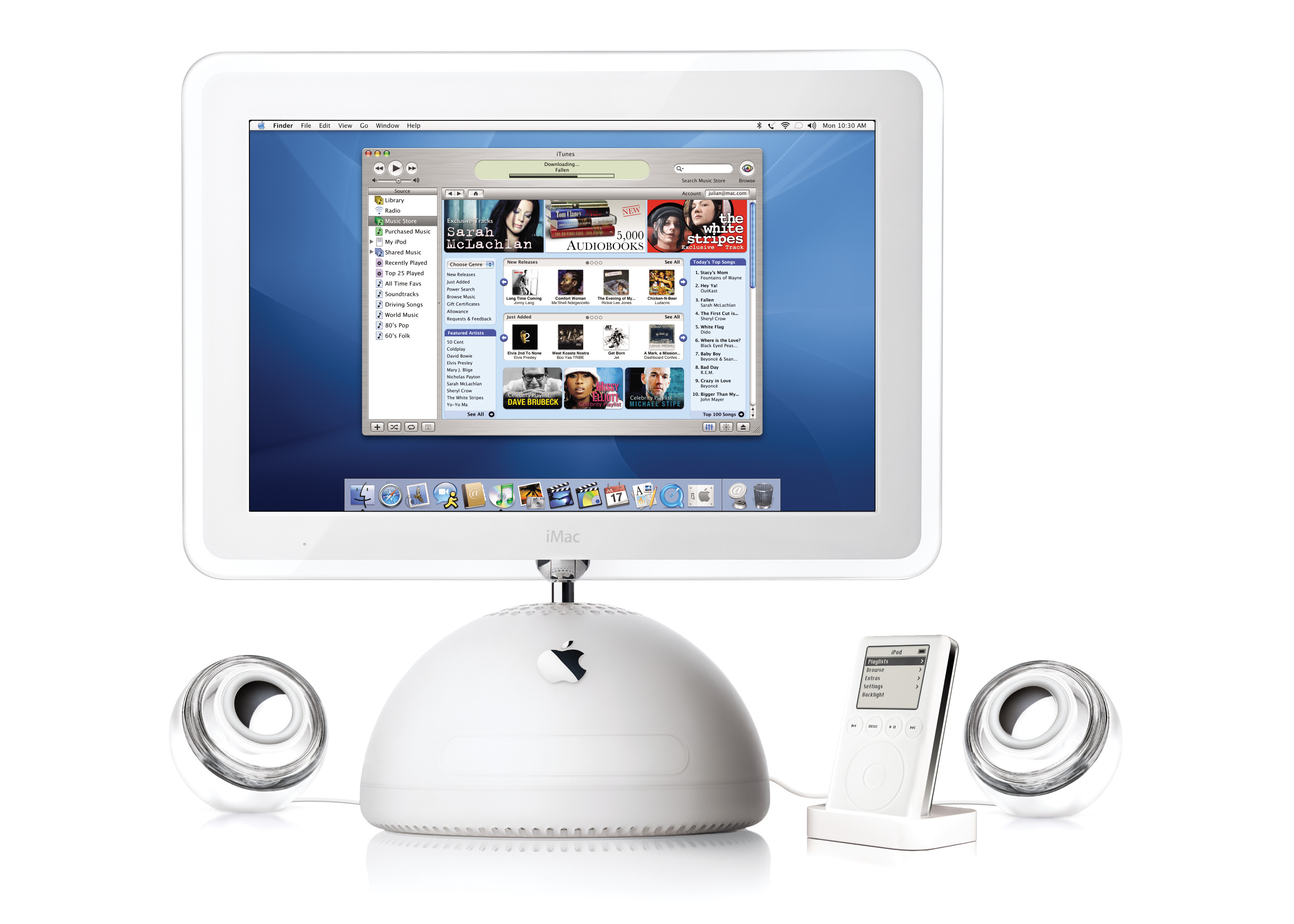
Twenty Years Ago, Apple Launched the iTunes Music Store

On April 28, 2003, Apple made a pair of announcements. The first was a new generation of iPod that featured completely solid-state controls and introduced the 30-pin Dock Connector.1

The other would change the company forever: the iTunes Music Store.

iTunes Music Store

Here’s a bit from the press release:

Apple today launched the iTunes Music Store, a revolutionary online music store that lets customers quickly find, purchase and download the music they want for just 99 cents per song, without subscription fees. The iTunes Music Store offers groundbreaking personal use rights, including burning songs onto an unlimited number of CDs for personal use, listening to songs on an unlimited number of iPods, playing songs on up to three Macintosh computers, and using songs in any application on the Mac, including iPhoto, iMovie and iDVD.

Continue reading ⇢

The Everything Headset

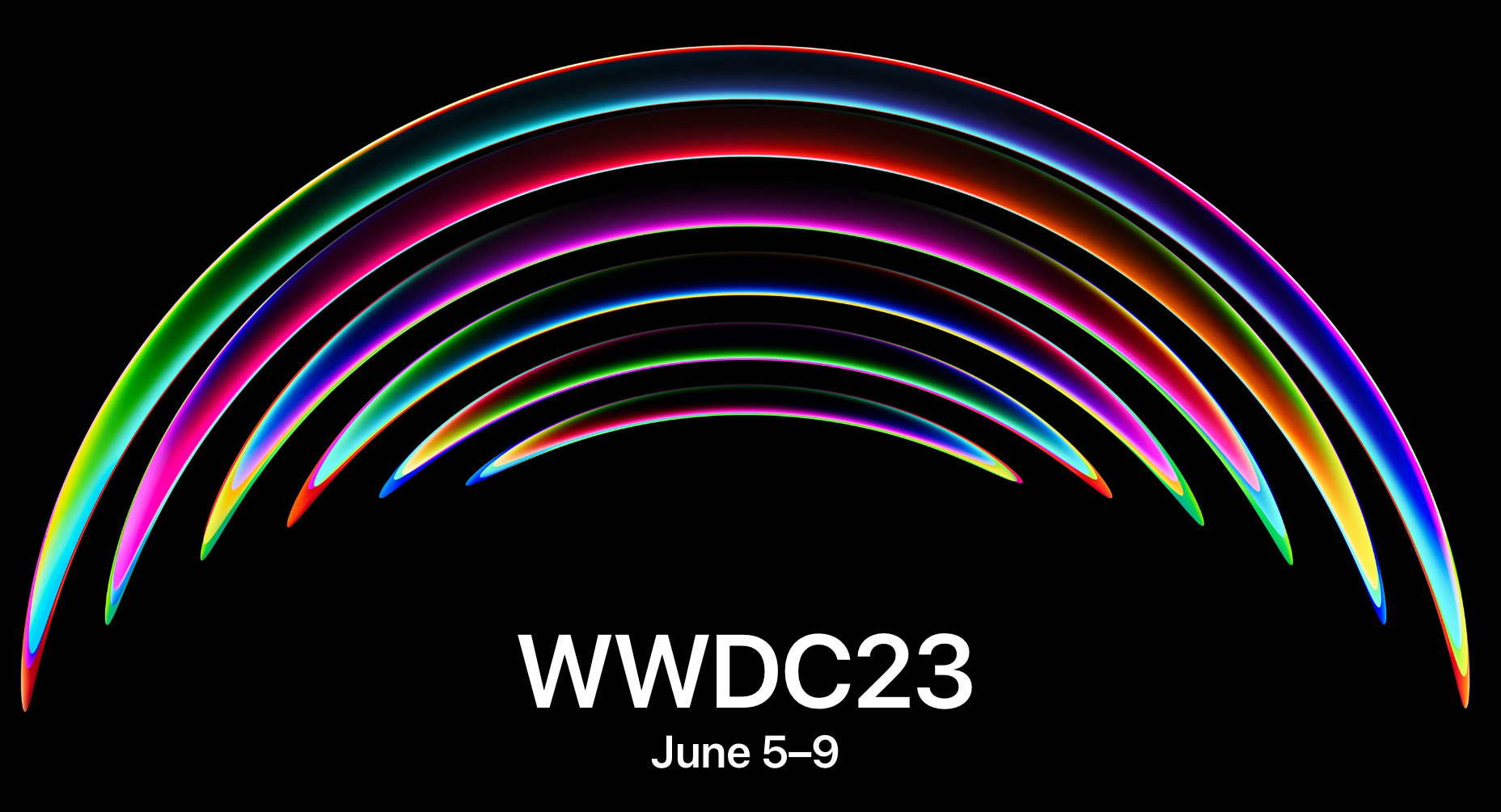
In the run-up to WWDC 2023, reporting about Apple’s forthcoming AR/VR headset have really begun to heat up.

In this week’s Power On newsletter, Mark Gurman wrote a bit about how Apple may pitch the device to customers and developers.

Forgive the long block-quote, but I think it’s important to go over what he believes the headset will be capable of doing:

  • The ability to run most of Apple’s existing iPad apps in mixed reality, which blends AR and VR. That includes Books, Camera, Contacts, FaceTime, Files, Freeform, Home, Mail, Maps, Messages, Music, Notes, Photos, Reminders, Safari, Stocks, TV and Weather.
  • A new Wellness app with a focus on meditation, featuring immersive graphics, calming sounds and voice-overs.
  • Being able to run the hundreds of thousands of existing third-party iPad apps from the App Store with either no extra work or minimal modifications.
  • A new portal for watching sports in virtual reality as part of Apple’s push into streaming live games and news.
  • A large gaming focus, including top-tier titles from existing third-party developers for Apple’s other devices.
  • A feature to use the headset as an external monitor for a connected Mac.
  • Advanced videoconferencing and virtual meeting rooms with realistic avatars, ideally making users feel like they’re interacting in the same place.
  • New collaboration tools via the Freeform app that let users work on virtual whiteboards and go over material together.
  • A new VR-focused Fitness+ experience for working out while wearing the headset (though this feature likely won’t arrive until later).
  • A way to watch video while immersed in a virtual environment, such as a desert scene or in the sky.
  • Users will also be able to operate the headset in several different ways, including by hand and eye control and Siri. It also will work with a connected keyboard or controls from another Apple device.

Most folks would look at this list and think, “My word, Apple has no idea what this device is for!”

Continue reading ⇢

The New MacBook Air Inches Forward⇢

Mark Gurman, in a fresh report for Bloomberg:

Apple Inc. is ramping up testing of fresh Macs with processors on par with the current M2 chip, making headway on key new machines that could help reverse a sales decline.

The Mac maker has begun testing the new machines with third-party apps from the App Store to validate their compatibility, according to developer logs shared with Bloomberg News. That’s a necessary step in the run-up to the launch of a new device.

Continue reading ⇢

Apple Patent Threatens to Revive the Worst iPod nano Ever⇢

Tim Hardwick at MacRumors, writing two days too late for this to be an April Fools joke:

Apple has designs on a future AirPods case featuring a built-in touchscreen display that would enable users to control audio sources and interact with apps associated with the connected device, according to a newly published patent.

Filed by Apple in September 2021 and published last week by the U.S. Patent and Trademark Office, “Devices, Methods, and Graphical User Interface Interactions with a Headphones Case” clearly depicts various embodiments for such a design, complete with images of AirPods and a touchscreen on the case’s front.

Continue reading ⇢

There’s an App for That... Unless You’re Apple’s Passwords Feature⇢

Cabel Sasser:

We all know that Apple has nice built-in password management in macOS and iOS. But very, very few people know that Apple’s passwords can also:

  • Autofill any 2FA verification codes, which you easily can add by scanning QR codes!
  • Keep a “Notes” field where you can add extra data, like 2FA backup codes, for each password!
  • Import passwords exported from another app, like 1Password! (And it all syncs across your devices, for free?!)

Very few people know these things because Apple tucks all of their important password features away in weird little Settings panels, instead of in a Proper Real App. I think this is a mistake.

Continue reading ⇢