512 Pixels

Jony Out

Tripp Mickle, reporting for the New York Times:

When Jony Ive, Apple’s influential design leader, exited the company in 2019, Tim Cook, its chief executive, reassured customers that Mr. Ive, the man who gave the world candy-colored computers, would work exclusively with the company for many years.

Not anymore.

Marco Arment, on Twitter:

Apple’s design team under Evans Hankey has done amazing work in the years since Jony checked out, and she deserves full credit without anyone thinking Jony’s still influencing anything.

Sponsor: Unite 4 for macOS⇢

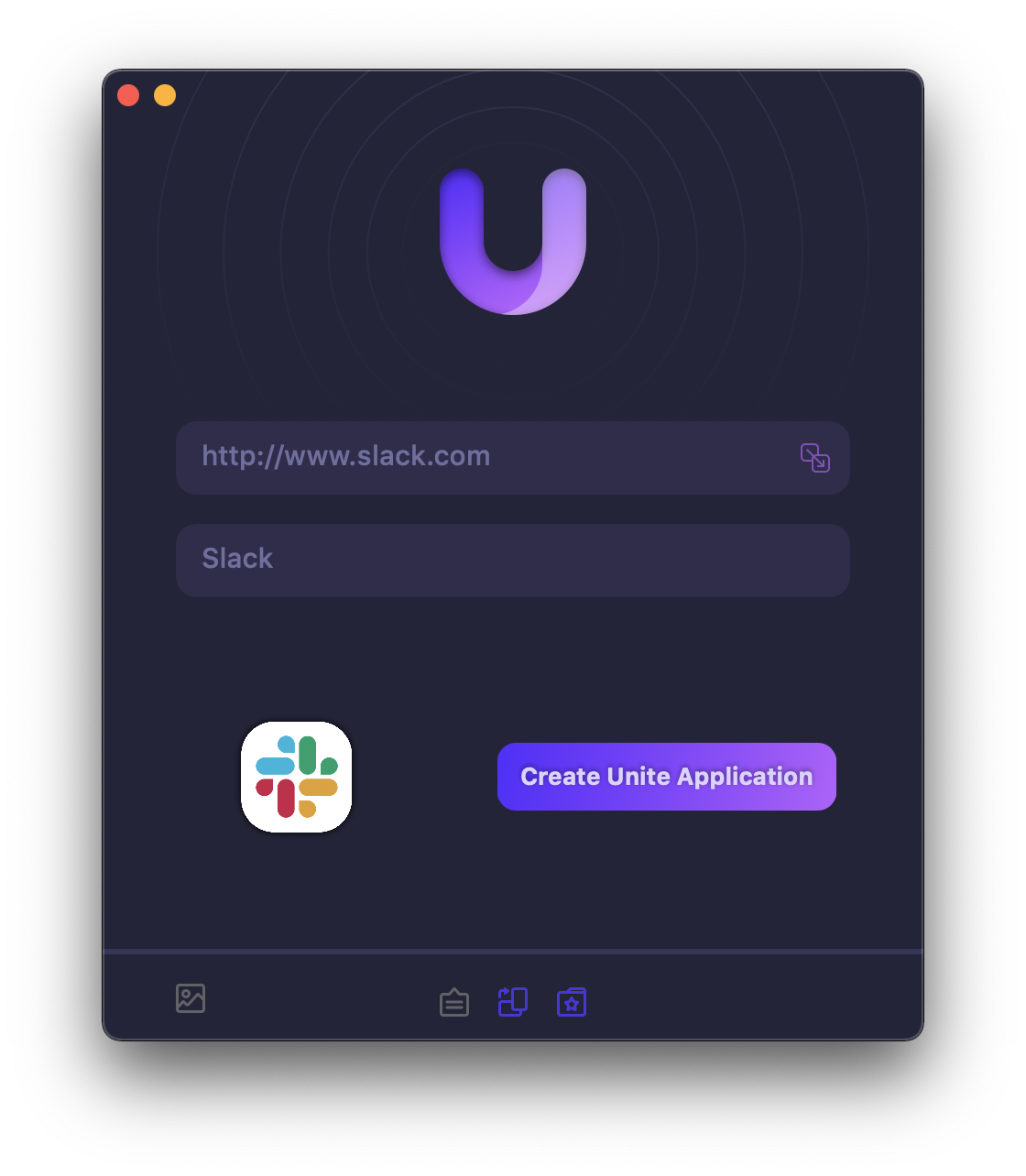
Unite 4 for macOS allows you to turn any website into an app on your Mac. Using a lightweight, WebKit powered browser as a backend, you can easily create isolated, customizable apps from any site.

Unite 4 includes dozens of new features, including support for native notifications, new customization options, and much more. Unite apps also serve as a great alternative for resource hogging Electron apps or half-baked Catalyst apps.

Some examples of apps you could create in mere minutes with Unite:

  • A Gmail web client that behaves like a native mail client.
  • A status bar app for Apple Music or Overcast
  • An isolated workspace for apps that may track you like Facebook
  • A Google Meet app that works efficiently without using Chrome
  • A fully featured Instagram app that has a resizable window, unlike the M1 version.
  • A Robinhood, Figma, or Roam Research app for your desktop.

512 Pixels readers get 20% off this week when you purchase Unite 4 at bzgapps.com/unite512 or when you use the promo code ‘512Pixels’ at checkout.

You can also try Unite for 14 days absolutely free or use it as part of your subscription if you’re a Setapp subscriber!

The Apple Computer Loan⇢

Apple, back in 1997:

Apple Computer, Inc. today announced a new credit option for college-bound youth to make buying a Macintosh as easy as using one. Kicked-off on June 1, the ongoing Apple Computer Loan program is the latest innovation from the Company that offers the world’s first 300 megahertz home computer and the world’s fastest notebook computer. Along with making it easier for consumers to buy a Mac, Apple expects the program to benefit retailers by giving them another payment option for customers. Having already achieved success with similar loan programs for college students buying on campus and for educators, the new Apple Loan Program is designed for individuals who buy at retail stores.

“At Apple, we understand that a computer purchase is considered a major investment for most individuals, especially for students heading to college. With our Apple Computer Loan, we want to make buying a Macintosh as easy as using one,” said Mike Muench, vice president of Consumer and Small Business markets at Apple. “The Apple Computer Loan is remarkably easy to use, addresses limited incomes associated with many college students and offers them deferred principle payments until they graduate, or for up to four years.”

Three Years Later, the 12-inch MacBook is Still Missed⇢

Joe Rossignol, writing at MacRumors:

Today marks the third anniversary of Apple discontinuing the 12-inch MacBook. The portable notebook was removed from Apple’s online store on July 9, 2019 alongside refreshes to the MacBook Air and 13-inch MacBook Pro on the same day.

Introduced in March 2015, the 12-inch MacBook featured a thin and light design that weighed just two pounds, and it was also Apple’s first fanless notebook. Pricing started at $1,299, with the original model’s standard specs including a 1.1GHz dual-core Intel Core M processor, integrated Intel HD Graphics 5300, 8GB of RAM, and a 256GB SSD.

Key design aspects of the 12-inch MacBook included a single USB-C port for charging and data transfer, a then-new Force Touch trackpad, and a terraced battery design that allowed for a larger battery to fit inside the notebook’s thin chassis.

Looking back, it’s amazing what Apple was trying to pull off with the MacBook. It was the first Mac to ship with USB-C and the Force Touch trackpad — both features of the 14-inch MacBook Pro I am using to write this blog post. It brought the Retina display to a non-Pro notebook for the first time.

Then there’s the butterfly keyboard, which first appeared with the MacBook. Its radical new design was needed to keep the MacBook as thin as possible, but the lack of travel ended up being the least of its worries. As the butterfly keyboard slowly spread to other Mac notebooks, its reliability problems spread with it.

On the technical side, the MacBook was — as they say — ahead of its time. The Intel Core M processor Rossignol mentioned was painfully underpowered. While later models did increase in speed, it was clear to many that the Core M was a compromise to keep the MacBook thin, light and silent.

In the lead up to Apple silicon there was a lot of conjecture — including by me — that the 12-inch MacBook would make a great candidate to lead the processor transition. So far, the MacBook hasn’t made a return, but I know a bunch of folks would like to see the line resurrected one more time.

Two Apps For Entering Tasks into Reminders More Quickly

Apple’s Reminders has come a long way over the years, but some third-party apps have better tools for quickly entering tasks with natural language processing.

To be clear, Reminders has some natural language processing, but it doesn’t really hold up when compared to things like Todoist or Remember the Milk.

There are a couple of apps that make all of this better.

The first is a macOS application named InstaRemind. It runs in the menubar and gives Reminders a system-wide quick entry feature that takes advantage of natural language for due dates, lists and more.

On the iOS side, I like Remind Me Faster. It has a very similar feature set and reminds me a little bit of Drafts in terms of fast text entry.

PowerPhotos⇢

My thanks to PowerPhotos for sponsoring 512 Pixels this week. It is the ultimate toolbox for Photos on the Mac. Create multiple libraries, find duplicates, copy photos/albums, merge libraries, advanced export, and more.

Version 2.0 can be downloaded for free on the web. Existing users of PowerPhotos 1.0 or iPhoto Library Manager can use their serial number to upgrade for 50% off the regular price, and 512 Pixels readers can use the coupon code 512PIXELS to receive a 20% discount.

M2 MacBook Air Orders Open Tomorrow Morning⇢

Tomorrow morning at 5 AM Pacific, the new M2 MacBook Air goes on sale. I think it’s going to be a big hit and pretty constrained at first thanks to waves arms at world.

For me, I’m planning on ordering a machine in silver for my wife with:

  • Base CPU/GPU
  • 16 GB of RAM
  • 2 TB SSD

I fully expect to have it delivered in October.

Update: Got a base CPU/GPU with 24GB RAM and 2 TB SSD in Silver coming July 26-August 2.

The 2023 Apple History Calendar⇢

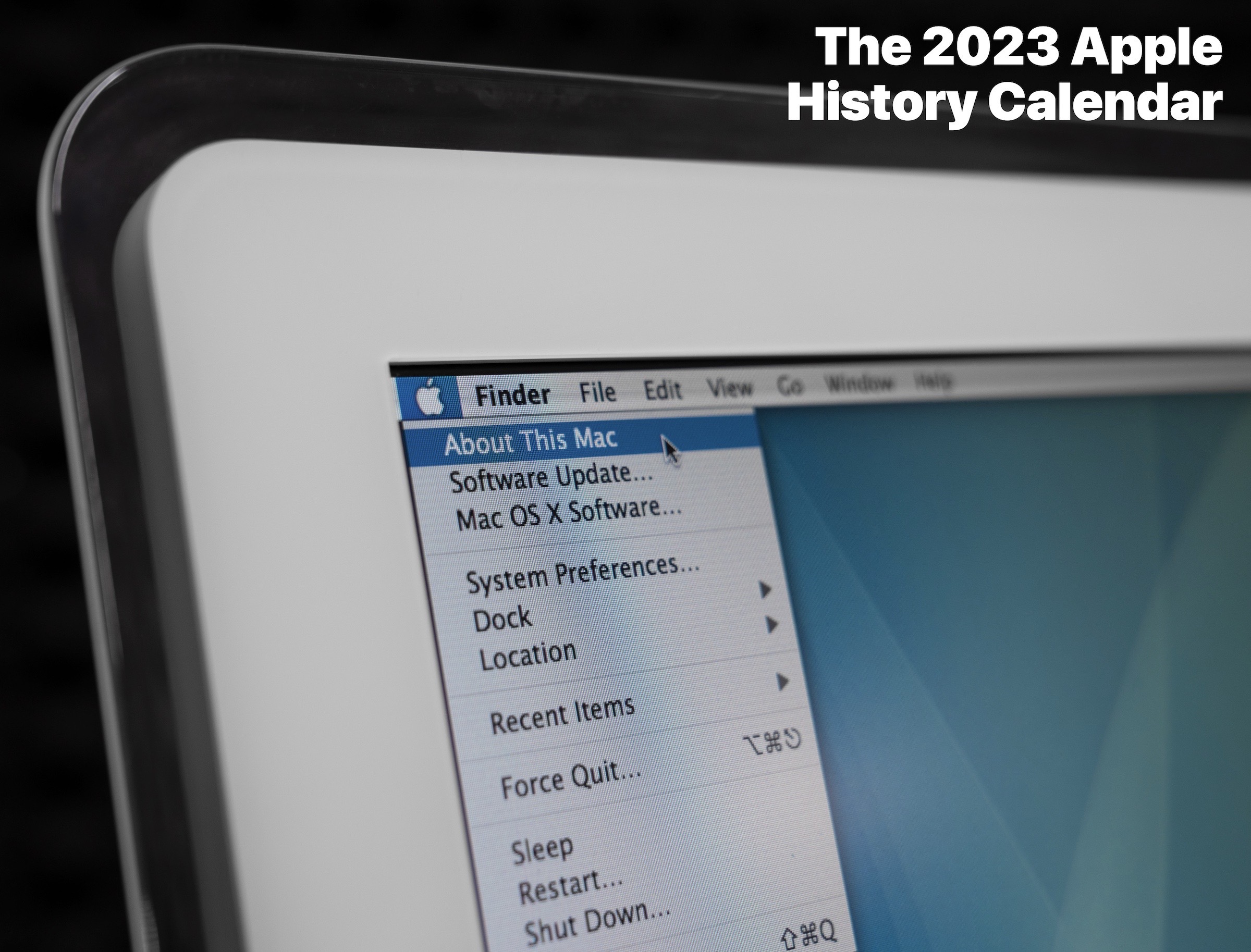
I’ve got big news today: I am launching my second Kickstarter project!

For 2023, I’ve designed a new edition, focusing on the software that powers our favorite devices. These dates cover everything from Apple’s earliest software to the latest and greatest versions of macOS, iOS, iPadsOS and more. The calendar also includes a wide range of first-party software titles from iLife and iWork to things like Cyberdog and Rhapsody.

The calendar features my own product photography of Apple products, with each month highlighting some of Apple’s software announcements over the years. Each calendar measures 20 inches by 13 inches (50.8 x 33.02 cm) when it’s hanging on your wall with a simple thumbtack or pin.

In addition to the calendar, backers can opt to receive a pack of four stickers featuring characters based on Apple hardware. All backers will also receive digital versions of the photos used in the project for making their own wallpapers.

The calendars will be printed here in Memphis. Campaign orders will fulfilled by me and a small team of family and friends with shipping starting in October, in plenty of time for the new year. If you are one of the 1100 people backed my campaign last year, I hope you’ll enjoy this calendar just as much as you did the previous one. If you’re new to this project, then welcome!

All of the information can be found on the campaign page. I’d love it if you would check it out.

Cover