512 Pixels

Phil Schiller, on the MacBook Pro⇢

In an Interview with The Independent, in response to a question about leaving the headphone port in the new notebook:

If it was just about headphones then it doesn’t need to be there, we believe that wireless is a great solution for headphones. But many users have setups with studio monitors, amps, and other pro audio gear that do not have wireless solutions and need the 3.5mm jack.

Same As It Ever Was

There’s been a lot of talk and handwringing over the new MacBook Pro’s Thunderbolt 3 ports.

Here’s a bit from my rumor roundup post I published before the event:

I/O is important to professionals. Pros often have a lot of things plugged in, from hard drives to SD cards to external displays. I’m not in love with the idea of using adaptors for almost everything I need to plug in to a notebook.

This morning, I read this post by Marco Arment, in which he argues that Apple should have left some (insert giant air quotes here) legacy ports in the new machine:

Including a port that’s still in extremely widespread use isn’t an admission of failure or holding onto the past — it’s making a pragmatic tradeoff for customers’ real-world needs. I worry when Apple falls on the wrong side of decisions like that, because it’s putting form (and profitability) over function.

Design for the future, but accommodate the reality of the present.
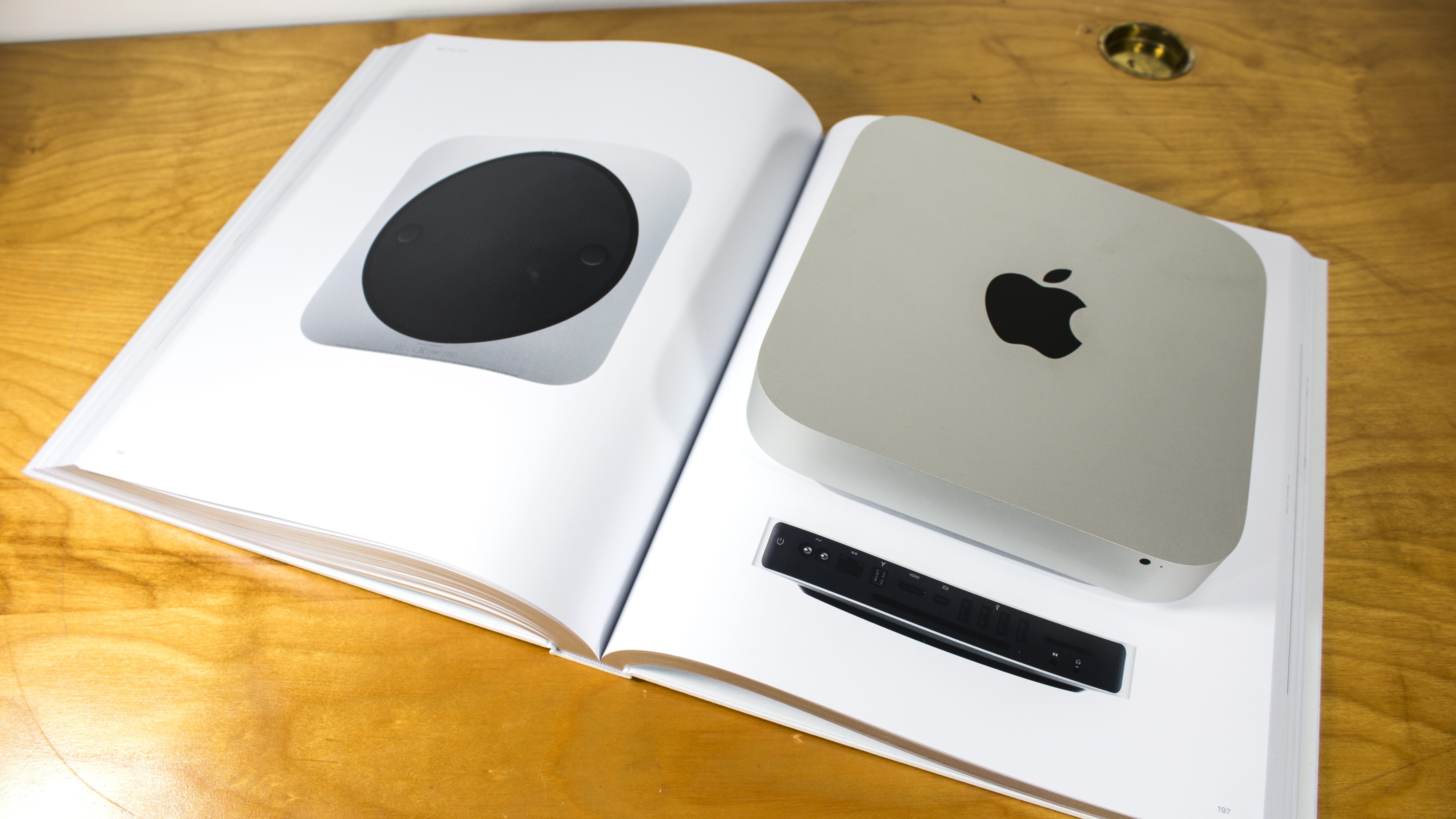
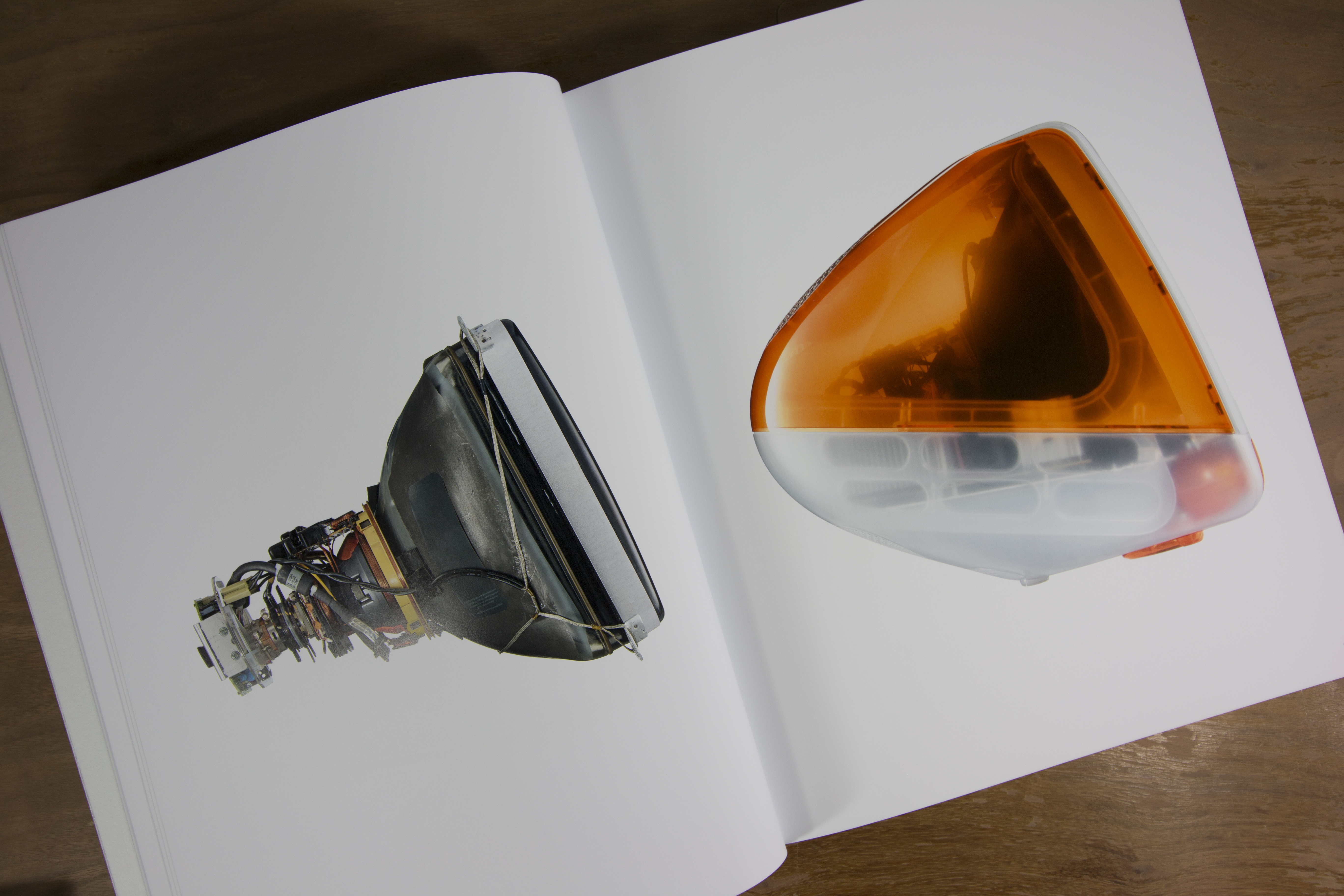
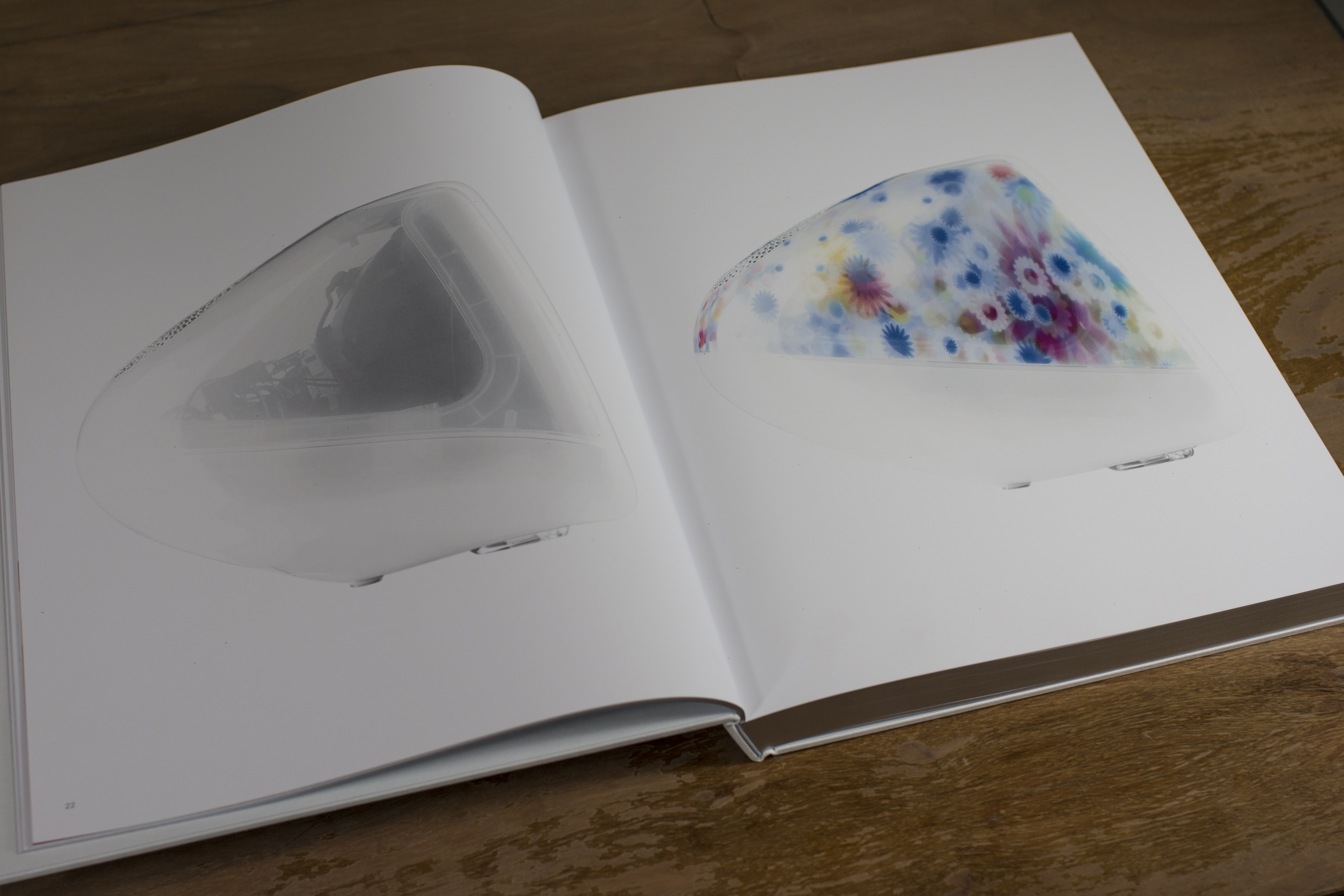
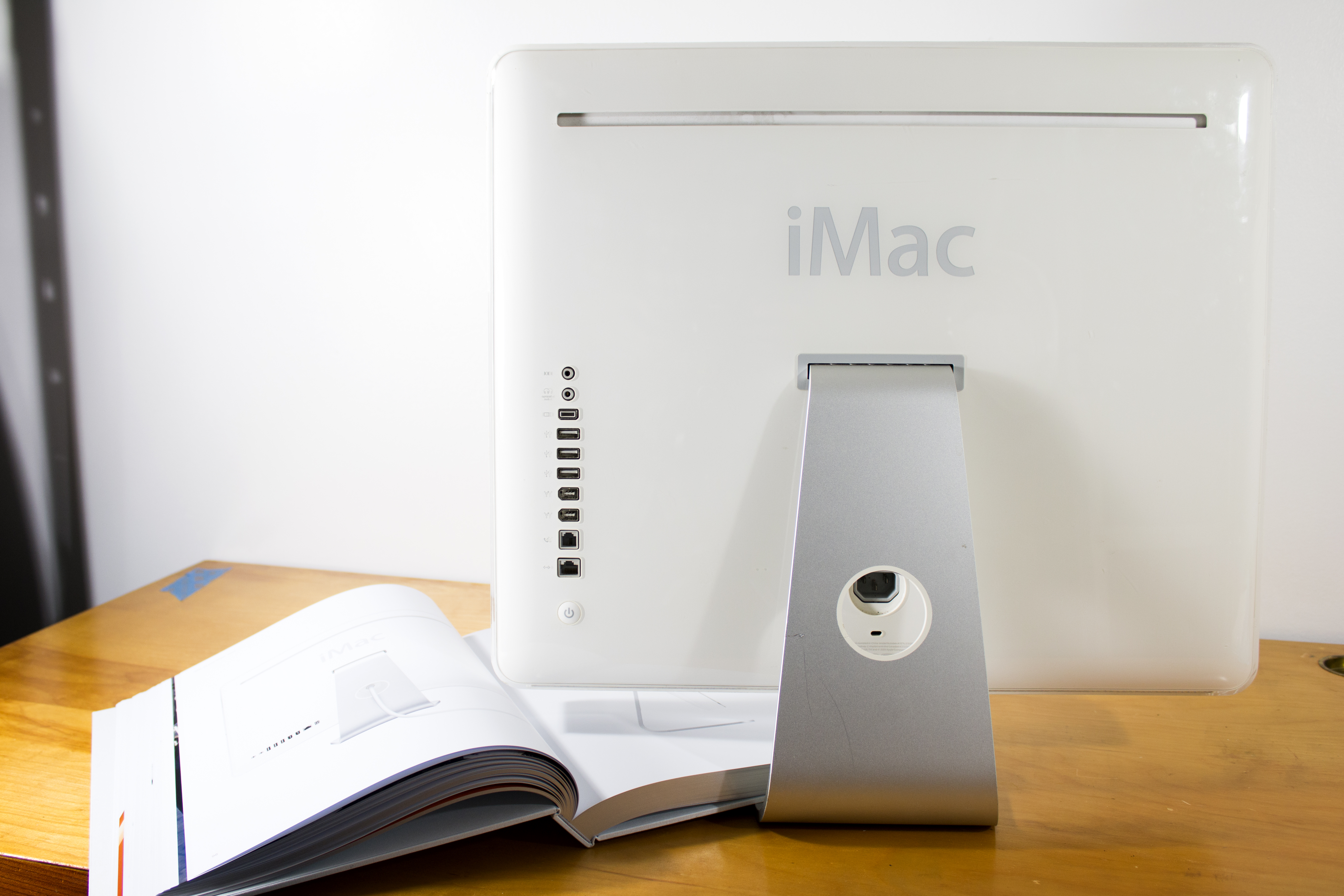
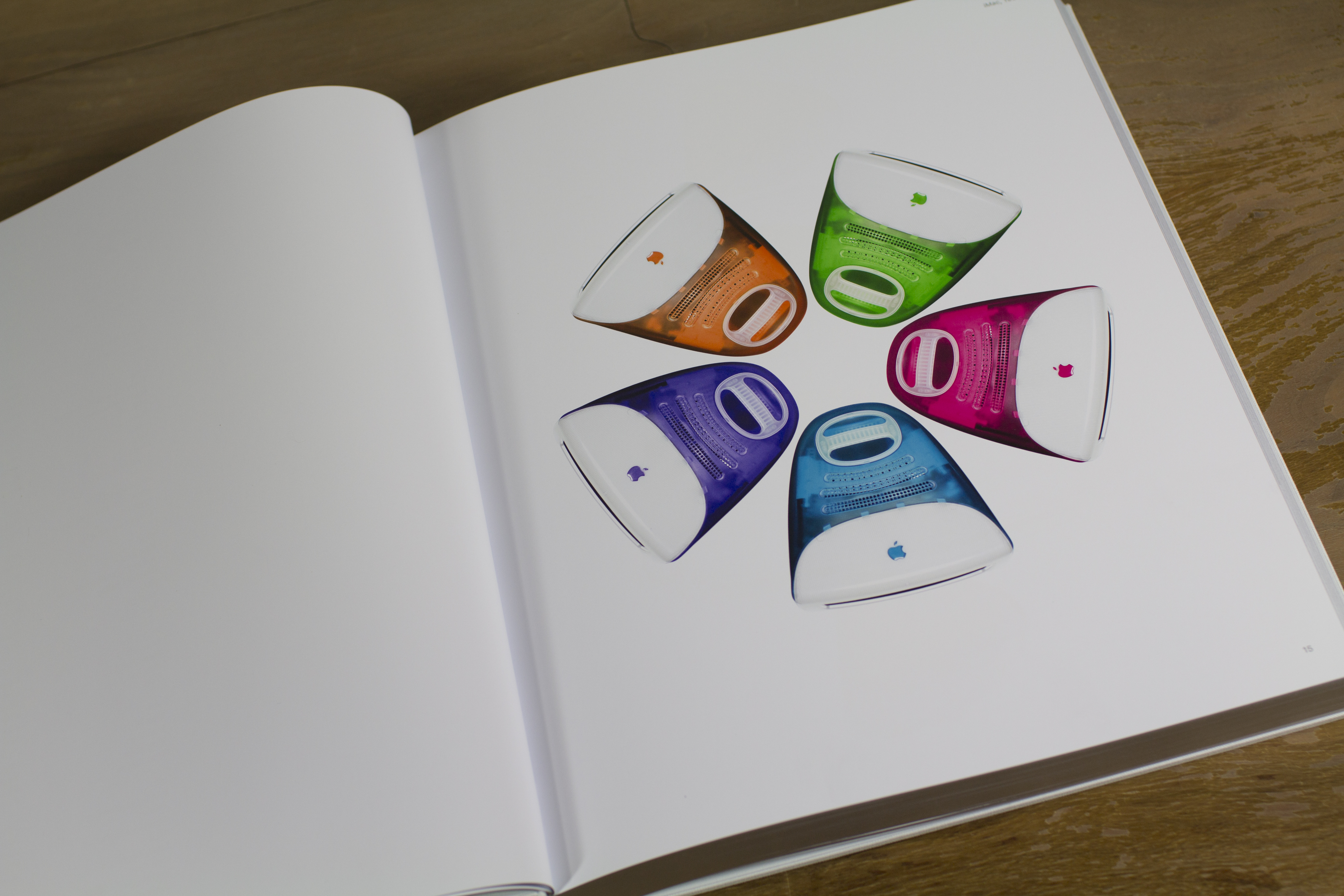
When I first read his post, I immediately thought of the iMac G3, which dropped all existing I/O in favor of a pair of USB ports.

At the time, it seemed like a crazy move. One could barely find decent USB devices at the time. Apple pushed the market into using the new technology by forcing its users to change.

The more I thought about it, I realized the parallels weren’t as strong as I had thought. There’s a big difference between the iMac of then and the MacBook Pro of now. While the former was a hot-ticket item, it was designed to be a consumer machine. The MacBook Pro, however, is designed and sold to professionals like designers, editors, developers and more.

At the time of the iMac’s launch, the PowerMac G3 was still a beige box1 that came with Serial, SCSI and ADB ports. The entire universe of Mac accessories could be connected to these computers.

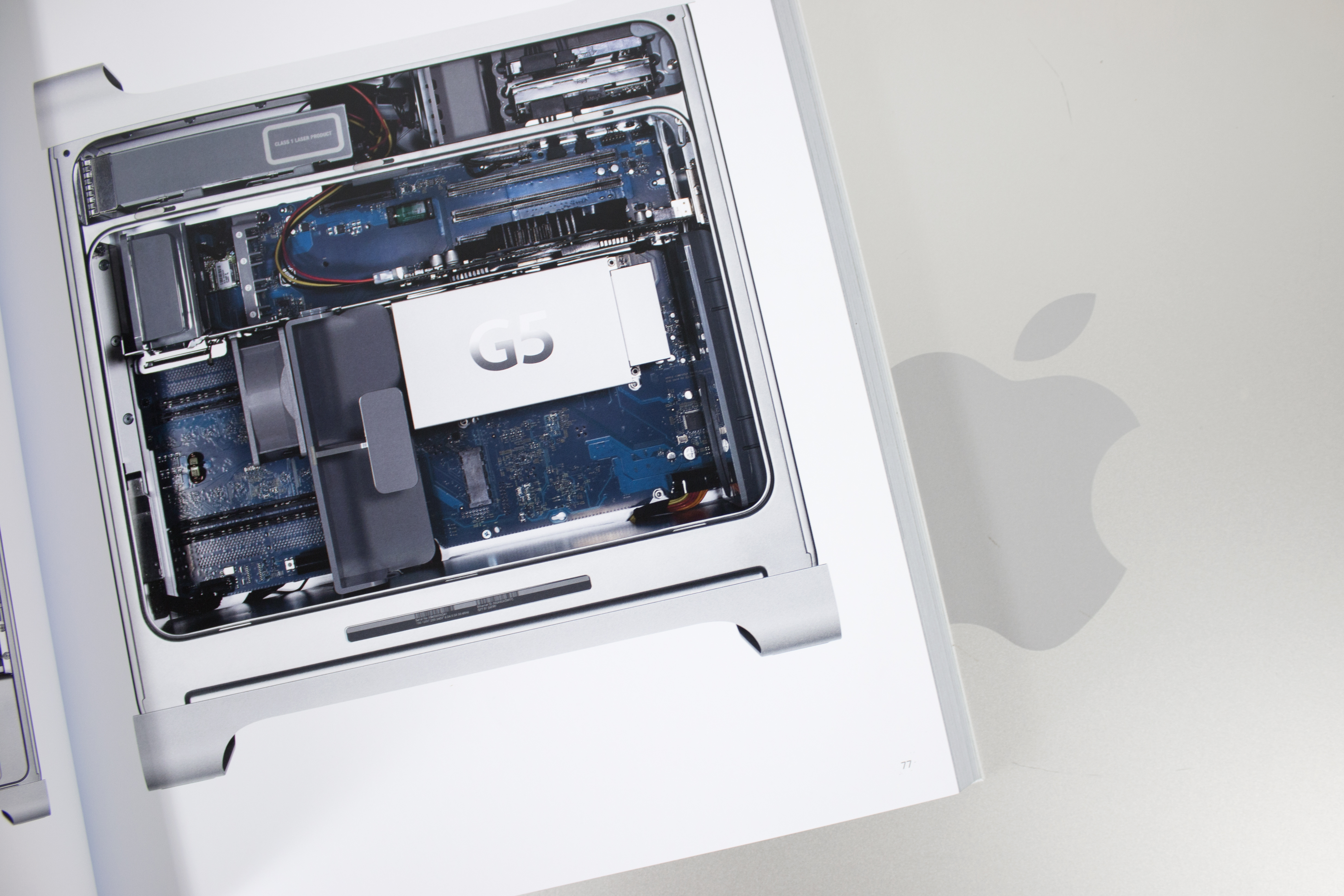
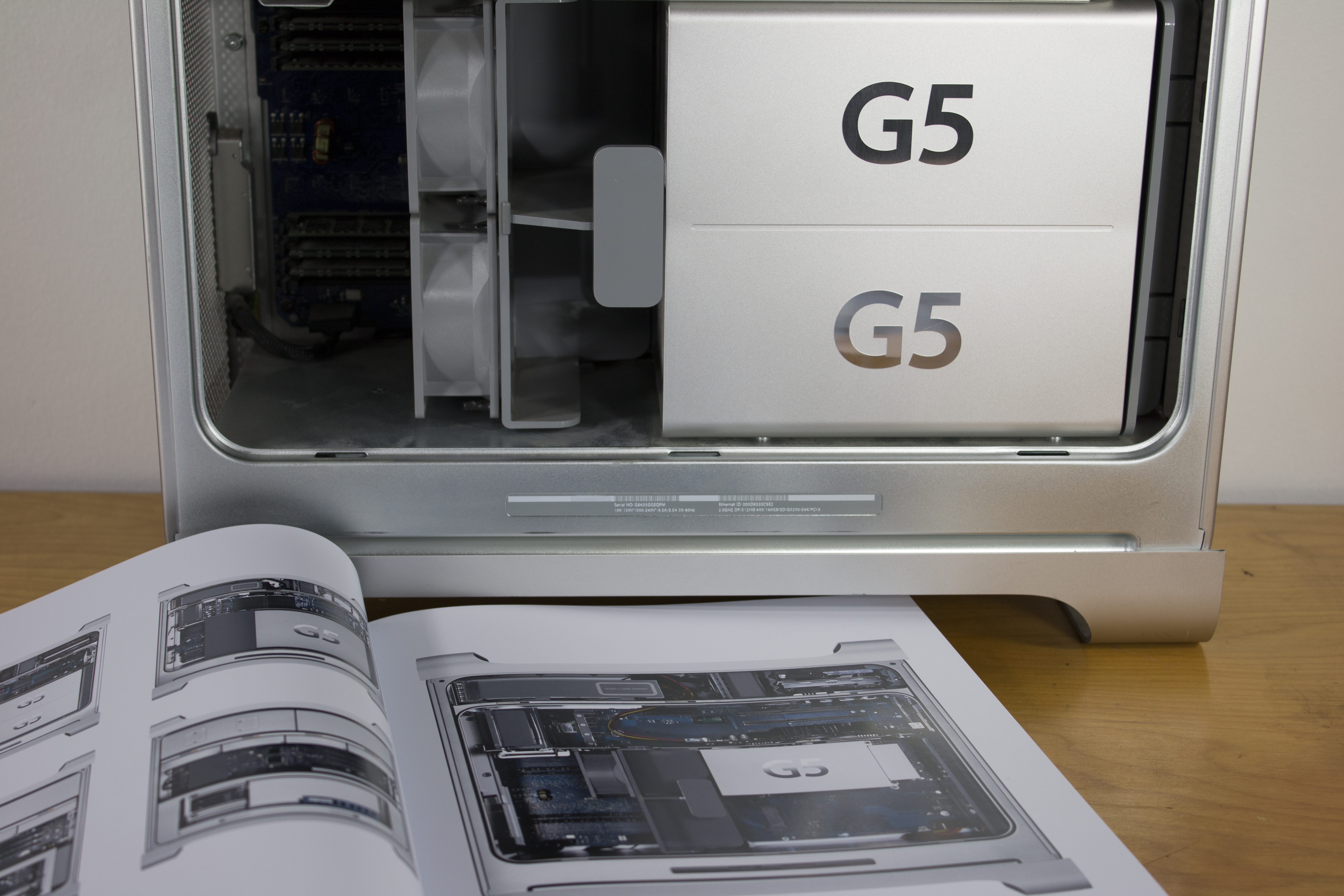
In January 1999, Apple unveiled the “Blue and White” PowerMac G3. Its design was all-new, and used the same colorful plastic the iMac did. The bigger story, however was what ports Apple included on the back of the machine.

Gone were SCSI and Serial, replaced with USB. The machine marked the introduction of FireWire 400, but like USB before it and Thunderbolt 3 now, it would take time for device makers to adopt it.

There was one more thing on that computer’s rear panel, however. A single, solitary ADB port.

While long forgotten now, ADB was everywhere in 90s Apple Land. Including it was a bridge — an olive branch — to Mac users with a bunch of legacy equipment (or software dongles) essential to their workflow. Users who absolutely were not ready to give up other “legacy” devices could use one of the machine’s three PCI slots to add after-market expansion cards.

Users of the new MacBook Pro can hook up anything to their new machine they could to their old one, but now it requires a bunch of adaptors. They can be a pain to keep up with, and are an added expense to an already-pricey notebook.

That single ADB port on the G3 gives Marco a historical precedent for wanting a USB A or SD card slot on the new MacBook Pros. While the new MacBook Pro is a hard break from the last, Apple hasn’t always burned the bridge after crossing it.

No doubt the inclusion of a regular USB port or SD card slot would make life easier for everyone as this transition takes place. It’s exactly what Apple did in 1999, until they replaced the Blue and White with an ADB-less G4 tower after just nine months.

For what it is worth, I would have appreciated the time to change stuff in my setup. I think the company probably went too far with this MacBook Pro. But I’m not surprised by it, and it didn’t keep me from buying a new notebook.

2016 Apple isn’t 1999 Apple. I have a feeling the possibility of native backwards compatibility was never really on the table for this new notebook. I don’t see a world in which Marco’s mixed-generation MacBook Pro would ever exist. As helpful as it was in the G3 days, Apple is more aggressive today about such things.

The lack of familiar ports didn’t stop me from buying a new notebook, but I’m not thrilled about every aspect of my purchase. I’m not happy about replacing a bunch of my old Thunderbolt 2 adaptors and adding some new ones. I really believe the future is going to be awesome and I like the promise this computer brings.

When Apple pushes into the future, it usually does so without much regard for the present. A bunch of people are conflicted about this computer, but Mac users should be used to that by now.

  1. A couple of different boxes actually, as it shipped in two form factors: a tower and a “desktop” model designed to sit under a CRT. ↩︎

Talkshow Shutting Down⇢

Michael Sippey:

Six months ago, we launched Talkshow in the App Store, with the goal of giving people an easy way to have simple, uncluttered conversations in public. Today we have some tough news: on Thursday December 1, we’re shutting down the Talkshow app and website. While we have enjoyed the conversations that have happened on Talkshow, and are grateful for the community that has formed around the product, we don’t see it getting big enough to have the impact we had hoped for. We’re sorry, and we’re going to try to handle this transition in the right way.

I like Talkshow, and am sad — but not shocked — to see it go.

Instapaper Goes All Free⇢

Instapaper:

Today we’re making Instapaper Premium available to all Instapaper users, free of charge. Instapaper Premium is the best way to experience all that Instapaper has to offer, and we’re excited to open it up to everyone.

This means that all users will get what was used to be reserved for paying customers:

  • An ad-free Instapaper website
  • Full-text search for all articles
  • Unlimited Notes
  • Text-to-speech playlists
  • Unlimited speed reading
  • “Send to Kindle” via bookmarklet and mobile apps
  • Kindle Digests of up to 50 articles

I’ve been paying for Instapaper Premium for years. I’ve seen some concern from users that this is a bad sign that the service is going to be integrated into Pinterest at some point. I sure hope that doesn’t happen; I love Instapaper as much today as I did five years ago.
On Apple Celebrating the Past⇢

Jonathan Zufi:

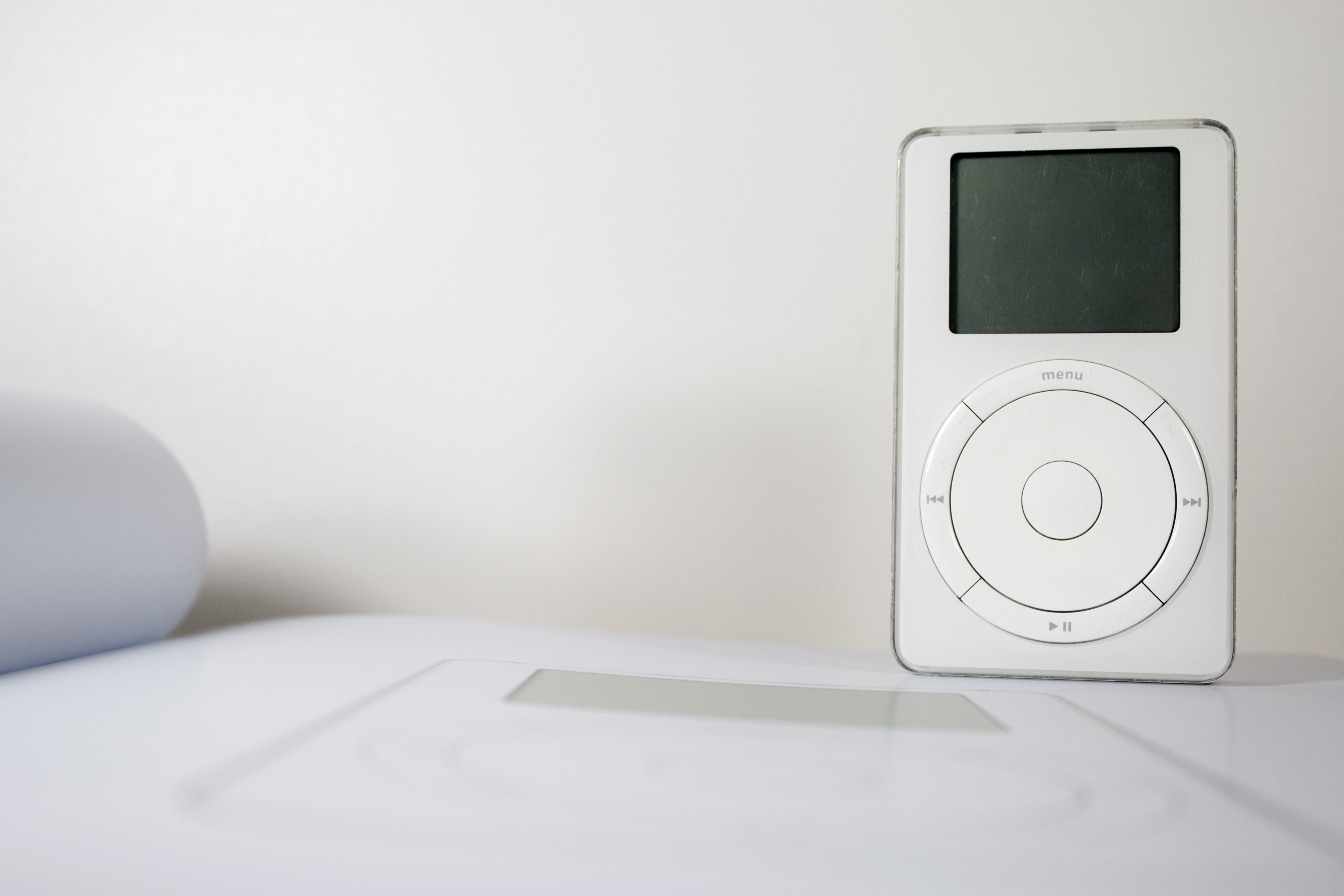
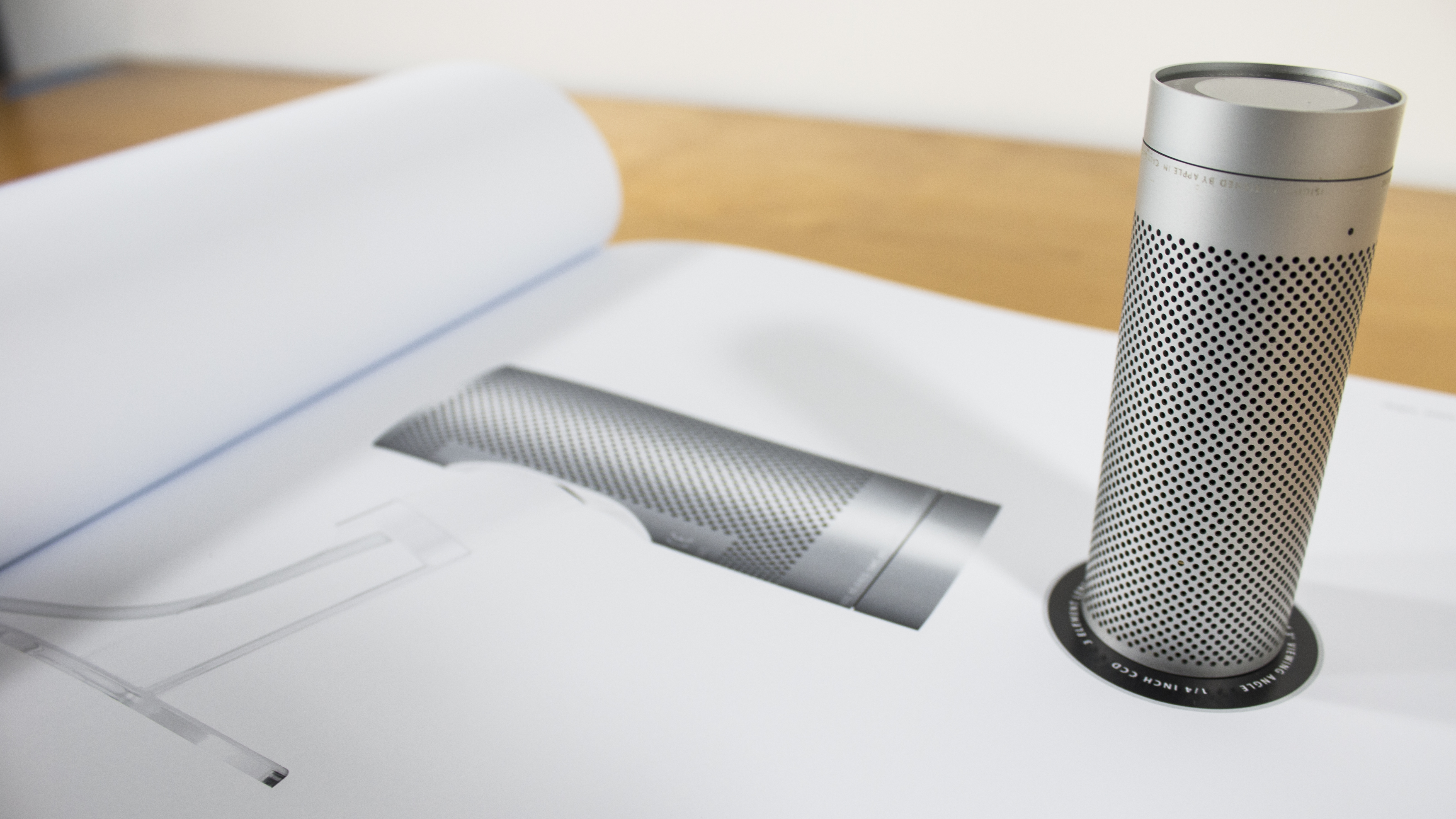
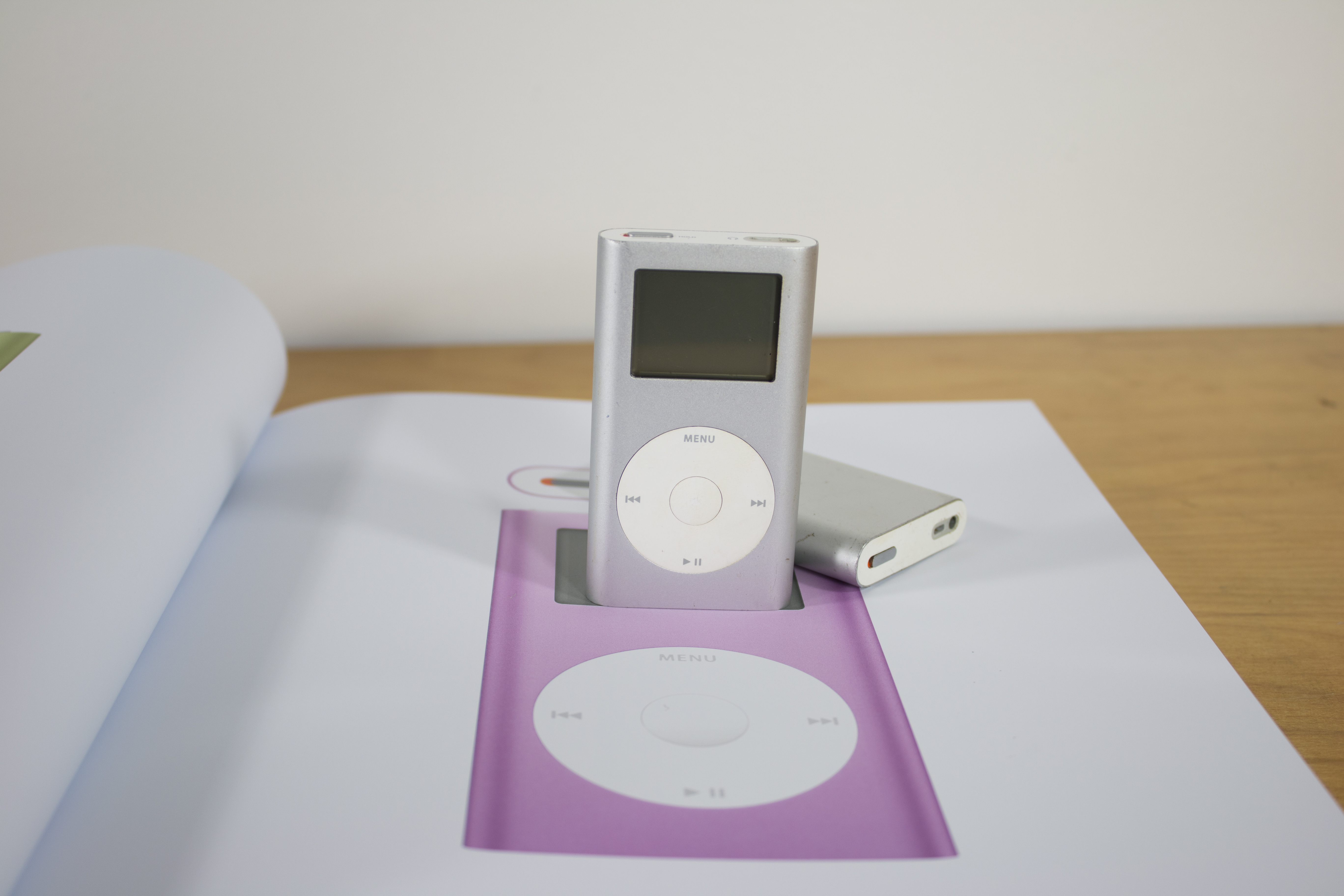
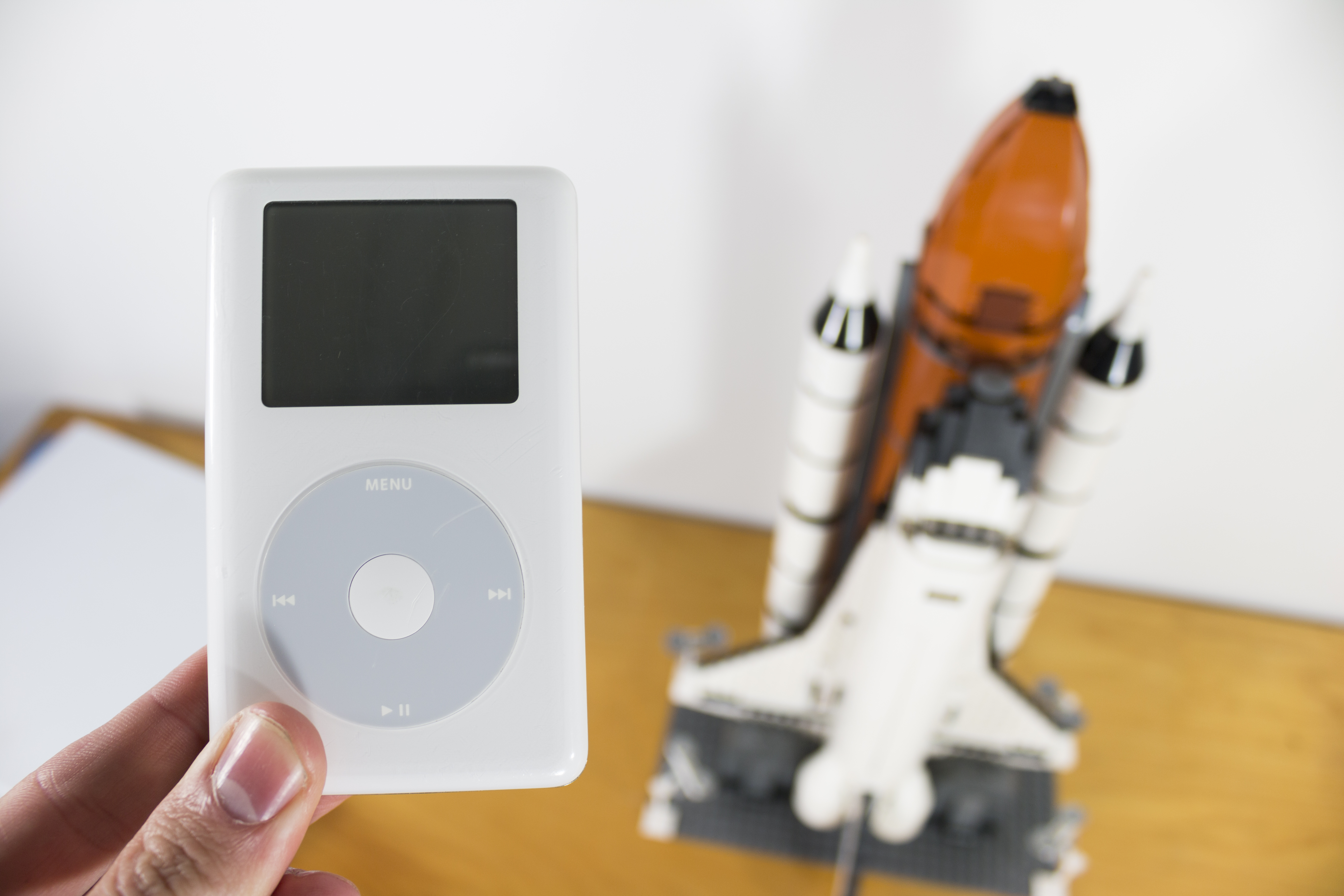
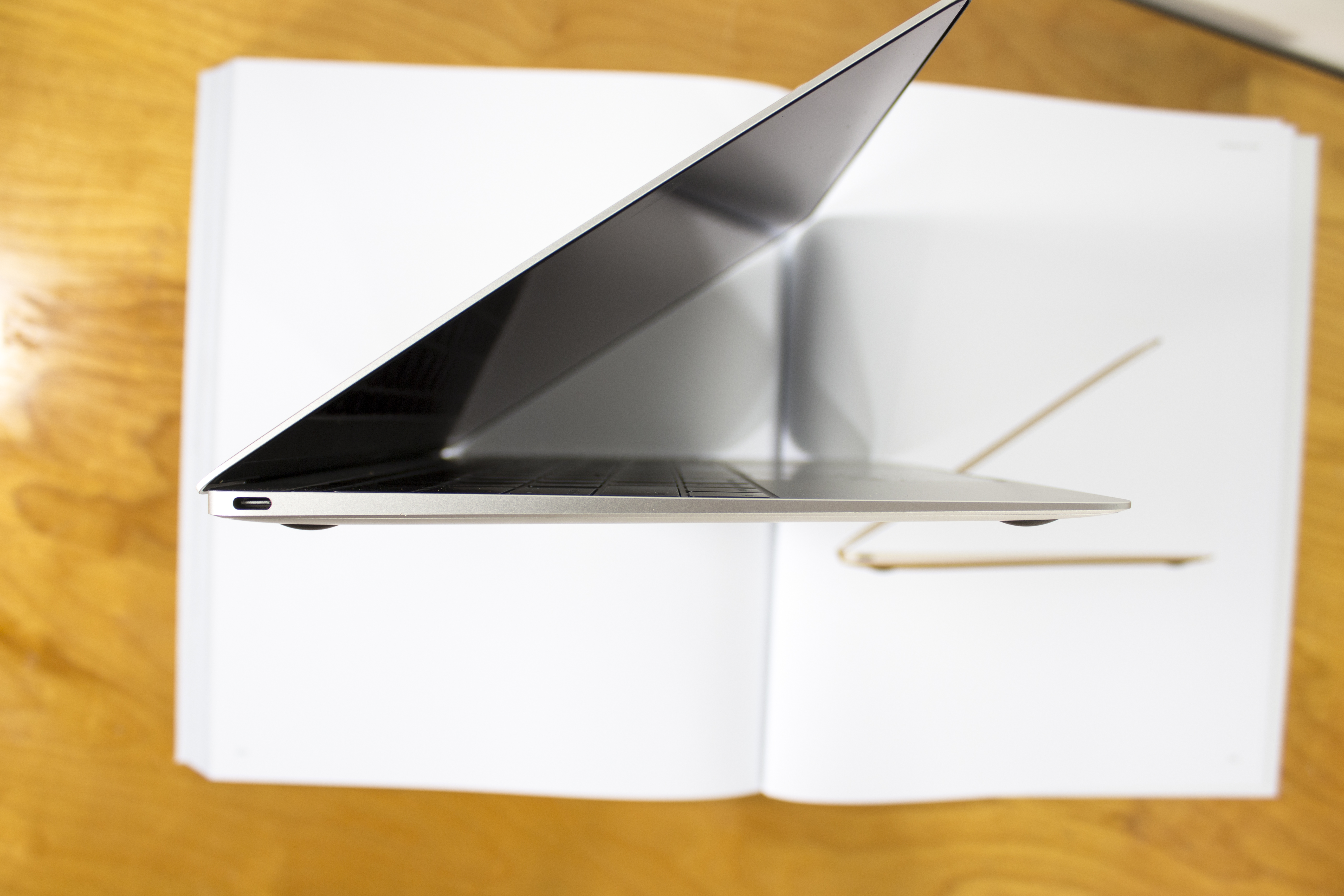
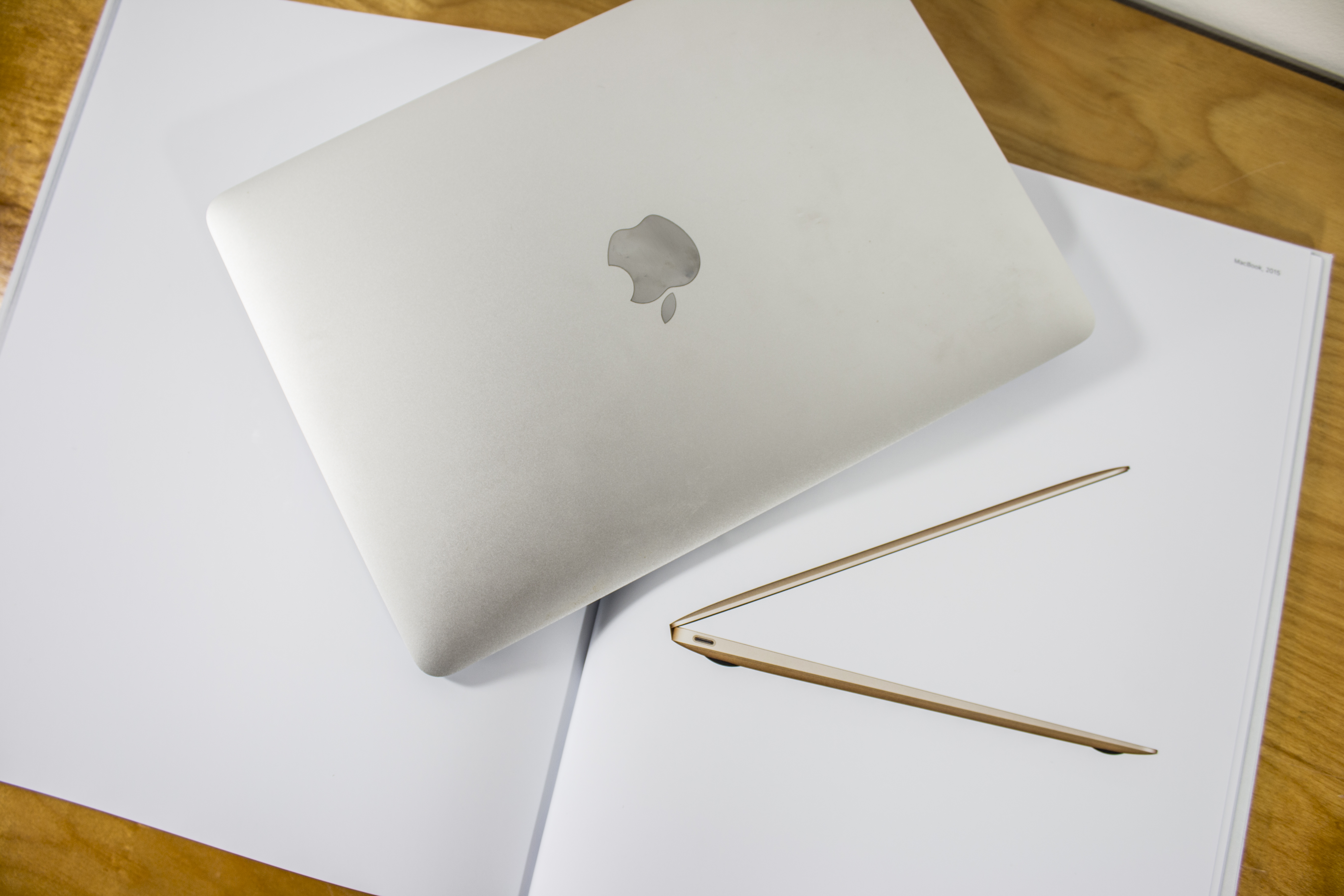
When Steve Jobs came back to Apple in 1997 he shut down the internal Apple museum and moved everything to Stanford. So Schiller’s comments are in line with this stance. Yet we can find several recent examples of Apple taking the time and effort to resurrect and create new imagery of several of their older machines to support the narrative of the product or service being introduced.

Zufi’s post is full of example’s changing stance on its past. It probably comes as no surprise, but I’m a fan of this change.
An Ode to the Apple Studio Display (17-inch ADC)

This is a guest post by Thomas Brand, my friend who blogs over at the Newton-themed Egg Freckles. This is my favorite Apple display ever, so I was thrilled when he sent me this article.


If anything on Twitter is to be believed, Apple is out of the standalone display business. Turning the page of history on a product line almost as old as Apple itself. From the Monitor // with its internal vertical-swiveling frame, to the AudioVision Display that combined video, audio, and ADB under one cable, Apple has often used the latest advancements in ergonomics and connectivity to differentiate their standalone displays.

The Apple Studio Display (17-inch ADC) is no exception. Released at a time when flat liquid crystal panels were overtaking traditional cathode ray tubes, the Studio Display (17-inch ADC) was the last standalone Apple display to feature a CRT. At 17.4 inches it was deeper than it was wide. At 45.8 pounds, it was heavier than a iMac G3. And at 113 watts it used more power than any PowerBook. But what the Studio Display (17-inch ADC) lacked it elegance it made up for in style.

I mean, just look at this thing:

17-inch Studio Display

Introduced in July of 2000 the Studio Display (17-inch ADC) cost $499 and replaced the Blueberry and Graphite 17-inch Studio Displays that came before it. Built for the Power Mac G4 (Gigabit Ethernet) and Power Mac G4 Cube, its proprietary Apple Display Connector supplied video, USB, and power over a single cable that prevented it from being used on other Macs without a $99 adapter.

Removing the power supply from a CRT monitor would seem like a fruitless effort to most computer manufacturers. They would simply conceal the additional electronics inside the monitor’s already bulky frame. But Apple made the Studio Display (17-inch ADC) different from any other display that has ever shipped. Instead of hiding the display’s guts inside opaque plastics and metal shields the 17-inch ADC has a crystal clear case that allows anyone to see the internal workings of the Naturally Flat Diamondtron CRT suspended inside. By revealing all, the Studio Display (17-inch ADC) has nothing to hide. Its transparency and minimalism is pure Apple.

Despite all of the extraneous components the Studio Display (17-inch ADC) leaves behind, it still included some features unmatched by later Apple displays. The Studio Display (17-inch ADC) was the last Apple display to be supported on a stand that not only changed pitch, but rotation as well. It featured ColorSync internal color calibration that was rated for the life of the monitor, and a Theater Mode which automatically “increased screen brightness for enhanced viewing of full screen iMovie, DVD or QuickTime content” in Mac OS 9. Its brightness, viewing angle, and contrast, are unmatched by conventional LCDs, and it supported more resolutions than most flat panels with none of the pixel interpolation inherent to digital monitors.

With unparalleled black levels and lightening quick response times there are still benefits to CRT displays today, but the Studio Display (17-inch ADC) was a tough sell compared to more attractive flat panel offerings Apple. It was discontinued on May 21st 2001, less than eleven months from when it was released.

Some might call it a failure, but looking over Apple’s entire product catalog it is hard to find a design that more uniquely Apple. The Apple Studio Display (17-inch ADC) was a compromise between the technology of the past and the technology of the future. A design challenge today’s Apple would not dare to attempt.

RSS Sponsor: Mountain Duck⇢

Mountain Duck lets you mount server and cloud storage as a disk on your desktop. Open remote files with any application and work like on a local volume without synchronising files.

Based on the solid open source foundation of Cyberduck, all major protocols are supported to connect to just about any server you want, including Amazon S3 and Dropbox.

Use coupon code “512PIXELS” to get a 20% discount this week.

With the new MacBook Pro, the Startup Chime is Dead

As noted by Dan at Pingie, the new MacBook Pros do not chime after having their NVRAM reset.

Apple outlines this in a new kbase article. This has been in the directions forever:

Hold these keys until the computer restarts and you hear the startup sound for a second time.

There’s now a new section just for Late-2016 MacBook Pros with this subtle change:

Hold these keys down for at least 20 seconds to ensure that your Mac completes the process correctly.

As much as that bums me out as a hardcore Mac fan, the startup chime isn’t just gone from the NVRAM reset.

According to people with the new machine in their hands already, the new MacBook Pros don’t chime when powered on normally, either.

While most Mac users don’t know this, chime is an indication that the system has passed POST — the Power On Self Test.

POST checks the status of critical system components, then the system can continue the boot sequence. It’s also how WALL•E indicated his batteries were fully charged

As you may have experienced, Macs can make a whole range of sounds at startup if something is wrong.

While an indication that POST has been passed is nice as a nerd, most people have no idea why their Macs make a sound when they hit the power button. Some even find it annoying.

I haven’t had any Mac of mine fail POST in years, and I assume that’s true for most users. Positive reinforcement that everything is in working order is probably far less important today than it was in the past. Macs are simpler and better-made today than they ever have been.

However, the startup chime is ingrained into the experience of having a Mac, I’m sad to see it go. A Mac without the chime feels broken, even if I know it isn’t. I don’t power down my machines often, but I liked hearing the chime when I power them back up.

It’s tradition.

It’s like losing the Happy Mac all over again.

I’m not sure why Apple made this decision. Most Macs probably only get rebooted during software updates, and a chime during that process may seem alarming. Maybe the company wanted to make the Mac and iPad seem more closely related; the 12-inch MacBook introduced iOS’ charging chime to the Mac, so why not get rid of the startup chime? Maybe Mrs. Federighi was tired of being woken up at night by secret MacBooks in the house. Update: As pointed out by 9to5Mac, these new machines automatically power on under certain circumstances. The chime may be surprising in many of them.

In reality of course, this isn’t a big deal, but it sure feels like a big change to this Mac enthusiast.

For more reading on the Mac’s startup chime, check out these links:

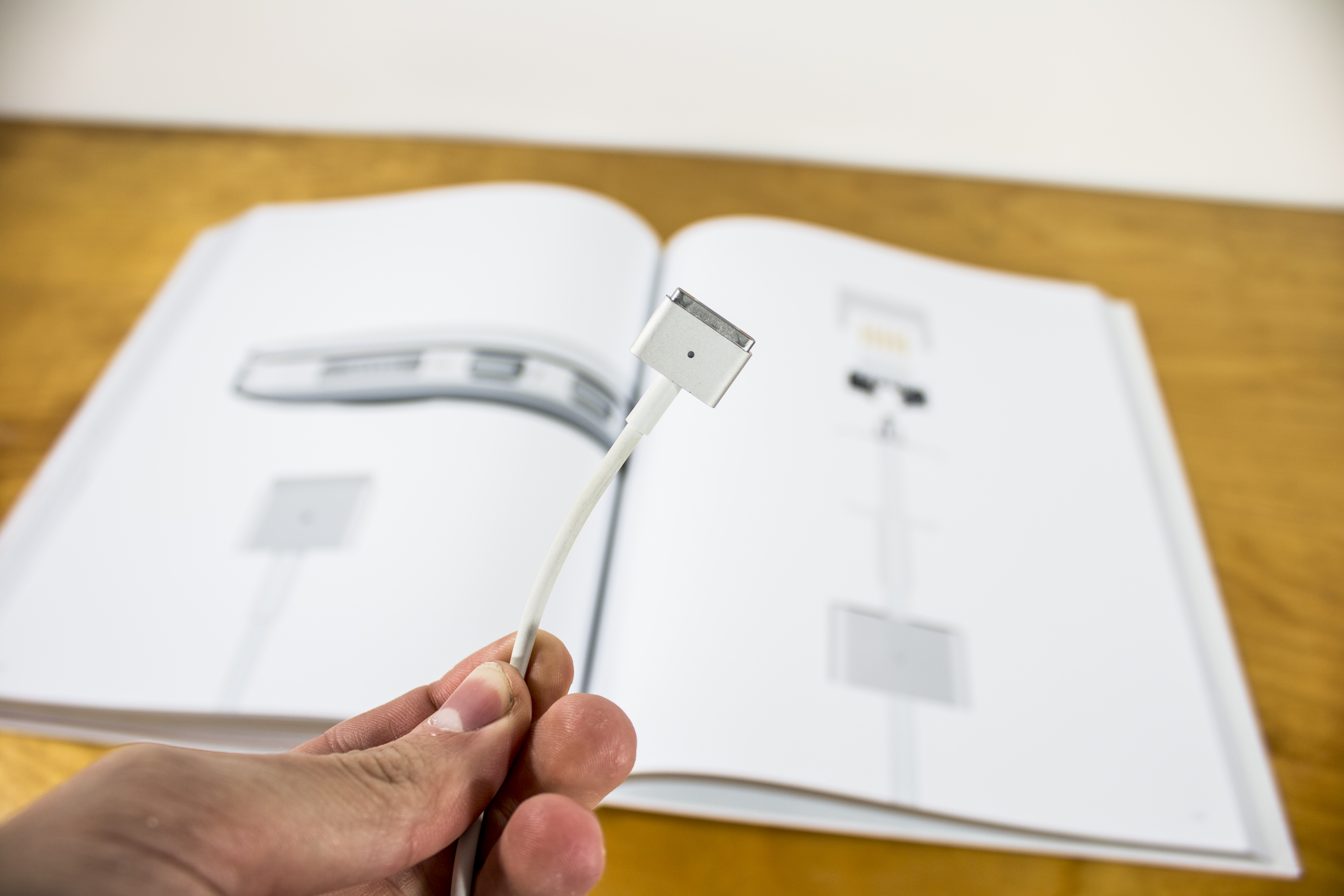
Pouring One Out for MagSafe

With USB-C/Thunderbolt 3, Apple is leaving MagSafe behind.

That’s a real bummer. MagSafe was great, and when Jobs introduced it in 2006, people got as excited as anyone has even been about a charging port:

The idea was simple, but brilliant. Instead of a connector, Apple used magnets to attach the power cord to the notebook. When pulled, the cord would simply pop off, leaving the machine safe and sound on its surface.

I’d love to know how much this saved Apple customers in repair fees over the last decade. I’m sure it’s a matter of time until my new MacBook Pro gets ripped off the table when the dog or a kid runs by.