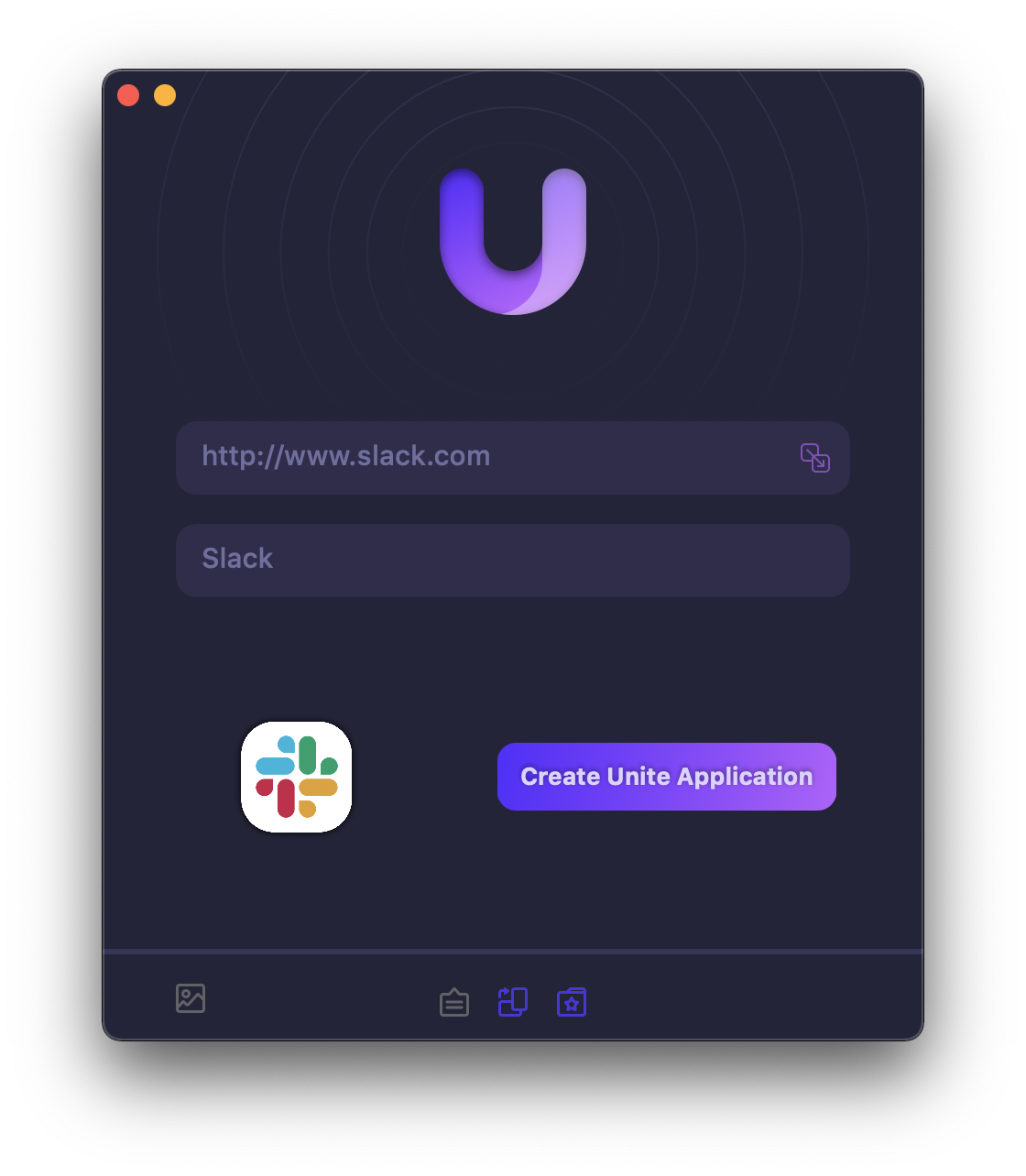
Sponsor: Unite 4 for macOS⇢

Unite 4 for macOS allows you to turn any website into an app on your Mac. Using a lightweight, WebKit powered browser as a backend, you can easily create isolated, customizable apps from any site.

Unite 4 includes dozens of new features, including support for native notifications, new customization options, and much more. Unite apps also serve as a great alternative for resource hogging Electron apps or half-baked Catalyst apps.

Continue reading ⇢

The Apple Computer Loan⇢

Apple, back in 1997:

Apple Computer, Inc. today announced a new credit option for college-bound youth to make buying a Macintosh as easy as using one. Kicked-off on June 1, the ongoing Apple Computer Loan program is the latest innovation from the Company that offers the world’s first 300 megahertz home computer and the world’s fastest notebook computer. Along with making it easier for consumers to buy a Mac, Apple expects the program to benefit retailers by giving them another payment option for customers. Having already achieved success with similar loan programs for college students buying on campus and for educators, the new Apple Loan Program is designed for individuals who buy at retail stores.

Continue reading ⇢

Three Years Later, the 12-inch MacBook is Still Missed⇢

Joe Rossignol, writing at MacRumors:

Today marks the third anniversary of Apple discontinuing the 12-inch MacBook. The portable notebook was removed from Apple’s online store on July 9, 2019 alongside refreshes to the MacBook Air and 13-inch MacBook Pro on the same day.

Introduced in March 2015, the 12-inch MacBook featured a thin and light design that weighed just two pounds, and it was also Apple’s first fanless notebook. Pricing started at $1,299, with the original model’s standard specs including a 1.1GHz dual-core Intel Core M processor, integrated Intel HD Graphics 5300, 8GB of RAM, and a 256GB SSD.

Continue reading ⇢

Two Apps For Entering Tasks into Reminders More Quickly

Apple’s Reminders has come a long way over the years, but some third-party apps have better tools for quickly entering tasks with natural language processing.

To be clear, Reminders has some natural language processing, but it doesn’t really hold up when compared to things like Todoist or Remember the Milk.

There are a couple of apps that make all of this better.

The first is a macOS application named InstaRemind. It runs in the menubar and gives Reminders a system-wide quick entry feature that takes advantage of natural language for due dates, lists and more.

Continue reading ⇢

PowerPhotos⇢

My thanks to PowerPhotos for sponsoring 512 Pixels this week. It is the ultimate toolbox for Photos on the Mac. Create multiple libraries, find duplicates, copy photos/albums, merge libraries, advanced export, and more.

Version 2.0 can be downloaded for free on the web. Existing users of PowerPhotos 1.0 or iPhoto Library Manager can use their serial number to upgrade for 50% off the regular price, and 512 Pixels readers can use the coupon code 512PIXELS to receive a 20% discount.

Continue reading ⇢

M2 MacBook Air Orders Open Tomorrow Morning⇢

Tomorrow morning at 5 AM Pacific, the new M2 MacBook Air goes on sale. I think it’s going to be a big hit and pretty constrained at first thanks to waves arms at world.

For me, I’m planning on ordering a machine in silver for my wife with:

  • Base CPU/GPU
  • 16 GB of RAM
  • 2 TB SSD

I fully expect to have it delivered in October.

Update: Got a base CPU/GPU with 24GB RAM and 2 TB SSD in Silver coming July 26-August 2.

Continue reading ⇢

The 2023 Apple History Calendar⇢

I’ve got big news today: I am launching my second Kickstarter project!

For 2023, I’ve designed a new edition, focusing on the software that powers our favorite devices. These dates cover everything from Apple’s earliest software to the latest and greatest versions of macOS, iOS, iPadsOS and more. The calendar also includes a wide range of first-party software titles from iLife and iWork to things like Cyberdog and Rhapsody.

Continue reading ⇢

Kbase Article of the Week: About QuickTime VR⇢

Apple Support:

QuickTime VR creates an immersive, photorealistic experience simulating actual or imagined three-dimensional objects and places. Unlike other virtual reality implementations, QuickTime VR does not require special goggles or gloves, and it doesn’t need you to download a custom 3D plug-in to work with any application or web browser. All major applications that play QuickTime movies can also play QuickTime VR movies. There are two main types of QuickTime VR movies - QuickTime VR Panoramas and QuickTime VR Object Movies.

Continue reading ⇢

Sponsor: PowerPhotos 2.0⇢

PowerPhotos works in conjunction with the Apple Photos app, filling in missing features that Photos itself doesn’t provide. With PowerPhotos you can manage multiple photo libraries, either splitting up an existing library into smaller ones, or merging multiple libraries together into one. You can browse and search your libraries, copy photos and albums between libraries while retaining edits and metadata, and find and remove duplicate photos.
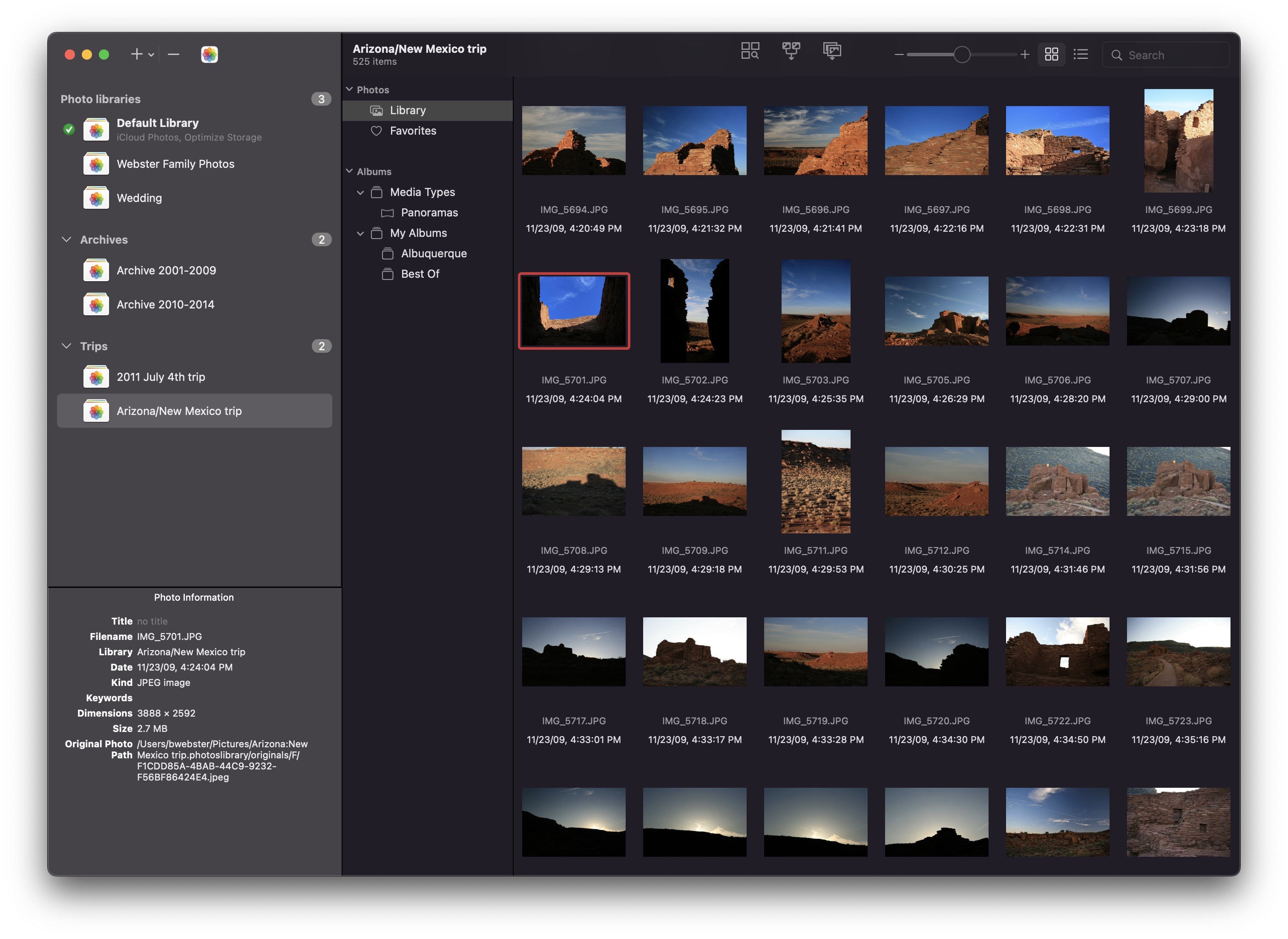
PowerPhotos 2.0

New in PowerPhotos 2.0 is an advanced export function that offers more functionality than Photos’ built-in export window. PowerPhotos export supports standard features like different image formats, resizing, customizing EXIF metadata, but that’s just the beginning. PowerPhotos can also export your photos to a folder hierarchy that mimics the album hierarchy you’ve painstakingly arranged in your Photos library. In addition, it supports setting the exported files’ creation and modification dates to match the photo’s EXIF date, allowing you to more easily browse photos by date in the Finder. This major update also includes improved iCloud Photos support, library groups, a global menu bar item for quick access to libraries, opening libraries in separate windows, and improved AppleScript support.

Continue reading ⇢