Apple Discontinues the iPod touch⇢

Apple PR has announced that the iPod touch will be for sale as long as supplies last:

Since its introduction over 20 years ago, iPod has captivated users all over the world who love the ability to take their music with them on the go. Today, the experience of taking one’s music library out into the world has been integrated across Apple’s product line — from iPhone and Apple Watch to iPad and Mac — along with access to more than 90 million songs and over 30,000 playlists available via Apple Music.

Music has always been part of our core at Apple, and bringing it to hundreds of millions of users in the way iPod did impacted more than just the music industry — it also redefined how music is discovered, listened to, and shared," said Greg Joswiak, Apple’s senior vice president of Worldwide Marketing. “Today, the spirit of iPod lives on. We’ve integrated an incredible music experience across all of our products, from the iPhone to the Apple Watch to HomePod mini, and across Mac, iPad, and Apple TV. And Apple Music delivers industry-leading sound quality with support for spatial audio — there’s no better way to enjoy, discover, and experience music.”
Continue reading ⇢

A Little Journey to AppleFest ’88

I am working on a thing, and I needed to find the release date of Apple’s GS/OS. I knew from this article that it had come out at AppleFest in September 1988.

Finding the date of an event like this isn’t easy on the modern web, but I have collected a massive amount of computer history research over the years. I store it all in DEVONthink, which has some amazing search tools.

In my library, I found a PDF of a September 1988 edition of the Washington Apple Pi Journal, which covered loads of Apple stuff back in the day. There, on page 9, was an ad for the very event!

Continue reading ⇢

Apple Winds Down iCloud Documents and Data⇢

Apple:

iCloud Documents and Data, our legacy document syncing service, has been discontinued and replaced by iCloud Drive. If you used iCloud Documents and Data, your account has been migrated to iCloud Drive.

iCloud Documents was introduced years ago; iCloud Drive was introduced in 2014.1 I can’t imagine this is going to be a problem for many users.


  1. iOS 8 and OS X Yosemite didn’t come out at the same time. After updating to iOS 8, users had to decide if they wanted to hold off on iCloud Drive to maintain compatibility with OS X Mavericks, or upgrade to the new system and cause all sorts of havoc. As Peter Cohen wrote at the time, it was a real mess for some folks. ↩︎

Continue reading ⇢

Sponsor: Magic Lasso Adblock⇢

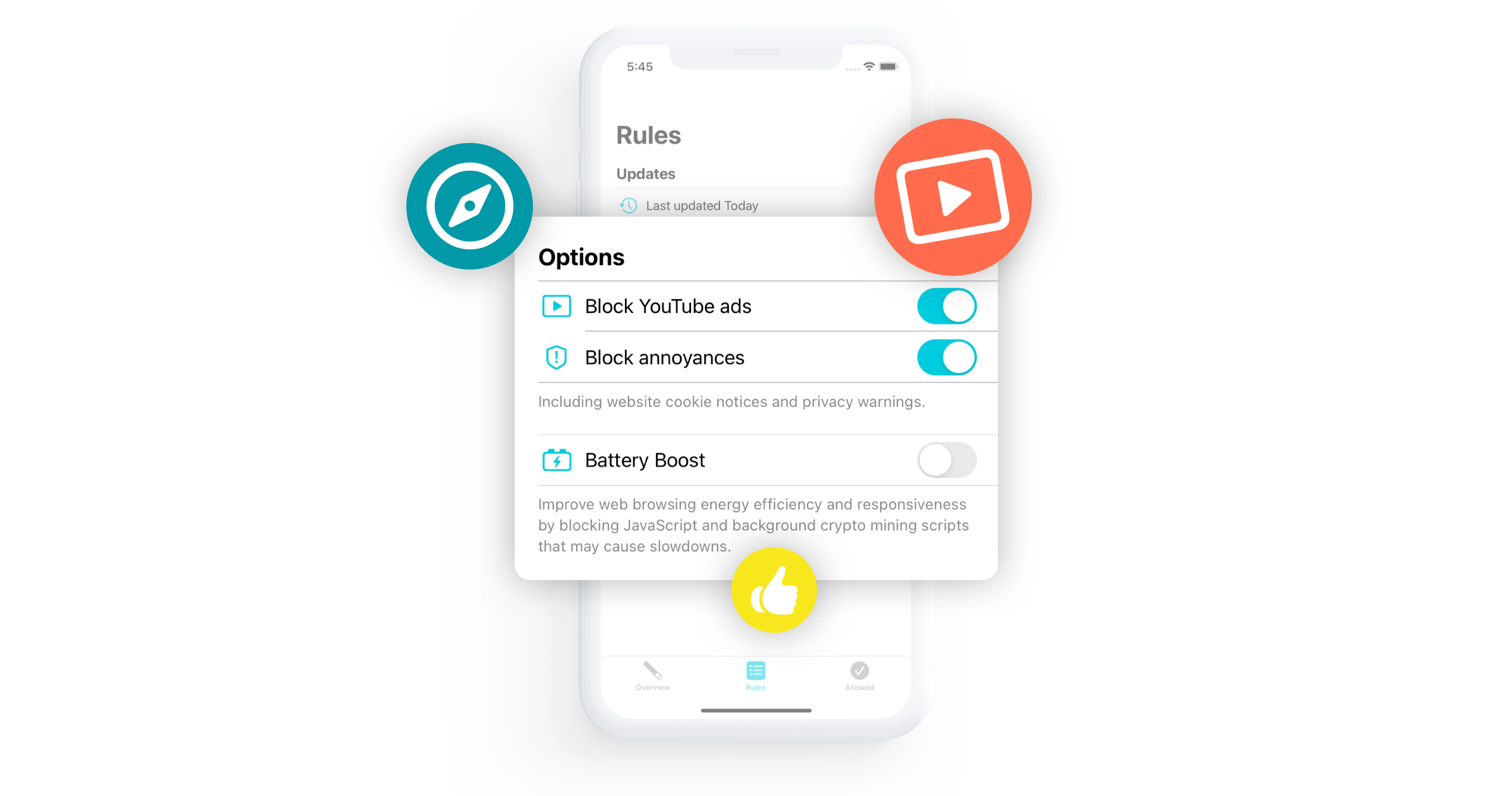
Do you want to experience twice as fast load times in Safari on your iPhone, iPad and Mac?

Then download Magic Lasso Adblock – the ad blocker designed for you.

Magic Lasso Adblock

It’s easy to setup, blocks all YouTube ads and doubles the speed at which Safari loads.

Magic Lasso is an efficient, high performance and free ad blocker. With over 4,000 five star reviews; it’s simply the best Safari ad blocker for your iPhone, iPad and Mac.

Continue reading ⇢

Mac Power Users #639: Software Club: Greg Pierce and Drafts⇢

This week, David and I are launching a new episode type on Mac Power Users. Generally speaking, we have three primary formats for our episodes:

  • Shows where we dive deep on a topic, app or other subject
  • Interview shows where we talk to folks about their work, their setups, etc.
  • Feedback shows where we revisit things talked about on the first two episodes. These are generally recorded every 6-8 weeks.

The fourth, dubbed “Software Club” is a bit of a mix of the first two. Our plan is to talk about an app, then bring the developer on for a shorter interview, focusing on their app, and not necessarily their workflows, etc.

Continue reading ⇢

Why Pebble Failed⇢

Eric Migicovsky, a co-founder of the now-defunct smartwatch company, writing about why his company failed:

I struggled over and over to define a strong long term vision for what Pebble as a company would accomplish. In some ways we were spoiled…when our Kickstarter in 2012 was super successful, we never had to go through the exhausting process of iterating on sales techniques to acquire customers. We had crystal clear marching orders in 2012: build exactly what we had promised our backers and make it as high quality as possible. That’s what we did in 2012–2014…we just built great smartwatches that we ourselves (young hackers) wanted to use. After Pebble Steel in 2014, we came up for air and found ourselves in a more competitive space. As discussed above, we attempted to expand into a new market, and failed.

Continue reading ⇢

Apple Provides Details for WWDC Special Event⇢

Apple:

We’re hosting a special all-day experience at Apple Park on June 6 to kick off WWDC22. Gather with others in the developer community to watch the keynote and State of the Union videos alongside Apple engineers and experts, explore the all-new Developer Center, and so much more. We can’t wait to connect in person.

Attending this event is free and open to members of the Apple Developer Program and Apple Developer Enterprise Program. Invitations will be allocated through a random selection process and are non-transferrable.

Submit your request May 9 at 9:00 a.m. PT to May 11 at 9:00 a.m. PT. You’ll be notified of your status by May 12 at 6:00 p.m. PT.

Continue reading ⇢

1Password 8 for Mac⇢

After a long beta period, 1Password 8 for Mac is out today. The new version brings with it a new design, the ability to group vaults together in custom Collections and support for SSH keys.

One of my favorite additions is Universal Autofill. Dave Teare explains:

Nearly two decades ago we set out to create the most complete and deeply integrated password manager for Mac users. And today we’re thrilled to announce a new feature that raises that bar: you can now fill anywhere on your Mac using ⌘.

This is actually real! 1Password can now fill into Mac apps like Zoom, Spotify, and the App Store, and also other places like Terminal and system prompts.

We leverage the incredible accessibility frameworks provided by Apple to analyze the app structure. We then use the same brain that powers 1Password in your browser to accurately and securely fill fields and log you in.

Universal Autofill handles everything for you, including one-time 2FA codes. It even presses the Enter key for you.

Continue reading ⇢