512 Pixels

‘I Found Exactly One’⇢

Monica Chin, writing at The Verge:

Apple’s latest Mac Pro was finally revealed at this year’s Worldwide Developers Conference as a machine for the most power user of power users. The video discussed audio engineering, color grading, and video transcoding. Apple’s product page mentions code compiling, animation, compositing 8K scenes, 3D rendering, and “analyzing enormous datasets.” This isn’t just for pros, Apple seems to claim; it’s for capital-P Pros.

I wanted to know whether Apple’s purported target demographic — people who spend their days animating, making visual effects, and doing various other tasks generally associated with big, powerful computers — were actually interested in purchasing this machine. So I asked a bunch of them, and the answer, basically across the board, was no. Not because the Mac Pro is bad but because Apple’s other computers, namely its laptops, have just gotten too good.
Apple’s ‘Reality’ Work Dates Back Three Decades⇢

Josh Withers:

Tim Cook once said that “we are high on AR for the long run” and it’s true, for 28 years Apple - and the rest of the tech industry - has been noodling around on augmented reality and virtual reality.

Out of a purely personal interest, I started flipping through rumours about Apple and its “glasses” to see where the leakers got it right and wrong, and the next minute I’m back in 1995, so I thought a curated list of all the leaks, rumours, and related dates might be a nice record to make in the year of our headset, AVP 0.

I enjoyed this trip down memory lane, and I suspect you will, too.

Kbase Article of the Week: AICK: Setting Up with Existing Service Provider⇢

This week, another Q&A support document:

I have the Apple Internet Connection Kit (AICK) and I’m trying to set it up with my existing Internet service provider (ISP). When I launch the Apple Internet Dialer, it wants me to set up an account with a new service provider. How do I tell it to use my existing ISP?

When you first run the Apple Internet Dialer, it assumes you do not have internet access and guides you through setting up an account with a new ISP. If you already have dial-up access with an ISP, you can set it up by following these steps:

Step 1: Launch the Apple Internet Dialer application

Step 2: Choose Define Provider Information from the Provider menu.

Step 3: Enter the appropriate information for your ISP. if you do not know this information, call your ISP for the necessary information.

Sometimes, there was a step 3.

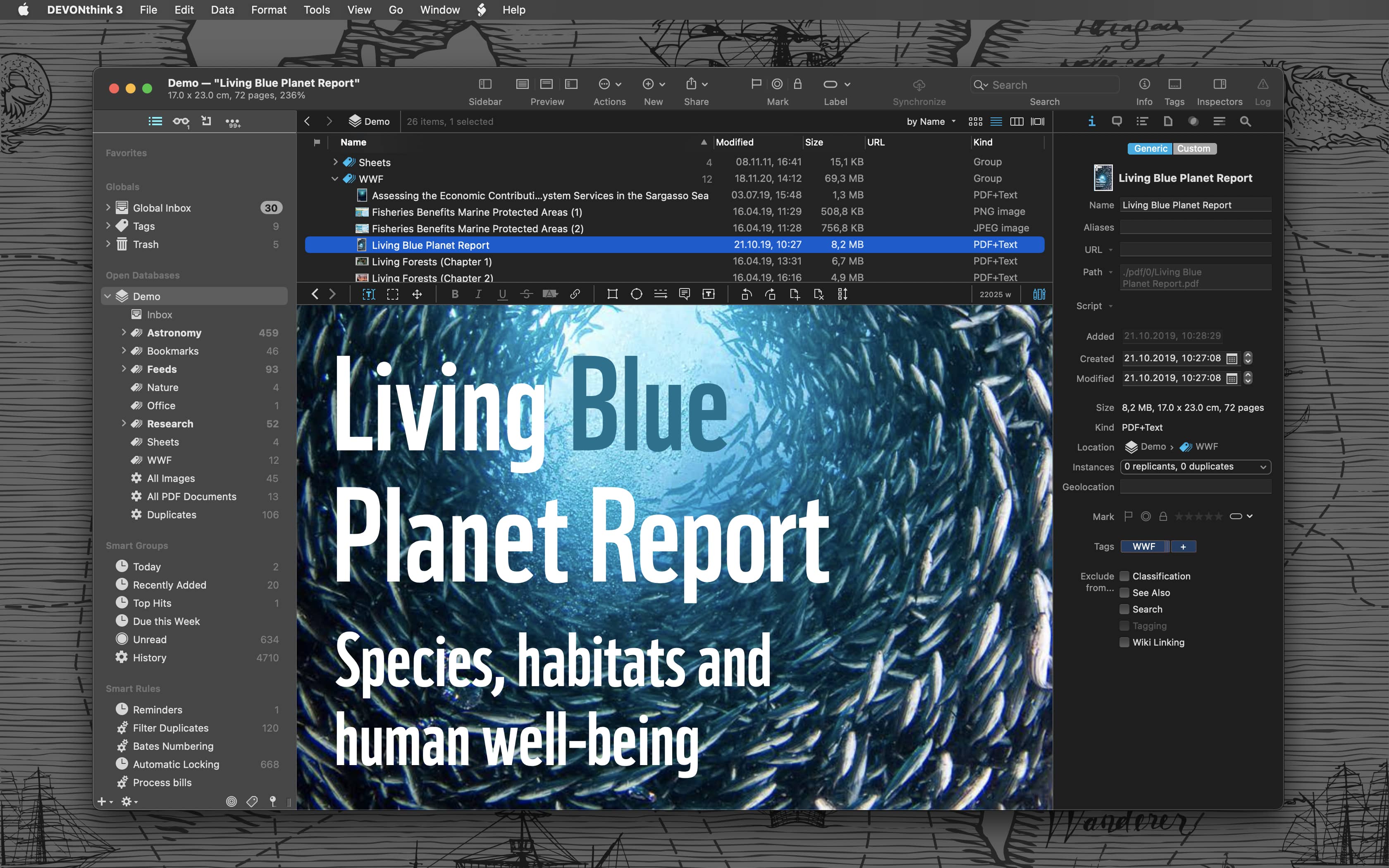
Sponsor: DEVONthink of DEVONtechnologies⇢

Whether you’re in the harbor or at high sea, you need to know where you are or where you’re sailing. If you have all the maps, books, and documents. DEVONthink for Mac and DEVONthink To Go for iOS will not let you down on your mission and help you navigate the “seven seas of information.”

DEVONthink for Mac

Sailor jokes aside … DEVONthink helps you get organized in your office, home office, or on the go. It keeps all your documents, snippets, and bookmarks in one place. Organize them however you need and let DEVONthink’s unique AI assist you all the way with filing and finding. And if that wasn’t enough, smart rules and flexible reminders let you delegate all the boring, repeating daily tasks to DEVONthink too. On iOS, use Shortcuts actions to integrate DEVONthink To Go with your other apps.

Of course, whatever you keep in your databases remains yours. It’s all stored locally, nothing is uploaded anywhere unless you say so. Flexible synchronization technology with strong encryption makes sure that you have all your important documents with you on whatever device you’re working on or taking with you. Use iCloud, Dropbox, any WebDAV service you may have booked. Or synchronize directly over your local network.

And, of course, there’s so much more, from email archiving and scanning to an embedded web server for sharing your data securely with your team. Check out https://www.devontechnologies.com to learn more about DEVONthink, DEVONthink To Go, and more.

Exploring an eWorld Promotional Mailer

An anonymous 512 Pixels reader recently mailed me something amazing — a promotional mailer for eWorld, dating back to 1994. In the package was a set of 3.5-inch eWorld 1.0 installer disks, the “Apple Online Service Subscriber Agreement” and an amazing brochure for eWorld.

Let’s start with the envelope and the Subscriber Agreement:

eWorld Mailer EnvelopeApple Online Service Subscriber AgreementYou can click on any image in this post to view a full-sized version.

Now let’s move onto the real treat of the brochure itself. The outer cover included some simple artwork, and on the back, a customized registration number and password to get started. I’ve redacted the specifics on this particular brochure so no time travelers can steal eWorld from the original recipient:

eWorld Brochure Outer Cover

The inner pages of the brochure both encouraged and educated would-be customers:

eWorld Brochure Inner Page 1eWorld Brochure Inner Page 2

The whole thing folded out, walking people through the five-step process that was required to get their eWorld account up and running:

eWorld Brochure Inner Page 3

If you want to learn a lot more about eWorld and the other services Apple has offered over the years, the 2024 Apple History Calendar is full of facts and trivia about this very subject. It’s available on Kickstarter now.

DPReview Purchased by Gear Patrol⇢

Scott Everett, writing at the up-until-now- slated-for-death-by-Amazon-dot-com DPReview:

We’ve heard from many of you over the past several weeks, and we realize there are many questions about what comes next for DPReview. We’re thrilled to share the news that Gear Patrol has acquired DPReview. Gear Patrol is a natural home for the next phase of DPReview’s journey, and I’m excited to see what we can accomplish together.

I want to reassure you that we remain firmly committed to what makes DPReview great: the best camera reviews in the business, industry-leading photography news and features, and one of the most active photography communities anywhere on the internet.

This is just the beginning of a new chapter for DPReview and we don’t have all the answers yet, but I’m sharing what we know below and will continue to share information about this change as we get more acquainted with our partners at Gear Patrol.

Apple’s Self Service Repair Expanded, Updated⇢

Today, Apple announced the inclusion of the iPhone 14 lineup, as well as M2-based 13-inch MacBook Air and MacBook Pros, in its Self Service Repair program, which means we get to enjoy this amazing promotional art again:

Apple Repair Image

More importantly, Apple has removed one of the most frustrating parts of the program:

Apple will also make the System Configuration process used for iPhone repairs, such as displays, batteries, and cameras, even easier to use. System Configuration is a postrepair software tool that ensures repairs with genuine Apple parts — designed and tested to internationally recognized standards — were completed correctly, and the parts are working properly. The tool is available for free to all Self Service Repair users and participating service providers in Apple repair programs.

Running System Configuration after a repair authenticates genuine Apple parts, updates firmware, and calibrates parts to ensure maximum performance and quality. Additionally, for repairs involving biometric authentication, such as Touch ID or Face ID, System Configuration links the biometric sensors to the Secure Enclave on the logic board to ensure device security and customer privacy.

Previously, customers would need to make a phone call to have the final step of the repair verified. Now, that can be done locally, which is fantastic.