512 Pixels

Connected #337: The Mini Version of Nothing⇢

This week on the show:

Stephen is accused of flip-flopping, while Myke has updated some firmware. Federico has reviewed a new iPad desktop stand and then the three descend into a Round Robin of iPhone features that wouldn’t exist if Apple was starting over in 2021.

(We would probably ship a terrible iPhone.)

In Connected Pro, Federico shares a gaming annoyance and I give away six months of Apple Music and News+.

My thanks to our members and the sponsors for this episode:

  • Squarespace: Make your next move. Enter offer code CONNECTED at checkout to get 10% off your first purchase.
  • Bombas: Give a pair when you buy a pair, and get 20% off your first purchase when you use this link.
  • Baronfig: Do your best thinking. Use CONNECTED20 for 20% off the Idea Toolset.

Google Play Drops Commission to 15 Percent, Without Overhead of Apple’s Small Business Program⇢

Manish Singh has details:

The Android-maker said on Tuesday that starting July 1, it is reducing the service fee for Google Play to 15% — down from 30% — for the first $1 million of revenue developers earn using Play billing system each year. The company will levy a 30% cut on every dollar developers generate through Google Play beyond the first $1 million in a year, it said.

Citing its own estimates, Google said 99% of developers that sell goods and services with Play will see a 50% reduction in fees, and that 97% of apps globally do not sell digital goods or pay any service fee.

Google’s new approach is slightly different from Apple, which last year said it would collect 15% rather than 30% of App Store sales from companies that generate no more than $1 million in revenue through the company’s platform. That drop doesn’t apply to iOS apps if a developer’s revenue on Apple platform exceeds $1 million.

Google’s system is how Apple’s should work. I’d love to see the App Store change to match this.

Kbase Article of the Week: OS X: About Mail Update for Mavericks⇢

Apple Support:

Mail Update for Mavericks includes improvements to general stability and compatibility with Gmail, including the following:

  • Fixes an issue that prevents deleting, moving, and archiving messages for users with custom Gmail settings
  • Addresses an issue that may cause unread counts to be inaccurate
  • Includes additional fixes that improve the compatibility and stability of Mail

Gmail being in broken in Mail was a real good time there for a little bit.

Mac Power Users #579: 30 Mac Apps for Under $30⇢

This week on Mac Power Users, we get back to the Mac in a big way:

The ecosystem of Mac apps is small compared to what’s available for iOS and iPadOS, but that doesn’t mean there aren’t some real gems out there to make working on macOS more productive.

My thanks to our sponsors for supporting my Mac app habit:

  • 1Password: Have you ever forgotten a password? You don’t have to worry about that anymore.
  • Indeed: Get a free $75 credit to upgrade your job post.
  • Squarespace: Make your next move. Enter offer code MPU at checkout to get 10% off your first purchase.
  • Pingdom: Start monitoring your website performance and availability today, and get instant alerts when an outage occurs or a site transaction fails. Use offer code MPU to get 30% off. Offer expires on January 31, 2022, and can be used only once.

Sponsor: Unread⇢

Unread is an RSS reader for iOS with beautiful typography, comfortable gesture-based navigation, and a variety of color themes.

While the best websites provide RSS feeds with full article content, some have feeds that only contain summaries. Unread automatically determines which feeds have full article content and which feeds just have summaries. When displaying articles from summary-only feeds, Unread retrieves full article content from the website. You get the full article in Unread without needing to open the website.

Unread includes home screen widgets that let you quickly see the newest articles. Unread’s keyboard navigation support lets you effortlessly navigate articles from an iPad via hardware keyboard.

Unread syncs with Feed Wrangler, Feedbin, Feedly, Fever, Inoreader, and NewsBlur. Its core functionality is free. To get started, simply download Unread from the App Store.Unread

Original HomePod Discontinued⇢

Matthew Panzarino at TechCrunch reports that the HomePod is joining the great iPod Hi-Fi in the sky:

After 4 years on the market, Apple has discontinued its original HomePod. It says that it will continue to produce and focus on the HomePod mini, introduced last year. The larger HomePod offered a beefier sound space but the mini has been very well received and clearly accomplishes many of the duties that the larger version was tasked with. The sound is super solid (especially for the size) and it offers access to Siri, Apple’s assistant feature.

Here is what Apple told Panzer:

HomePod mini has been a hit since its debut last fall, offering customers amazing sound, an intelligent assistant, and smart home control all for just $99. We are focusing our efforts on HomePod mini. We are discontinuing the original HomePod, it will continue to be available while supplies last through the Apple Online Store, Apple Retail Stores, and Apple Authorized Resellers. Apple will provide HomePod customers with software updates and service and support through Apple Care.

We have two; a gray one in the kitchen and a white one in my studio. I picked up a HomePod mini for our bedroom, and it sounds great for its size, but it doesn’t match the fullness the original HomePod consistently delivered.

…but it was just too expensive, even after getting a permanent price cut to $299 back in April 2019. I’m not shocked at the news that it’s going away, but it is a bit of a bummer, even for a product that wasn’t quite right for its category.

Existing HomePods are still for sale on Apple’s website while supplies last, as long as you want one in white. Not that the future holds any promises, as Myke Hurley points out:

I try to use a HomePod pair with my Apple TV. When it works, it sounds fantastic. However most days it doesn’t. I get all kinds of failures — with content pausing, or one of the HomePods failing.

I had hoped that this functionality would be improved in the future. Now I’m not so hopeful.

I guess it’s time to look in to other options for better TV audio.

Soulver⇢

My thanks to Soulver for sponsoring the site this week. It is a smart notepad with a built-in calculator. Get instant answers to calculations… right in in text. It’s the perfect middle ground between a traditional calendar and a spreadsheet, compete with natural language support, currency conversions and more.

Connected #336: 1, 2, 3, 4, 5, 6⇢

This week on Connected:

What’s follow-up and what’s a topic? Why has Apple chickened out with a change in iOS 14.5? Who wants a new iPad Pro? How many secrets have been kept between the co-hosts? Is this an annoying way to write a show description?

(Sorry about that.)

On Connected Pro, Ticci talks about finding the balance between being cool and confident, and debates if Steve Jobs was cool or not. Also, Myke has a security problem and I tell a story about shipping a hard drive.

My thanks to our members and sponsors for making this episode possible:

  • Pingdom: Start monitoring your website performance and availability today, and get instant alerts when an outage occurs or a site transaction fails. Use offer code CONNECTED to get 30% off. Offer expires on January 31, 2022, and can be used only once.
  • Hover: Make a name for yourself. Get 10% off any domain name.
  • Mack Weldon: Reinventing men’s basics. Get 20% off your first order with promo code CONNECTED.

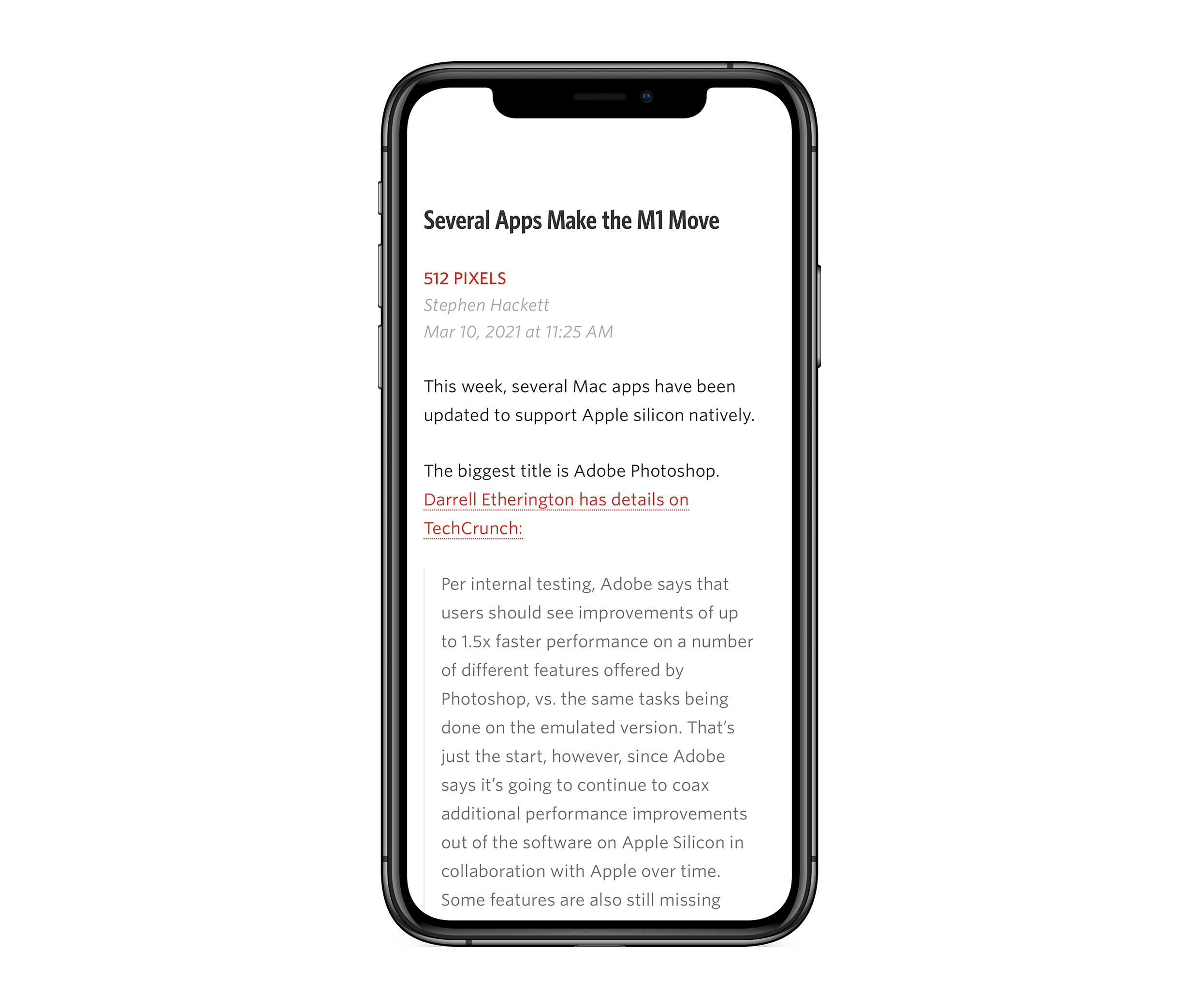
Several Apps Make the M1 Move

This week, several Mac apps have been updated to support Apple silicon natively.

The biggest title is Adobe Photoshop. Darrell Etherington has details on TechCrunch:

Per internal testing, Adobe says that users should see improvements of up to 1.5x faster performance on a number of different features offered by Photoshop, vs. the same tasks being done on the emulated version. That’s just the start, however, since Adobe says it’s going to continue to coax additional performance improvements out of the software on Apple Silicon in collaboration with Apple over time. Some features are also still missing from the M1-friendly addition, including the ‘Invite to Edit Cloud Documents’ and ‘Preset Syncing’ options, but those will be ported over in future iterations as well.

The new version also includes a machine learning-powered feature for upscaling images, which is something I know a thing or two about.

1Password has also been updated. I was surprised, as I honestly thought it was already native on my M1 MacBook Pro. Rosetta 2 is good. As normal, there are a lot of other goodies in the new version. Magic Lasso is native now as well, which is great news if you’re a Safari user looking for a really good ad blocker.

Most surprisingly to me was Toast DVD. I don’t use Toast very often, but when I do, it’s the only tool to get the job done.

Now we just need some more Apple silicon Macs to make their way into the world.