512 Pixels

Connected #263: Moon Plus Sign Plus Sign ⇢

This time on the show:

Stephen tells a story about his Apple Watch accomplice, Myke reviews tvOS 13 and Federico explains how Deep Fusion and Capture Outside the Frame work.

Apple’s camera stuff on the iPhone 11 and 11 Pro is getting … confusing.

My thanks to our sponsors:

  • Squarespace: Make your next move. Enter offer code CONNECTED at checkout to get 10% off your first purchase.
  • Care/of: Personalized vitamins, protein and more, delivered to your door. Use ‘connected’ for 25% off.
  • Freshbooks: Online invoicing made easy.

Over $312,000 ⇢

We’ve wrapped up our annual St. Jude fundraiser 1 and the number raised is simply staggering: over $312,000

It has been incredibly humbling to see this community to rally around this cause, and I can tell you first-hand how much it means to the families at St. Jude. Thank you for not only the amazing amount of money raised, but for joining in the work of saving kids without regard to their ability to pay.


  1. The donation pages will be up for a few more weeks to catch any stragglers, so there’s still time to give! ↩︎

Mac Power Users #502: I Saw Your Face on the Internet ⇢

This week on MPU, it’s a feedback episode:

David and Stephen revisit Alfred and backups and talk about iOS 13’s bumpy release and the new iPhone and Apple Watch. Stephen also gives a behind-the-scenes look at the recent Relay FM Podcastathon and closes the episode by reading a list of the iPhones he has broken over the years.

My thanks to our sponsors:

  • 1Password: Have you ever forgotten a password? You don’t have to worry about that anymore.
  • TextExpander from Smile: Get 20% off with this link and type more with less effort! Expand short abbreviations into longer bits of text, even fill-ins, with TextExpander from Smile.
  • Pingdom: Start monitoring your website performance and availability today, and get instant alerts when an outage occurs or a site transaction fails. Use offer code MPU to get 30% off.
  • Freshbooks: Online invoicing made easy.

Day One 4.2 for iOS Brings Template for Quick Entries

Most days, I end my work day with a “Daily Log” entry. Sometimes, this is in a notebook, and sometimes I do it digitally, but no matter the format, it ends up in Day One in a journal called “Logs.”

(I am very creative.)

These journal entries are structured in a way to let me quickly capture my day, along with a few thoughts. Here’s the template:

DATE HERE Summary: A few sentences about my day will go here. Or maybe just one sentence. You aren’t the boss of me, jouraling system! Three Completed Tasks:

  • A task here.
  • A task there.
  • …and here, too….

One Bad Thing: Something I found frustrating or disappointing during the day, or something I’m struggling with and want to keep tabs on in the future. One Good Thing: I want to end on a high note, so this is something I found encouraging or exciting during the day.

I have this all bundled up in a TextExpander snippet, but Day One’s oddball formatting (especially for the “Three Completed Tasks” doesn’t always play nice with text being pasted or expanded in place, which I find annoying.

This week, Day One 4.2 for iOS shipped with support for templates. Here’s a bit from the Day One blog:

Templates have been a requested feature by many faithful users and can help users overcome writers block, capture information quickly, track items/routines/changes over time, and help form a consistent journaling habit.

The six built-in templates are all interesting, but the ability to create my own grabbed my attention. In just a few minutes, I rebuilt my Daily Log system within Day One itself:

The template building interface is very simple. You can add formatted text with Day One’s visual editor, and add section headers with just a few taps. As simple as this is, I would like to see more options for inserting information like the date and time, location, weather and other metadata that Day One is already keeping track of on iOS.

For example, I put the date as the title for each of these entries; that is why I have the placeholder “DATE HERE” text in my template. Hopefully, the Day One team will look into these templates becoming a bit smarter in the future.

Another issue is the lack of support for this on the Mac at time of publishing. I assume it’s coming, but when they do, Day One should make sure cross-platform formatting is done correctly. For example, check out the missing bullet points in these screenshot. One is on my iPhone, the other on my iMac Pro:

Update: Day One says this is a known issue and is being worked on.

These issues aside, I’m really liking this new feature. Now, I can tap to add an entry, select my template and fill it in very quickly. When an app I’ve used for years adds a feature that I will use many times a week, I can’t help but be excited.

Moon++ ⇢

David Smith has a new Apple Watch app out, and it’s right up my space nerd alley:

Moon++ seeks to provide a highly accurate, visually pleasing indication of what the moon looks like right now, right where you are. My goal was to make it so that if you look down at your wrist and then up into the sky the images you see should match.

The level of detail here is excellent:

Building it has been a fun little adventure into astronomy. The moon image I generate is adjusting itself for all manner of astronomical factors. I got to learn about such fun terms as: parallactic angle, libration, and lunar terminator.

Within the actual app itself it displays the current location of the moon in the sky (azimuth and elevation) along the horizon. If you rotate the Digital Crown you can shift forward and backwards through time.

Additionally, on the new Series 5 Apple Watch, which is equipped with a compass, you can have Moon++ orient itself towards the actual moon to make it easier to locate the moon in the sky.

Easiest $0.99 I’ve spent on the App Store in a while.

Moon++ is the first Watch-only app I’ve downloaded. I purchased it on my iPhone, but it didn’t show up on my Apple Watch until I followed these directions, captured by Greg Pierce on Twitter:

Apple is clearly not super confident that purchasing a watch-only app on your phone will actually result in an app appearing on your watch. pic.twitter.com/JmP8uUfy20

— Greg Pierce (@agiletortoise) September 26, 2019

Connected #262: The Ghost of Bilateral Charging ⇢

This week on Connected: new iPhones, the new Apple Watch, iOS 13.1, Shortcuts updates and more. That’s not to mention the Galaxy Fold, iCloud woes and whatever Amazon has announced.

My thanks to our sponsors:

  • Pingdom: Start monitoring your website performance and availability today, and get instant alerts when an outage occurs or a site transaction fails. Use offer code CONNECTED to get 30% off.
  • TextExpander, from Smile: Unlock your productivity with TextExpander. Get 20% off with your first year.
  • Freshbooks: Online invoicing made easy.

Group of Mac Pros in Hollywood Affected by Reboot Bug ⇢

This is a weird story. Yesterday, Variety’s Janko Roettgers reported that a bunch of Mac Pros in the Hollywood area were refusing to restart:

Film and TV editors across Los Angeles were sweating Monday evening as their workstations were refusing to reboot, resulting in speculations about a possible computer virus attack. Social media reports suggested that the issue was widespread among users of Mac Pro computers running older versions of Apple’s operating system as well as Avid’s Media Composer software.

The folks at Avid were in for a rough week, as Roettgers goes on:

Avid said in a statement Tuesday morning that it was aware of the issue, and that its engineers had made it a top priority to resolve the cause of it. On Tuesday afternoon, the company followed up with a video featuring its CEO Jeff Rosica and its CTO Tim Claman. Rosica said that the company has working “around the clock, whatever it takes” to solve the issue, and added that company engineers were on site “at a number of sites” to further investigate the problem.

Today, it looks like the problem is actually Google’s fault. Here is Roettgers again:

A serious data corruption issue that resulted in Mac Pro workstations being rendered unusable at a number of Hollywood studios Monday was likely caused by a browser update gone haywire: Google told Mac Pro users Tuesday evening that an update to its Chrome browser is likely to fault for the issue, which particularly impacted video editors across Hollywood and beyond.

“We recently discovered that a Chrome update may have shipped with a bug that damages the file system on MacOS machines,” the company wrote in a forum post. “We’ve paused the release while we finalize a new update that addresses the problem.”

That forum post is wild:

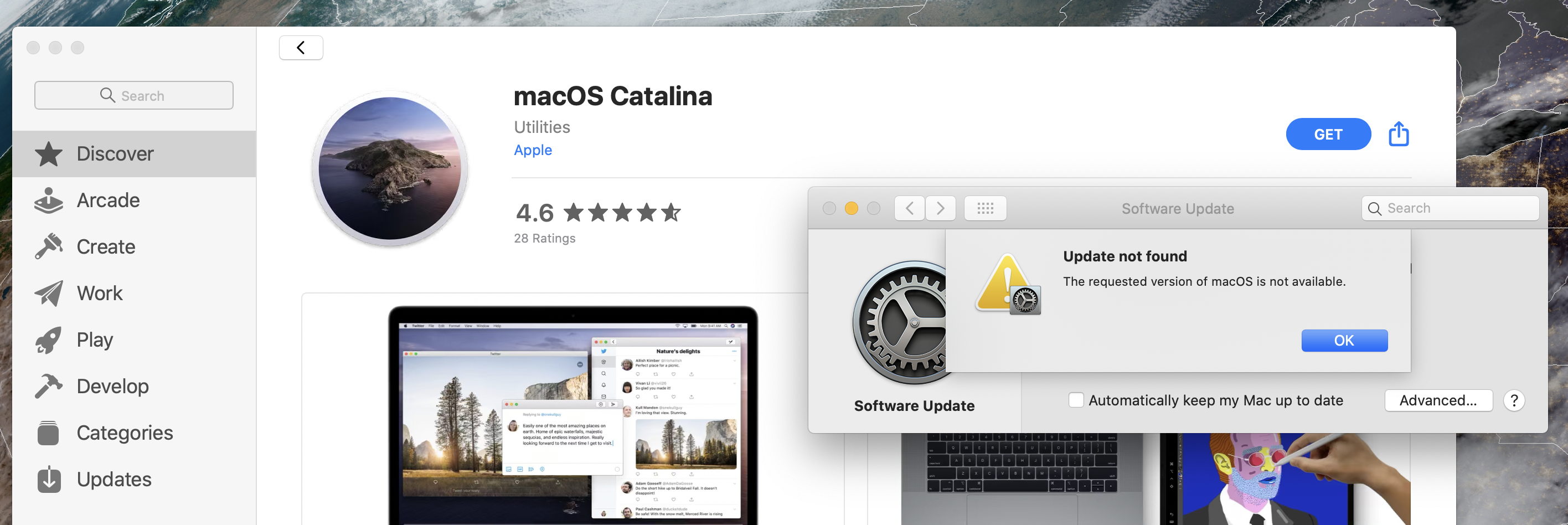
We recently discovered that a Chrome update may have shipped with a bug that damages the file system on macOS machines with System Integrity Protection (SIP) disabled, including machines that do not support SIP. We’ve paused the release while we finalize a new update that addresses the problem.

If you have not taken steps to disable System Integrity Protection and your computer is on OS X 10.9 or later, this issue cannot affect you.

SIP was introduced in OS X 10.11 El Capitan, which would make sense with the original reporting that this failure was showing up on machines running older versions of Mac OS X. The 2013 Mac Pro originally shipped with OS X 10.9 Mavericks, so it’s certainly possible that these machines just haven’t been updated very much.

That’s not super unusual in production workflows, especially when tools like Avid are expensive to upgrade and require the developer to spend time certifying later macOS releases.

Liftoff #108: Hungry for Artemis Details ⇢

This week on Liftoff, my space podcast with Jason Snell, we discuss a recent exoplanet discovery, NASA’s ordering of additional Orion capsules and what Jim Bridenstine can do to ensure ARTEMIS is a success, even beyond his tenure.

My thanks to our sponsors:

  • Squarespace: Make your next move. Enter offer code LIFTOFF at checkout to get 10% off your first purchase.
  • eero: Get your WiFi fixed as soon as tomorrow! Free overnight shipping.