
My thanks to Audio Hijack 4 for sponsoring 512 Pixels this week. If you record audio with macOS, it needs to be in your Dock. Version 4 brings lots of new goodies, including some powerful new automation tools. Check it out.
posts
SF Menu Bar⇢
Geoff Hackworth has a new Mac app that puts an SF Symbols picker right in your menu bar. Features include search, easy copying and more. If you work with SF Symbols, it looks well worth the $2.99.
Mac Pro Exit Review
Five years ago this week, we got news that the Mac Pro wasn’t dead, and more importantly, that Apple knew that it had lost the plot when it came to the Mac.
In the years since Apple has shipped both the iMac Pro and a new Mac Pro, but also a Retina MacBook Air and (eventually) notebooks with non-busted keyboards. The Mac mini was overhauled to be much more powerful. macOS got a new, fresh design and some amazing new features.
Connected #392: That Looming Threat of an Identity Crisis⇢
Some much-loved follow-up is discussed, as are the WWDC 2022 and Automation April announcements. Then, 2017’s Mac Roundtable is revisited and the guys design some new AirPods for Apple.
On Connected Pro, I made a phone call, Federico finished Elden Ring and Myke remembered what Mario Kart game he was thinking of last week.
512 Sponsorship Openings⇢
Just a quick note that I have a handful of open weekly sponsorship spots coming up. After that, the calendar is almost booked solid for the rest of 2022. If you’re interested in sponsoring the site toward the end of April or in early May, please email me at [email protected].
WWDC 2022 Announced⇢
Apple has announced this year’s WWDC. The annual event is taking place June 6-10.
Since 2020, WWDC has been fully virtual thanks to COVID. This year, Apple is dipping its toe into the water of having people back in person:
In addition to the online conference, Apple will host a special day for developers and students at Apple Park on June 6 to watch the keynote and State of the Union videos together, along with the online community. Space is limited and details on how to apply to attend will be provided soon.
Kbase Article of the Week: LED Cinema Display (27-inch), LED Cinema Display (24-inch, Late 2008): About Headphone Sound Redirection⇢
In certain situations, when you plug headphones into a Mac connected to an LED Cinema Display (24-inch, Late 2008) or LED Cinema Display (27-inch) then select the display’s speakers in the Output tab of the Sound pane of System Preferences, your selection may revert back immediately to the headphone choice. When you plug iPhone headphones into a Mac connected to an LED Cinema Display (24-inch, Late 2008) or LED Cinema Display (27-inch) then select the display’s microphone in the Input tab of the Sound preferences, your selection may immediately revert back to the iPhone headphones choice.
To select the display’s sound output, first unplug the headphones, iPhone headphones, or external analog speakers.
To select the display’s built-in microphone, first unplug the iPhone headphones.
Save the Date: Stream with Steve from Mac84⇢
On Thursday April 7 at 1:30 PM Eastern, I’ll be joined by Steve from Mac84 on my YouTube channel to talk about collecting and repairing old Macs, plus a whole lot more. I’d love it if you could drop by and hang out:
M1 Pro, M1 Max MacBook Pros Now on Refurb Store⇢
As pointed out by MacRumors, Apple now has the new 14-inch and 16-inch MacBook Pro in its certified refurbished store. Buying refurb can be a great way to save some money when purchasing a new machine. They are warrantied like new, which is great, but stock changes over time, so if you’re in the market and see a notebook you want, don’t wait around too long before ordering.
Sponsor: Audio Hijack from Rogue Amoeba⇢
Record any audio, with Audio Hijack. Whether you want to save audio from individual applications like Safari or Skype, hardware audio devices like microphones and mixers, and even the entire system audio output, Audio Hijack can handle it. Simply put, if it can be heard on macOS, Audio Hijack can record it.
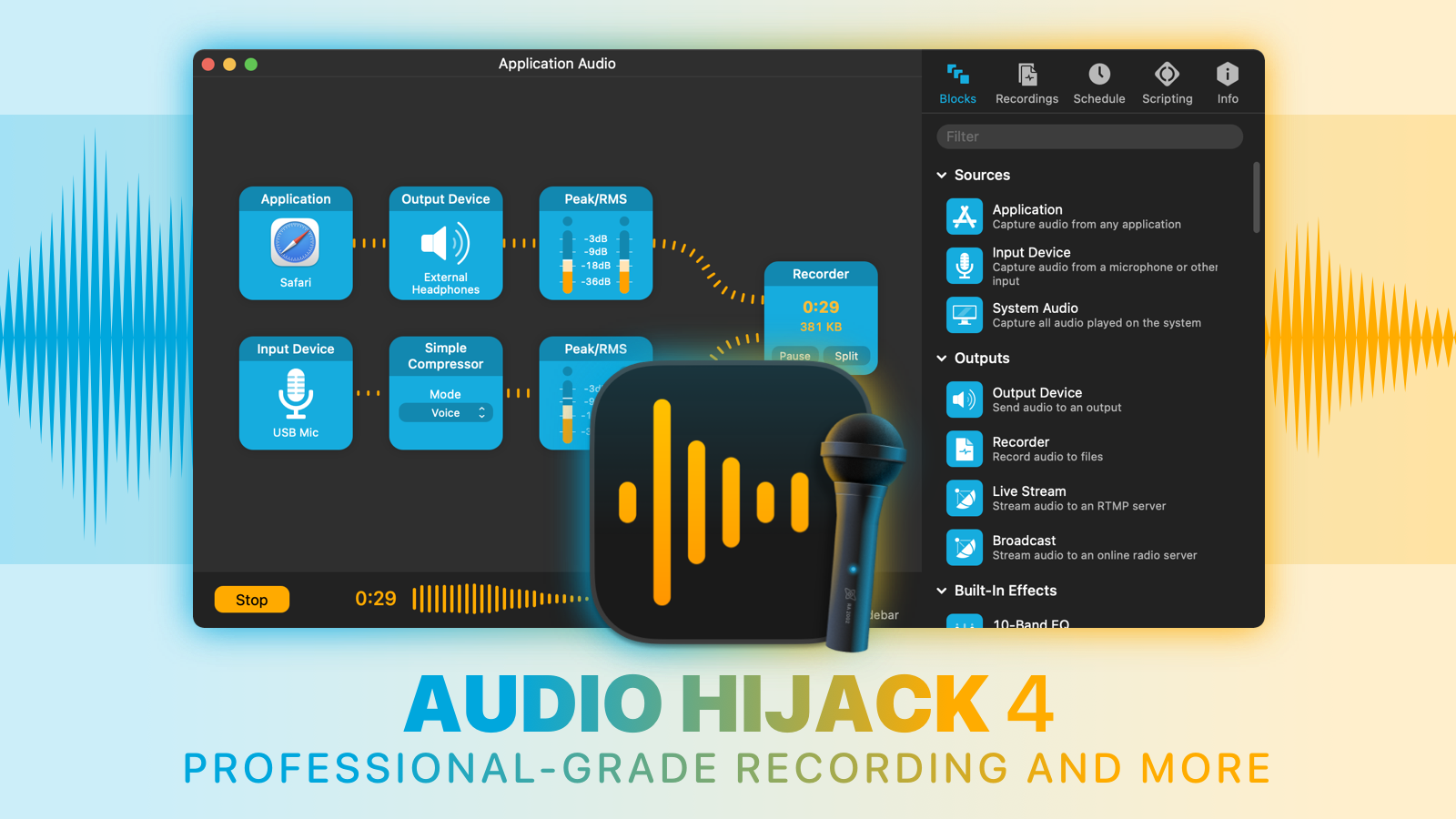
Use it to:
- Record conversations from Skype, Zoom, and other VoIP apps
- Save streaming audio from the web
- Create podcasts, both remote and in-studio
- Digitize vinyl
- And so much more
Noted tech writer Stephen Hackett has declared Audio Hijack “the best audio recording tool available for macOS, and … it just keeps getting better.” Who are we to disagree?
Mac Power Users #634: Getting the Most Out of Your iPhone Camera⇢
The iPhone has all but killed the point-and-shoot camera market. This week on MPU, David and I talk about the hardware and software that makes the iPhone such a good camera for photography.
Infinite Mac
Developer Mihai Parparita has launched an amazing project dubbed “Infinite Mac” that lets you run System 7 or Mac OS 8 right in your browser. Don’t miss his blog post outlining some of the details. It’s just wonderful.