Liftoff #111: Escape of the Mole⇢

This week on Liftoff:

Commercial Crew continues to grind forward, while InSight struggles to dig on Mars. Then, some SLS upper stage news, reflections on the Galileo probe and a spoiler-free review of “For All Mankind.”

On our next episode, we’ll be getting into the Apollo 12 mission.

My thanks to our sponsors this week:

  • Squarespace: Make your next move. Enter offer code LIFTOFF at checkout to get 10% off your first purchase.
  • eero: Get your WiFi fixed as soon as tomorrow! Free overnight shipping.

Continue reading ⇢

Kbase Article of the Week: Daylight Saving Time Update (Panther) v001⇢

Apple Support:

The Daylight Saving Time Update for Mac OS X and Mac OS X Server addresses recent changes in the way Daylight Saving Time will be observed in the U.S. and Canada beginning in March 2007 and includes the latest time zone information for the rest of the world.

That article links to this one:

Apple is providing software updates for Mac OS X 10.3, 10.4 and later based on worldwide time zone information available as of January 8, 2007. To make sure that your clock maintains the proper time, simply install the updates that are shown for your computer in Software Update. You should install these updates even if your computer is used in a time zone that is not affected. For more details about the available updates, or if you have an earlier Mac OS version, see below.

The 2007 time zone and Daylight Saving Time rule changes for the United States and most of Canada are already available in Mac OS X 10.4.5 or later.

If you’re still using Mac OS X 10.2.8 or earlier, you can adjust your clock manually using Date & Time preferences. Deselect the option to set date and time automatically, then set the time for your local time zone as needed.

Still using Mac OS 9.2? Use the Date and Time control panel to deselect the option to observe Daylight Saving Time changes automatically, then enable Daylight Saving Time manually. Applications that run in the Classic environment of Mac OS X will honor the Daylight Saving Time setting in Mac OS X.

Applications that run in Classic will honor the Daylight Saving Time setting in Mac OS X.

Continue reading ⇢

Sponsor: UpHabit, Your Personal CRM⇢

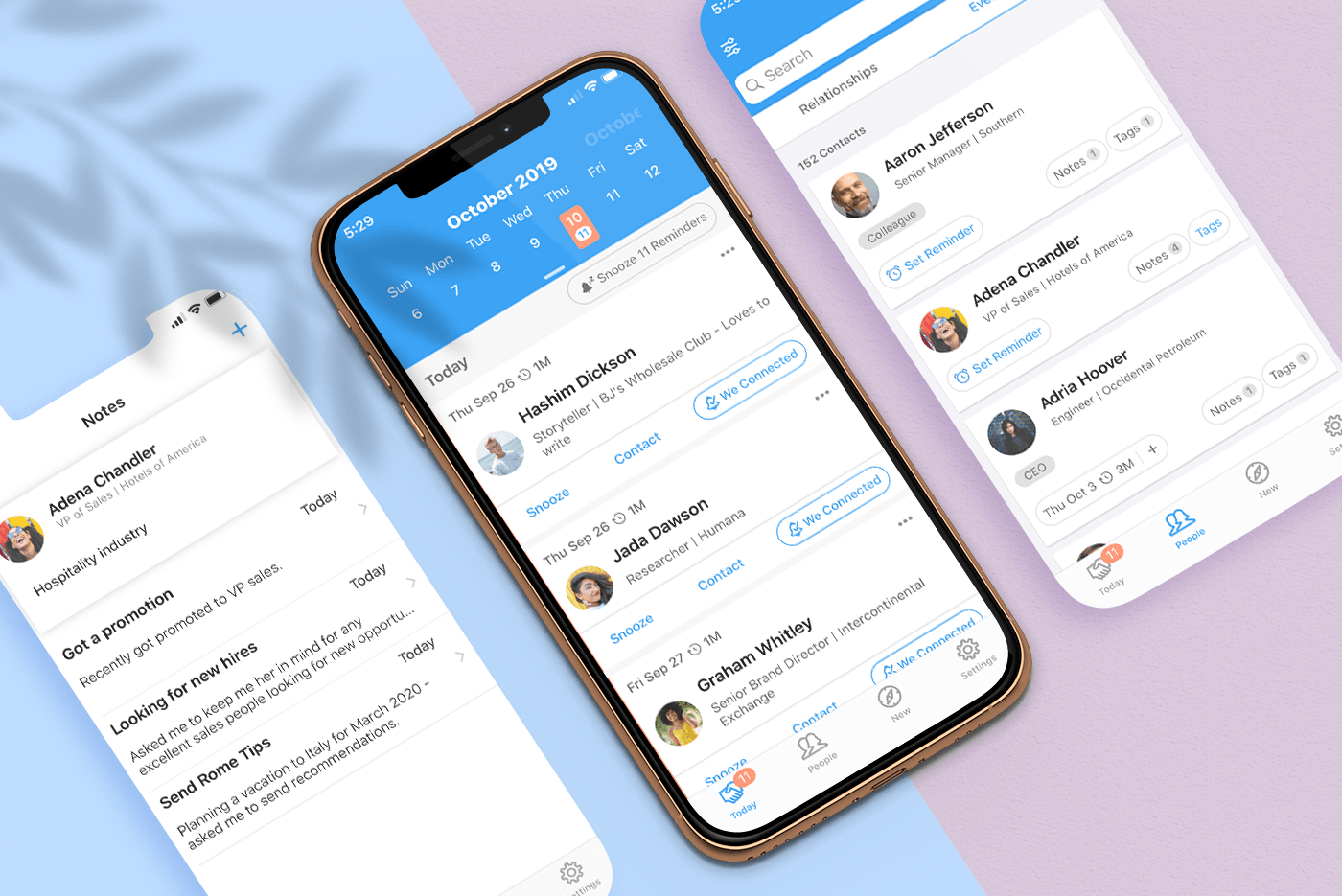
UpHabit ​ makes building and maintaining strong relationships with the people you care about part of your daily routine.

We all lead busy lives. Often pulled in several directions at once with an ever-growing list of personal and business contacts, it’s easy to fall out of touch with people. UpHabit solves the problem with a powerful set of tools that help you maintain strong, healthy relationships with your most important contacts.

Continue reading ⇢

Mac Power Users #508: One for Me and One for You, with Sara Dietschy⇢

This week on Mac Power Users:

YouTuber and podcaster Sara Dietschy joins Stephen and David to share about her video work, from cameras to editing and beyond. They also discuss managing large amounts of data across multiple locations, the role of the iPad and turning creative work into a business.

I’m a big fan of Sara’s work, and it was a lot of fun to talk about some topics that I normally don’t get into — specifically the pros and cons of doing professional video work on the Mac vs. the PC. The GPUs in the MacBook Pro limit the types of work some people can do with the machines, which is a real bummer in our laptop-focused world.

Continue reading ⇢

Download macOS Installers with Terminal

Most of the time, you can re-download the current version of macOS via the Mac App Store, and older ones via these links:

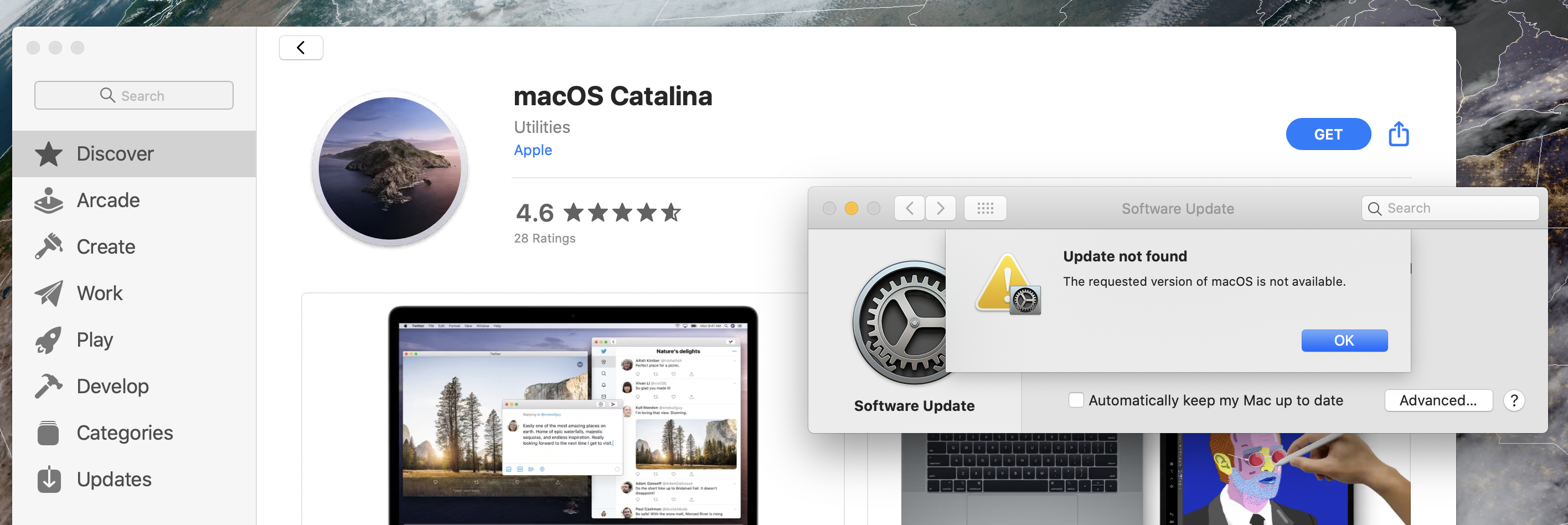
However, I’ve run into a situation several times where the Software Update mechanism simply refuses to initiate a download:

Thankfully, macOS installers can be downloaded via Terminal in macOS Catalina. This command will download the most recent version of macOS, depositing it in your Applications folder:

Continue reading ⇢

macOS Catalina 10.15.1⇢

Here’s what’s new: Emoji:

  • Over 70 new or updated emoji, including animals, food, activities, new accessibility emoji, gender neutral emoji, and skin tones selection for couple emoji

AirPods:

  • Introduces support for AirPods Pro

Home app:

  • HomeKit Secure Video enables you to privately capture, store, and view encrypted video from your security cameras and features people, animal, and vehicle detection

  • HomeKit enabled routers let you control how your HomeKit accessories communicate over the internet or in your home

  • Adds support for AirPlay 2-enabled speakers in scenes and automations ` Siri:

  • Privacy settings to control whether or not to help improve Siri and Dictation by allowing Apple to store audio of your Siri and Dictation interactions

  • Option to delete your Siri and Dictation history from Siri Settings

Continue reading ⇢

Hazel Updated to Support macOS Catalina⇢

Noodlesoft Support:

As of version 4.4, Hazel is compatible with Catalina. Catalina introduced a number of changes and bugs which affect Hazel. Hazel 4.4 works around many of these issues though some still remain, possibly indefinitely.

Most noticeably, dark mode is broken. There are limits to what can be overridden so as a result, certain places, like the System Preferences title bar and contextual menus, will remain in light mode regardless of your system appearance setting.

You will see magenta rectangles in certain windows. This is considered a “security feature” by Apple.

There may also be various drawing artifacts and oddness with mouse input.

Continue reading ⇢

Kbase Article of the Week: About Fans and Fan Noise in Your Apple Product⇢

Apple Support:

If your device’s processor is working on intensive tasks—such as compressing HD video, playing a graphics-heavy game, or indexing the hard drive with Spotlight after you migrate data—the fans run faster to provide additional airflow. You might hear fan noise when this happens, especially if you’re in a quiet environment. This rushing-air sound is a normal part of the cooling process.

Ambient temperature, the temperature outside the device, also plays a role in the fans’ responsiveness. If the ambient temperature is high, the fans turn on sooner and run faster.

Continue reading ⇢

Mac Power Users #507: Ian Elsner & His Stick of Gum PC⇢

This week on Mac Power Users, David and I talk with Ian Elsner, a museum exhibit creator who is using the iPhone SE, iPad Pro and an Intel Compute Stick together in some very interesting and unusual ways to help develop educational exhibits for kids and adults. It was a really fun conversation and a look into a world most of us don’t think about all that often.

My thanks to our sponsors:

Continue reading ⇢