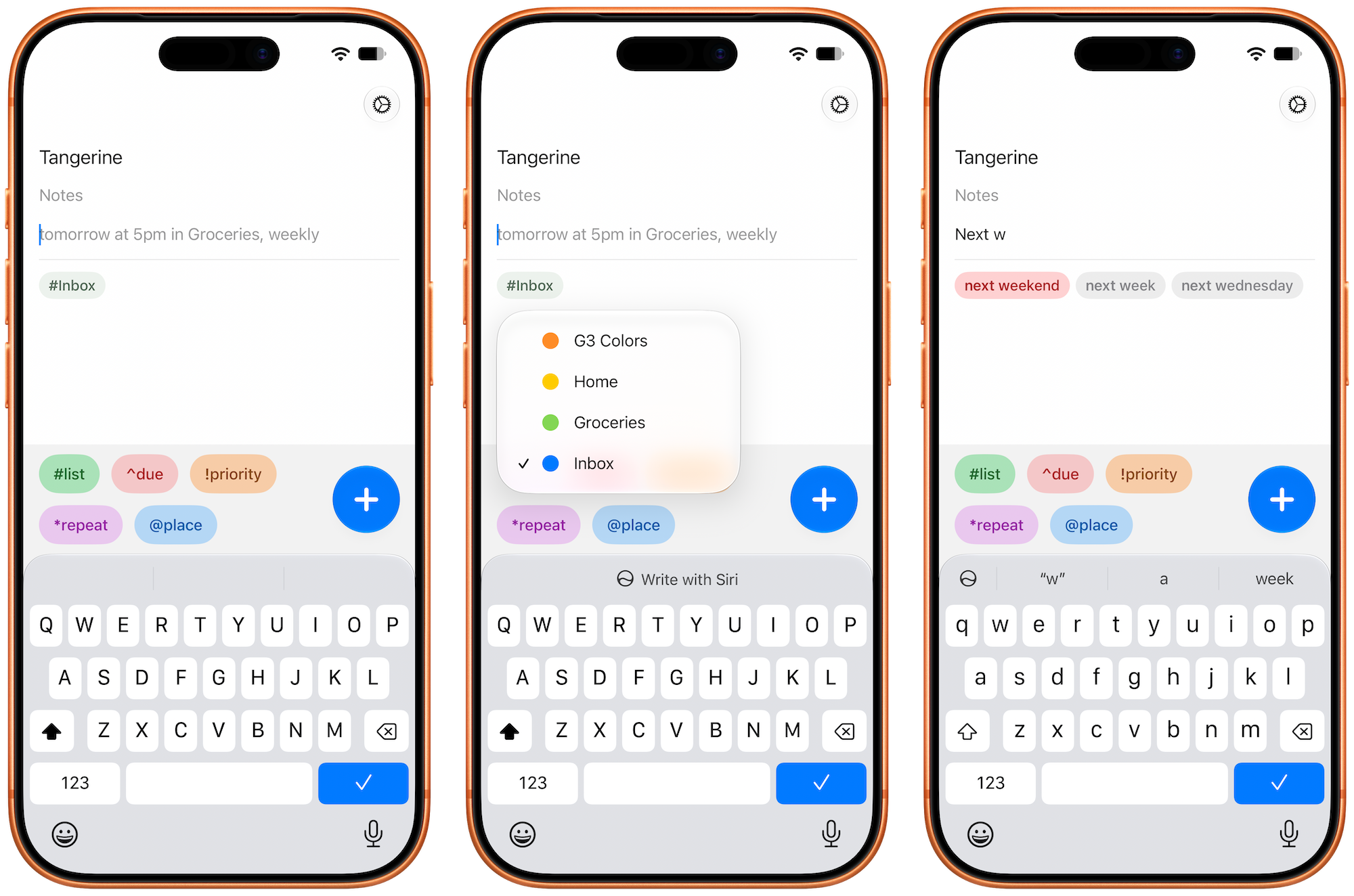
Introducing DropTask, a New App for Quickly Adding Tasks to Apple Reminders, Todoist, and OmniFocus

DropTask on iOS

I return to Apple Reminders during each summer beta season, and most years, I leave for one reason or another.

This time, it stuck, but I was bothered by two things:

  • Entering tasks into Reminders is slow and clunky
  • There is no Apple Watch complication showing how many tasks are remaining for the day

Earlier this fall, I started working on an app to resolve those two issues. It’s called DropTask, and it is available — for free! — on the App Store now:

Continue reading ⇢

Sponsor: Nodes by Werk 42⇢

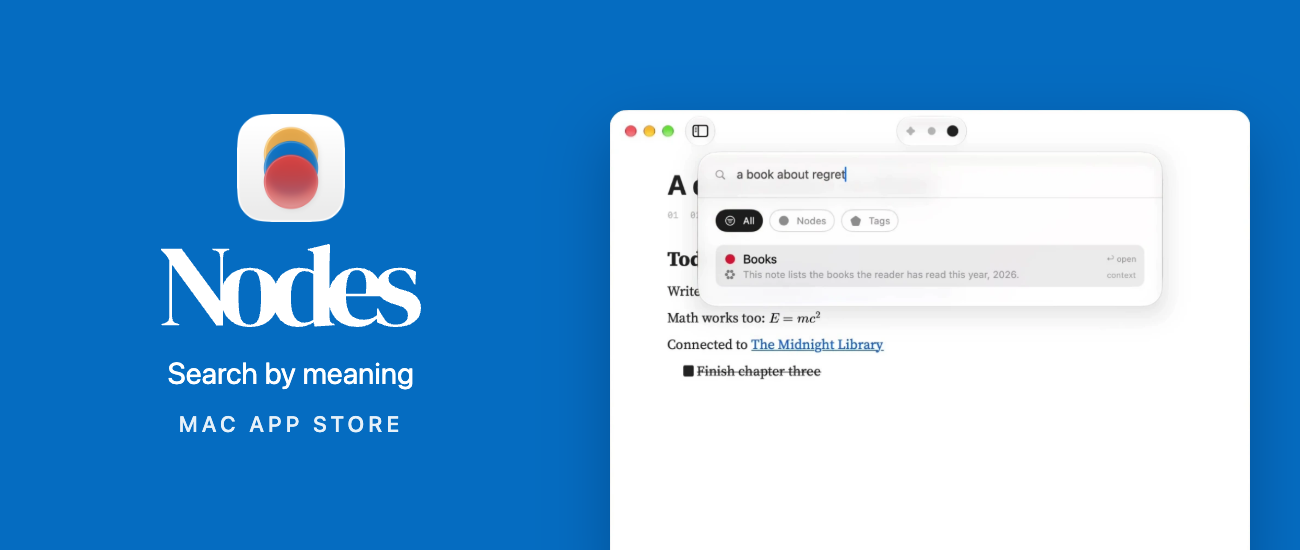
Nodes is for those who care about the tiniest details in the things they use every day. It is a minimal and beautiful macOS-native Markdown editor built by two computer science students from Munich.

Nodes works completely offline and without accounts or subscriptions.

Nodes

Text renders instantly and intuitively thanks to their open-source Markdown engine. It makes Markdown feel seamless and is built around Apple’s TextKit 2, so it’s right at home as a native Mac app. Think Apple Intelligence writing tools, dictation, etc., just better because it supports Markdown!

Continue reading ⇢

The Right Amount of Change⇢

David Pierce at The Verge:

I keep forgetting the MacBook Pro with PROLED XDR Display has a touchscreen. I’ve been testing this new laptop, one of the most impressive Apple has ever created, for the better part of a week. I can’t stop noticing some of its other features: the slimmer design, the improved display, the Dynamic Island that somehow catches my eye more than the notch ever did. But I keep forgetting that as I go about my day, I can now reach out and poke the screen.

Come to think of it, that might be exactly what Apple intended. Steve Jobs said touch laptops were a bad idea; some subset of users demanded one anyway. Now the MacBook Pro has one. But not in a way that meaningfully changes the laptop experience. There have been a few times I have found the touchscreen genuinely useful, better or more intuitive than anything I could do with a trackpad or a mouse. But to call this “the touchscreen MacBook Pro” just doesn’t feel right. It’s the latest evolution of Apple’s most powerful laptop — and oh, it happens to have a touchscreen.

Continue reading ⇢

Adaptive Dark Mode Coming to Safari 27.3⇢

From the WebKit blog:

In the spring of 2019, Safari 12.1 became the first browser to support dark mode on the web. A lot of people love using dark mode, but not every website has a dark version. Almost 40% of web page loads are from users in dark mode, and yet only 10% of page loads support it. If you love dark mode, you’ve probably hit a site that felt particularly bright. Adaptive Dark Mode is designed to close that gap, providing a consistent dark experience across the web.

You can try it today in Safari 27.3 beta. To enable, first make sure your system appearance is set to dark. Then browse to a website with a bright background. Safari will offer a preview of Adaptive Dark Mode. Tap ‘Try’.

For websites that signal support of dark mode with <meta name="color-scheme" content="light dark"> in HTML or color-scheme: light dark in CSS, Adaptive Dark Mode does not change a thing. For the rest of the web, it quickly analyzes the page, looking at colors and estimating whether it’s predominantly light or dark. If the page generally has a dark background with light text, nothing is changed. When a page has a light appearance, Adaptive Dark Mode adapts the page to be dark.

Continue reading ⇢

I Fixed My iPhone Duo with This One Weird Trick⇢

One of the most satisfying things about having a flip phone back in the day was being able to snap it shut when you were done with a call. You didn’t even have to be hanging up in anger — it was just a cool move.1

One aspect of the iPhone Duo that I am enjoying is akin to this. If I’m working on the inside screen, I want to shut the phone and have it lock, ready to go back in my pocket. This move says, “I’ve done the thing I needed to do, and now it’s time to move on.”

Continue reading ⇢

Sponsor: Black Ink 3⇢

Black Ink 3, the next version of Red Sweater’s app for crossword connoisseurs, is coming soon for both iOS and Mac. A preview beta is now available with one of the most anticipated features: iCloud Sync. Now you can start solving a puzzle on your Mac in the morning, put a little time in during the day on your phone, and finish up on your iPad that evening. Everything syncs seamlessly through your existing Apple account.

Continue reading ⇢

Revolutionary Isn’t Always the Point⇢

Mark Gurman, in his Power On newsletter, writing about the new MacBook Pro and how Apple launched it:

Adding touch to that should have been treated as the biggest change to the Mac in more than half a decade. Instead, Apple presented it as more of a routine upgrade — rather than an opportunity to build something new. The updated models are significantly lighter and slightly thinner, with better heat management and a redesigned cooling system. Yet they look much like the tried-and-true 2021 versions and run the same M5 Pro and M5 Max chips introduced this past spring.

Apple has finally made a touch-screen Mac but is offering few new reasons for customers to take advantage of the feature. As expected, the software implementation is largely about tapping, swiping, pinching, zooming and scrolling. The most interesting application I saw was using the touch display to test iPhone apps in development, which is hardly a mass-market selling point. In some cases, the touch controls are even too small to be easily tapped.

Rather than enabling a new paradigm, the addition instead serves several marketing and financial purposes: It closes a gap that Windows laptop makers have highlighted for years; accommodates consumers who grew up with iPhones and iPads and find it strange that a pricier Apple laptop won’t respond to touch; and gives the company another feature to market to prospective upgraders. The change also makes interactions across Apple’s products more consistent.

Continue reading ⇢