The newest release of Carrot Weather incudes a huge overhaul of the app’s radar feature. In addition to looking amazing, these changes mean there’s a new level of customization and information in this tab of the app. I’ve really enjoyed using it on the beta, and if you’re a Carrot Weather user, you should go update. If you aren’t, now’s a great time to start using the best weather app for iOS.
Category: Apps
macOS 12.3 Beta Brings Promised Changes to Dropbox, OneDrive ⇢
Straight from the release notes:
The kernel extensions used by Dropbox Desktop Application and Microsoft OneDrive are no longer available. Both service providers have replacements for this functionality currently in beta.
The Curious Case of Dropbox and macOS 12.3
Earlier today, Dropbox alerted its customers about an upcoming change to its Mac app:
Dropbox is actively working on full support for the upcoming macOS 12.3 (Monterey) release and will begin rolling out a beta version in March 2022.
If you choose to update to macOS 12.3, you may have issues opening online-only files in third-party applications on your Mac. As a temporary workaround, you can open online-only files directly in Finder.
AirBuddy 2.5 ⇢
The newest version of Gui Rambo’s wonderful menu bar app for managing Bluetooth devices comes with some real goodies, as John Voorhees writes:
Connecting to your devices and handing them off to another Mac is noticeably faster with AirBuddy 2.5. Open your AirPods’ case, and the app’s UI for connecting appears immediately. As I covered with version 2.0, AirBuddy can also transfer your Apple trackpad, mouse, and keyboard connection to another Mac, using a feature called Magic Handoff. Today’s update introduces version 2.0 of that feature, which is faster and has been reliable in my testing. The latest version of the feature will even attempt to wake a target Mac up if it’s in sleep mode. Handing off input devices isn’t something I do regularly, but it can be handy if you work across a desktop and laptop Mac or run a headless Mac server, for example.
Apple Should Bring Back Dashboard
A few years ago, I wrote about the now-dead Dashboard, which was was in macOS for a long, long time:
While not as flashy or important as Tiger’s keystone feature, Spotlight, Dashboard still enjoyed a big push from Jobs on stage.
A user could tap a keyboard shortcut or visit a hot corner and Dashboard would activate, dimming the screen and flying in widgets. Adding new ones could be done with a click of the mouse.
The One Where Federico is in the Mac App Store ⇢
My buddy (and Connected co-host) Federico has been featured in the Mac App Store:
Federico Viticci became a master of Shortcuts by playing the long game.
In 2009 he cofounded MacStories, one of the most popular and trusted sources of Apple news and reviews on the web. Along the way, his obsession with efficiency led the Rome-based writer and journalist to become an expert at using Shortcuts on iOS. “It’s all about removing friction from everyday tasks,” he says.
One Thing ⇢
One Thing is a Mac app that lets you put a string of text in your menu bar. If you’re a big theme person, you may find it handy.
Wordle Clones Appearing in iOS App Store ⇢
If only Apple ran some sort of program to approve apps before they appeared on the store.
On Apple’s Photos Memory Feature
I’m generally a fan of the Memories feature of Apple Photos, especially the inclusion of the widget starting in iOS 14.
However, there are drawbacks. The biggest of which is that Photos can surface painful past moments.1 An extreme example is the attack on the Capitol last year. Here’s Jim Newell at Slate:
What was it like being inside the Capitol on Jan. 6, 2021? Kind of a blur. My colleagues and I on the congressional beat first got word that a House office building was under lockdown. Then, a couple of minutes later, we heard that the Capitol itself was going into lockdown. On the way to what would become my hiding spot, I watched as some rioters tried to smash their way through the front door on the east side of the Capitol. It was time to get behind a heavy door and keep my mouth shut.
Pixelmator Photo for iPhone ⇢
I really enjoy making photo edits on my iPad with Pixelmator Photo, so seeing that the app is now universal and supports the iPhone was an exciting way to start the work day. Don’t miss The One True John’s first impressions over on MacStories.
A Little Less Sad
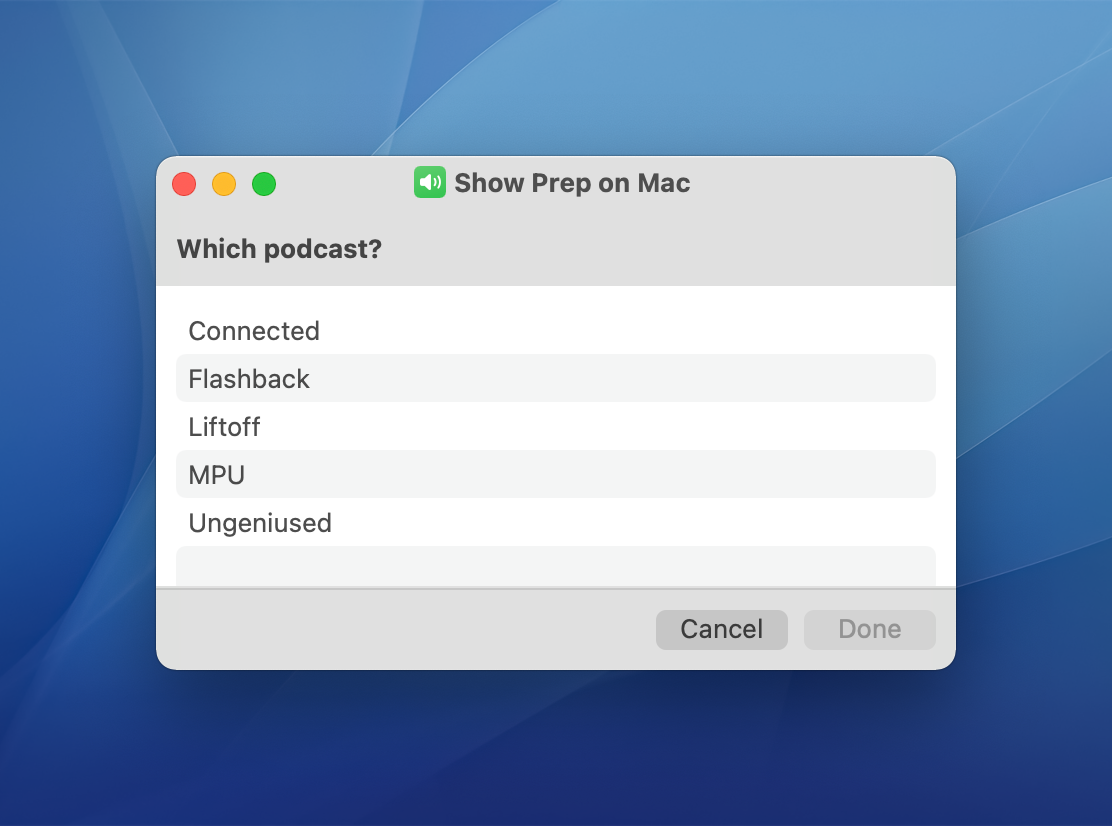
With yesterday’s release of macOS Monterey 12.1, this little bit of the Shortcuts UI looks much nicer:
![]()
Firing Shortcuts from a Stream Deck ⇢
The Stream Deck has been a favorite of Mac users who are into automation for a while now, but the device’s utility has grown substantially for a couple of reasons. First, you can use the Stream Deck to run Shortcuts, which expands the device into an entirely new realm of automation.
Second, the Stream Deck opens up new ways to approach all automation on your Mac that aren’t possible with any single Mac app, allowing you to mix and match different kinds of automation in one interface. It’s a powerful combination that unlocks the ability to organize the automation tools you use to fit with the way you think and work.