On the Nexus 7: My Nerd Life Has Never Been More Confusing

Overview

With rumors of a 7.85-inch iPad circulating, Google’s announcement of the Nexus 7 has perhaps suffered a little. That said, the Google-branded, Asus-built tablet has many nerds intrigued. Offering a stock Android experience on a $200 device, Google is trying to set the bar when it comes to smaller tablets.

Have they done it? Let’s find out.

Hardware

The Nexus 7 is a little lighter (and a tad thicker) than the iPad 3, and (as such) is great to hold in one hand. While the size difference between them isn’t that big, the Nexus 7 feels far more portable than the iPad.

Continue reading ⇢

Mini-Review: The Smart Alec

Ben Brooks has a Tom Bihn Smart Alec backpack, and after seeing it at Macworld, I ordered one myself this spring.

It’s awesome.

I have the “Vertical Brain Cell” insert for the 13-inch MacBook Pro, as that’s what I was carrying at the time I ordered the bag. My 13-inch Air and iPad fit in it together nicely.

I also added the “Snake Charmer” cable carrying case, and it’s well-worth the money. Having all my cables in one section at the bottom of my bag keeps things nice and neat.

Continue reading ⇢

The Battle of the Styli

When showing off the original iPhone, Steve Jobs famously said, “If you see a stylus, they blew it.” We’re born with ten fingers, and Apple says that’s all we need to operate their Multi-Touch devices.

That said, there are cases where a stylus is nice to have. For me, having a pen to use with my iPad is nice when annotating PDFs and sketching in apps like Paper.

But which stylus is best? To find out, I picked three well-known models and spent some time with each of them.

Continue reading ⇢

Windows Phone 7: More Than Just a Stick in the Mud?

With Windows Phone 7, Microsoft is pretty much dead last when it comes to the smartphone wars. They are even behind RIM.

While devices like the Lumia 900 are attractive and well-built, consumers haven’t fallen in love with Windows Phone 7.

But why?

I decided to try to answer that question by spending several weeks with the operating system, running on the year-old HTC Arrive.

Microsoft’s philosophy when it comes to hardware is somewhere in between Apple’s and Google’s. The company allows third party OEMs to build phones that run their OS, but Microsoft dictates to them exact specs, so that every WP7 device should run at the same speed, resolution and more.

Continue reading ⇢

On ‘Going Paperless’

My pal David Sparks has a new book out, and it’s great.

In The MacSparky Field Guide to Going Paperless, David de-mystifies the process of going paperless, using Apple products as the core tools to doing so. He talks about apps and hardware that make the process as easy as it could be. This is vital, because if a new workflow isn’t easy, people won’t switch. Even as someone who already uses a Doxie Go scanner almost everyday (coupled with Evernote and other apps), I picked up some nice tips in this guide.

Continue reading ⇢

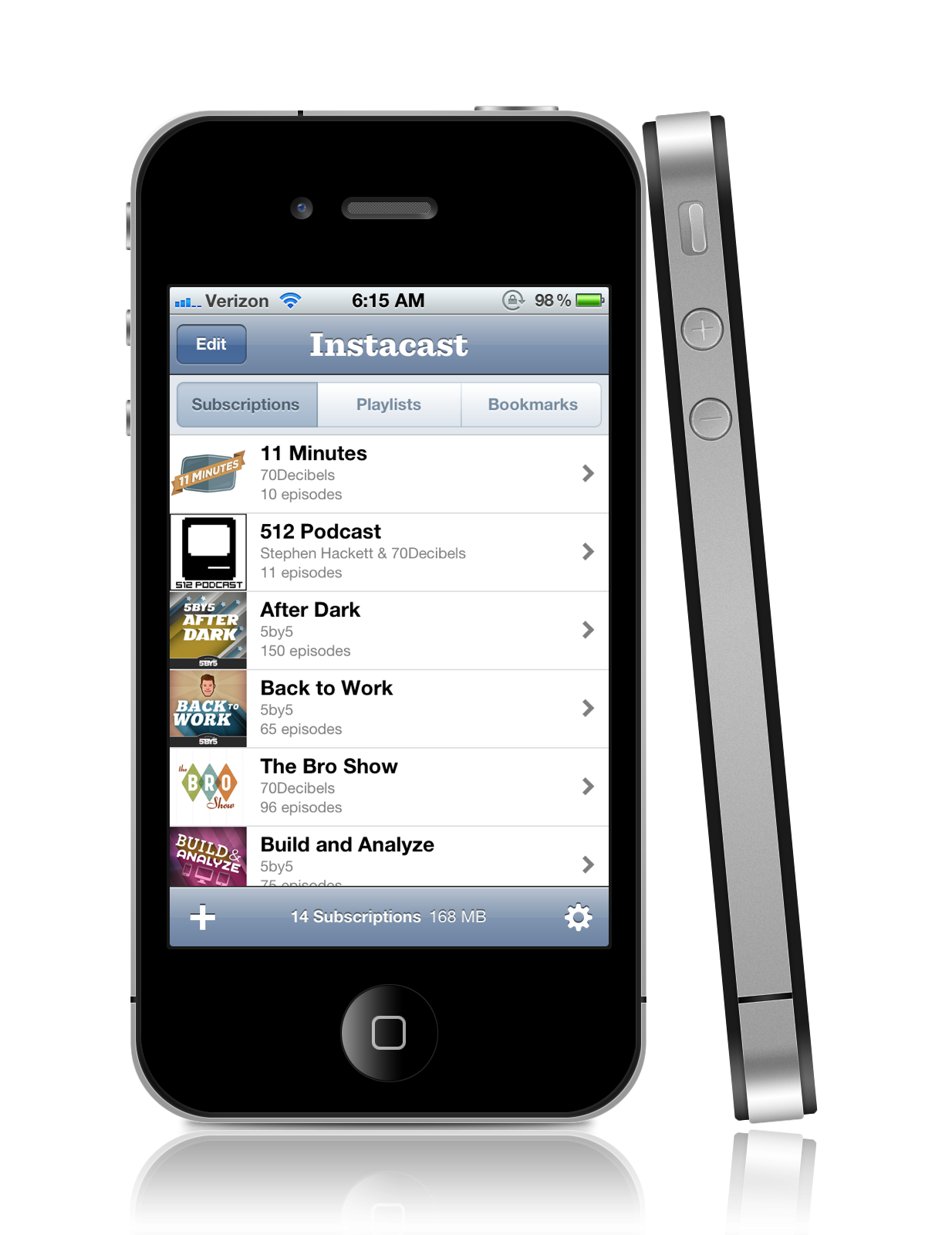
Instacast 2.0: The Best Gets Better

The most-used app on my iPhone just got a lot better.

Available today, Instacast 2.0 bring a myriad of new features (and better management tools) to the best podcast application out there for iOS.

The app is now $0.99, with a $1.99 in-app purchase that adds features like podcast-specific settings, smart playlists and push notifications for new episodes.

These features will be appreciated by “power users” who won’t have an issue shelling out another couple of bucks for them. That said, the app is perfectly usable without them.

Continue reading ⇢

The iPod nano Watch: 007 or 00Lame?

Intro

For several months, I have worn a Casio Men’s DBC30–1 Databank Digital Watch:

I really like the DBC30–1. It’s lightweight, comfortable and nerdy enough to make a statement while still being able to talk to normal humans.

Oh, and it can do math. My wife loves tolerates it.

That said, I’ve been haunted by the desire to try out an iPod nano as a watch. So, the other day, I finally made the plunge.

Continue reading ⇢

Drafts: Capture and Share

Drafts is a new iPhone app that makes capturing and sharing text super easy and super fast.

I like to think of it Launch Center for words. It’s the smartest, most flexible note app I’ve used yet on iOS.

It can send text to Twitter using iOS 5’s built-in account tools. Drafts can also send text directly to Tweetbot, opening the “New Tweet” sheet.

The handy word and character count is great for this usage.

Continue reading ⇢

App Recommendation: 1-Bit Camera

Most iOS photo apps are all about applying rich, heavy-handed filters.

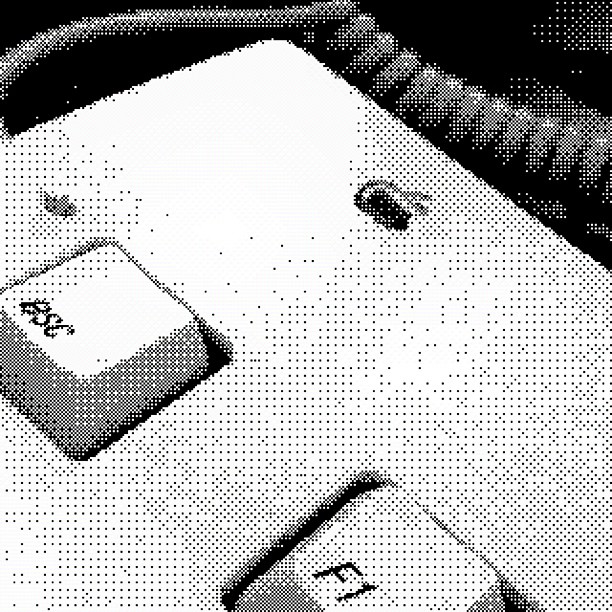
1-Bit Camera is an exception. The 99¢ app shoots in 1-bit mode, leaving just black and white dithered images. There are options to select high or low contrast, and to use either Atkinson and Bayer dithering algorithms. You an share via Facebook, Twitter or Tumblr.

The best part? The UI is set in Chicago. The retro look and feel is outstanding, and really adds to the experience of using the app.

Continue reading ⇢

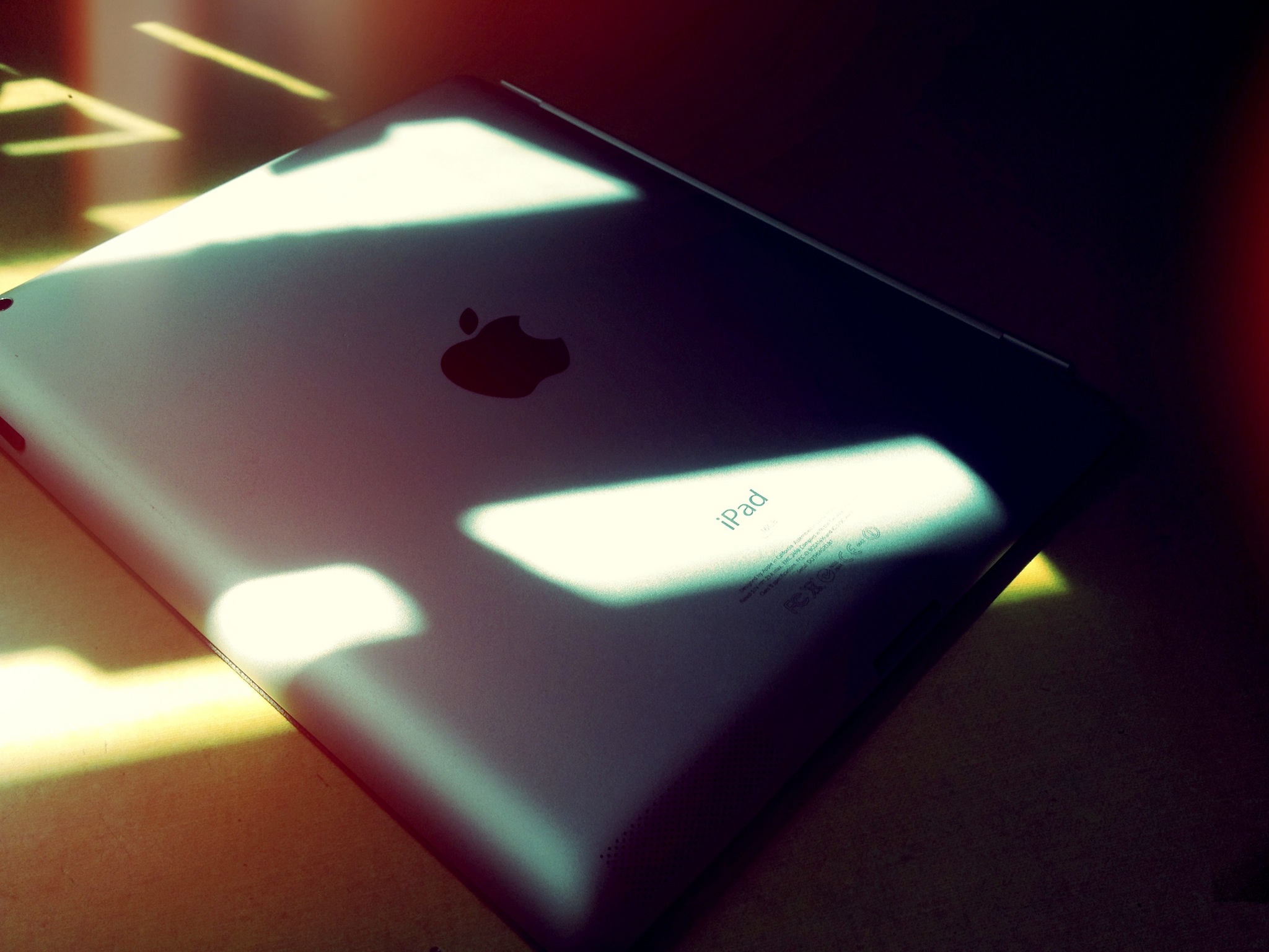
Resolutionary? A review of the third-generation iPad

In two short years, the iPad has defined an entire category of products, and redefined the personal computer industry. There is no way to overstate the importance of what Apple has done with its tablet. I can’t think of another product — including the iPod and iPhone — that has made such an impact in such a short period of time.

This new iPad comes at a moment when Apple is ruling the market, in a way that is almost hard to believe. Apple is on top of the world. It’s the most profitable company on the planet, and has made it there on the back of products like the iPad.

Continue reading ⇢